UI-TARS Desktop Review

6.7/10

An open-source desktop GUI agent that uses natural language to operate computers and browsers through a multimodal model stack.

Review updated May 2026 By The AI Way Editorial Tested 99+ tools across the site 6 min read
ByteDance AI Agents Browser Automation Mac App Open Source Windows App

Our Verdict

UI-TARS Desktop is worth opening when you want to watch an AI agent operate a real GUI instead of staying trapped in chat or code snippets. Its biggest value is productizing computer-use and browser-use workflows into a desktop app that people can actually install and test. But it is still an operator product with setup friction, model configuration, and environment limitations, so it is much better as an exploratory power tool than a polished mainstream assistant right now.

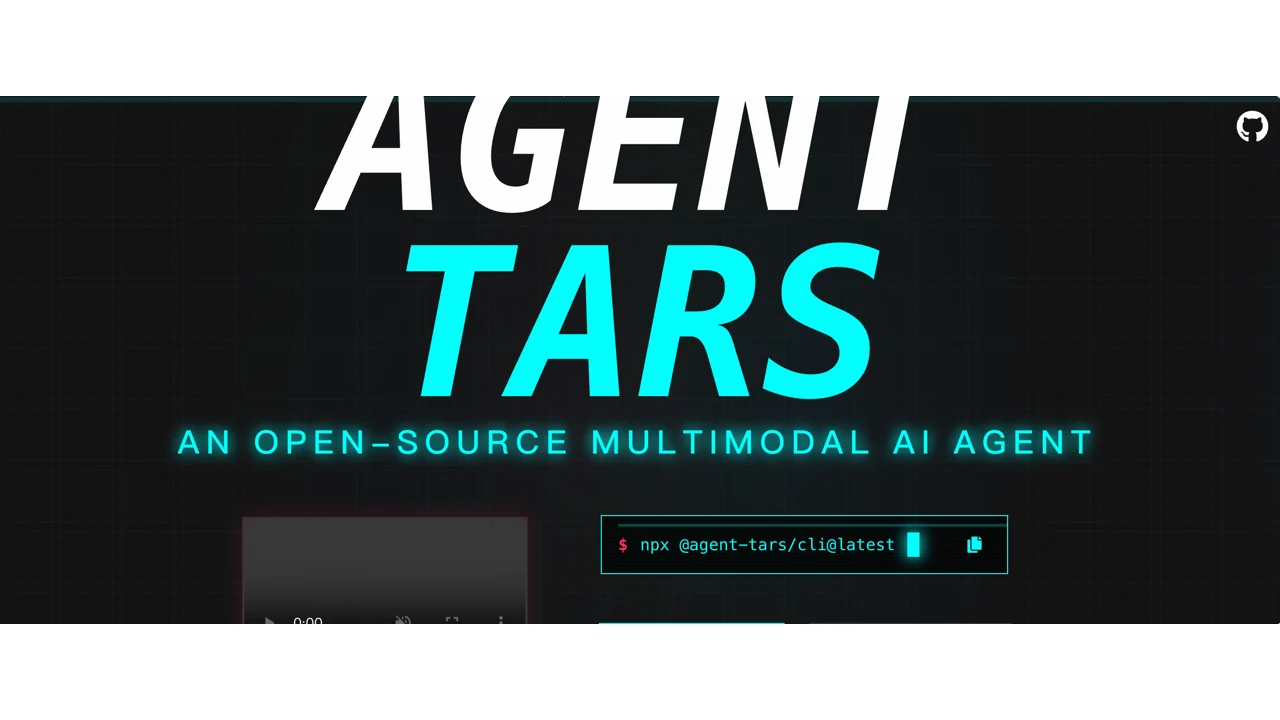
Official Website Snapshot Visit Site ↗

check_circle Pros

  • It turns the computer-use agent idea into something you can launch as a real desktop app instead of piecing together demos and scripts by hand.
  • It supports both browser and computer operator modes, which makes it more flexible than single-surface agent tools.
  • The GitHub docs expose concrete setup and runtime constraints, which makes evaluation easier than with flashy agent repos that hide the hard parts.

cancel Cons

  • You still need to configure a compatible model backend and desktop permissions before the product becomes useful, so this is not close to zero-setup.
  • The docs explicitly warn about limits like single-monitor support, which tells you the product is still early and not ready for every desktop environment.
  • Because the stack spans terminal, browser, computer, and product surfaces, it is easy to overestimate how polished the desktop experience already is if you only come in through the headline demo pitch.

Should you use it?

Best for: Testing GUI agent workflows on real desktop or browser tasks where seeing, clicking, and stepping through an interface matters more than generating text or code. It fits tinkerers, operators, and teams exploring computer-use agents as a product category rather than people who want a casual chat assistant.

Skip it if: Skip this if you want a stable, low-setup assistant that works out of the box without model configuration, permissions, or browser prerequisites. Also skip it if your main interest is backend agent orchestration rather than watching an agent operate visible UI workflows.

Is it worth the price?

The real cost is not visible in a public pricing page right now, so the immediate burden is setup time and model access rather than a clean software subscription. If you do not already care enough about GUI agents to tolerate model configuration and environment tuning, you will feel the friction before you feel the magic.

One thing to know before you start

Judge it on one concrete GUI task, not a general vibe test. If it can reliably open the right browser, move through a small interface flow, and recover from one mistake, you will learn more than from a flashy one-shot demo.

What people actually use it for

Test whether a GUI agent can handle repeated browser tasks

Some teams are not looking for another text assistant. They want to know whether an agent can actually operate a browser session and carry a workflow from one visible step to the next. UI-TARS Desktop gives that experiment a concrete surface through Browser Operator mode, supported browsers, and a desktop control loop that turns natural-language instructions into UI actions. That makes it useful when the real question is whether an agent can survive a multi-step interface task, not just describe what should happen. It becomes less useful when your workflow would be better served by direct API automation instead of screen-level interaction.

Explore computer-use agents on a local desktop without building the stack yourself

A lot of people are curious about computer-use agents but do not want to wire the whole experience from raw model endpoints, screen capture loops, and input control code. UI-TARS Desktop packages enough of that stack into a local app that you can focus on the behavior rather than only the plumbing. The gain is speed of evaluation: you can install, configure a provider, and start testing real commands against a visible environment. It is not a great fit if you need a production-ready automation platform today instead of an early but productized agent environment.

Compare GUI agent products for long-form operator workflows

This product also matters as a comparison point. If you are researching OpenAI Operator-style products, browser agents, or computer-use models, UI-TARS Desktop gives you a live reference for what a multimodal desktop operator actually feels like with visible browser prerequisites, model settings, and task execution limits. That helps teams and creators write sharper comparisons instead of treating every GUI agent as the same idea. It is unnecessary if you are not evaluating this category at all and only care about one narrow automation job.

What does UI-TARS Desktop actually do?

The reason computer-use agents are interesting is also the reason most of them feel slippery to evaluate. It is easy to watch a staged demo where an agent clicks through a polished workflow. It is much harder to tell whether that experience survives a real desktop, a real browser, the wrong window in focus, a missing permission, or a slightly messy interface. UI-TARS Desktop matters because it puts that idea into a downloadable desktop app instead of leaving it at the concept or framework layer. You can see the operating surface, read the setup requirements, and understand that this is supposed to drive visible GUI tasks, not just talk about them. That alone makes it more product-shaped than a lot of agent repositories riding the same trend.

The useful part is that the product separates browser and computer operator modes and treats them like real execution environments with prerequisites. The quick-start docs mention supported browsers, local app installation, desktop permissions, provider configuration, single-monitor caveats, and model-specific setup paths like Hugging Face or VolcEngine Ark. In other words, it acknowledges the practical steps required to make a GUI agent actually move. That is valuable if you are evaluating the category seriously, because the friction is part of the product truth. This is not just a chat box with an 'agent' label on top. It is a desktop operator shell that tries to turn multimodal models into interface actions.

The limitation is maturity. The docs still read like an early operator environment, and the setup path expects enough technical patience to configure model backends and desktop permissions before you see value. That means UI-TARS Desktop is more likely to attract early adopters, tinkerers, and teams researching agent UX than everyday mainstream users. For long-tail SEO, that is not necessarily bad, because the search demand around GUI agents and computer-use tools is growing fast. But from a product quality standpoint, this should be treated as an early high-interest tool with real category upside, not as a finished consumer desktop assistant.

What you can do with it

Run browser and computer operator tasks from a desktop GUI app.
Translate natural-language instructions into screen-aware GUI actions.
Switch between Browser Operator and Computer Operator modes.
Connect model backends such as Hugging Face endpoints or VolcEngine Ark.
Install locally through release builds or Homebrew cask on macOS.
Drive real browser workflows with Chrome, Edge, or Firefox as prerequisites.

Technical details

platform
Desktop app for macOS and Windows
deployment
Local desktop app with external model provider configuration
api_available
No

Top Alternatives to UI-TARS Desktop

If UI-TARS Desktop is close but still misses the job, try one of these instead.

Key Questions

Can you try UI-TARS Desktop without building an agent stack from scratch?
Yes. That is one of the main reasons the product is interesting. The public repo documents release downloads, a desktop app, and a guided quick-start path instead of forcing users to assemble every operator component by hand.
Does UI-TARS Desktop work only in a browser?
No. The docs distinguish between Browser Operator and Computer Operator modes, which means the product is intended to handle both browser workflows and broader desktop GUI tasks.
What setup friction shows up before the agent can do useful work?
You need supported browsers for browser mode, model-provider configuration, and local desktop permissions, and the docs also warn about limitations like single-monitor support. So the first useful task is not instant out of the box.
Why is the pricing section left unconfirmed?
Because the official site failed certificate validation during collection, so no trustworthy pricing page could be verified from the site itself. The product clearly has open-source installation paths, but that is not enough to safely declare a full pricing model.