AutoGPT Platform Review

8.2/10

Build and run AI agents by chat or canvas, then watch every run from one dashboard.

Review updated July 2026 By The AI Way Editorial 4 min read
AutoGPT AI Agents Web-Based Workflow Builder Paid from USD 42.50/mo

Our Verdict

AutoGPT Platform makes the most sense when you want AI agents that keep working after the chat window closes. The product is much easier to understand now that the site separates chat-based creation, visual editing, run oversight, and marketplace reuse into distinct surfaces, and the public pricing removes a lot of the old guesswork. It is still overkill for simple prompting or lightweight app automation, but it looks far more buyable than the older "agent experiment" version did.

Official site
Paid product. Starts at USD 42.50.
open_in_new Visit AutoGPT Platform
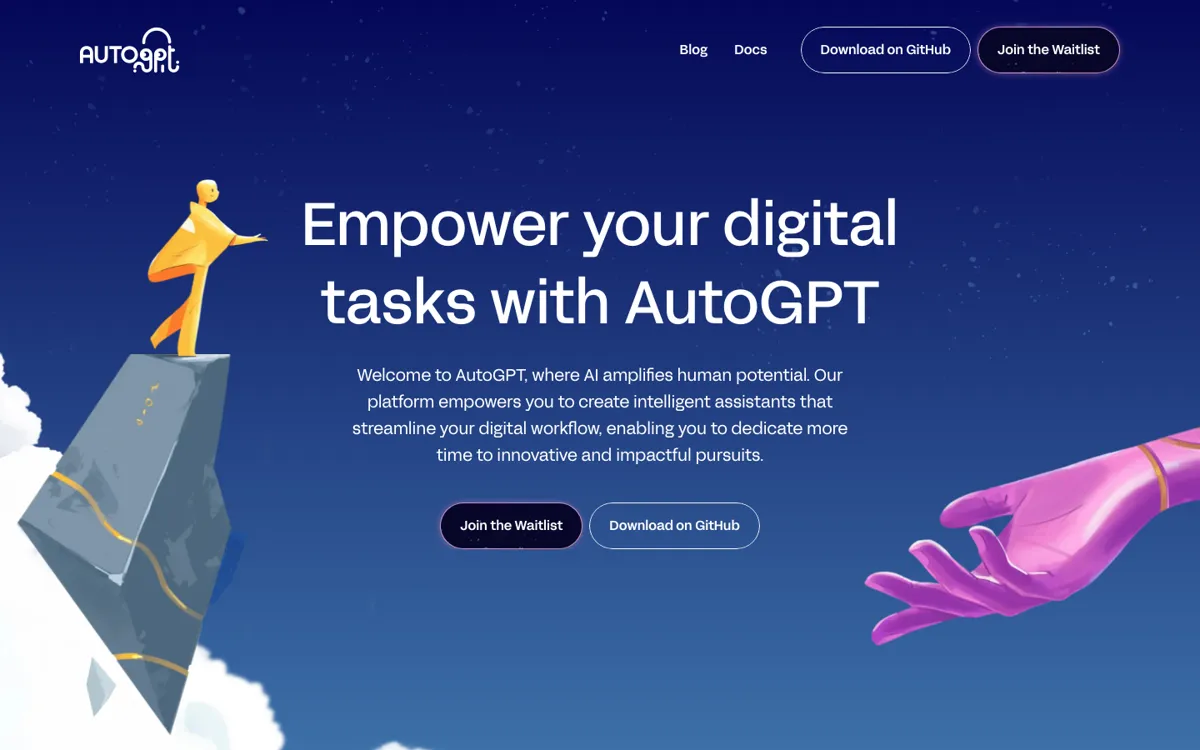
Official Website Snapshot Visit Site ↗

check_circle Pros

  • AutoPilot gets you from plain-English request to working agent faster than a blank canvas does.
  • The product now exposes real run visibility, approvals, and spend tracking instead of just agent creation.
  • Marketplace and self-hosting make it easier to start with something proven without giving up control.

cancel Cons

  • You still need a workflow worth automating, or the platform becomes expensive curiosity.
  • The site sells a lot of breadth at once, which can feel heavy if you just wanted one narrow automation tool.
  • Team collaboration and admin controls are still listed as coming soon on the cloud plans.

Should you use it?

Teams and solo operators who want background AI agents they can create in chat, inspect step by step, and refine on a canvas later.

Skip it if: Skip it if you only need prompt help, a basic chatbot, or a simple Zapier-style recipe with no real agent logic.

Is it worth the price?

Paid Starts at USD 42.50

Pricing is no longer the problem. The real question is whether $42.50 a month for Pro turns into saved hours quickly enough to justify an agent platform instead of a lighter tool.

Paid Upgrade
$42.50/month

Pro includes AutoPilot, visual builder, agents dashboard, marketplace access, triggers, and file-aware agents.

One thing to know before you start

Start from a marketplace agent or one plain-English AutoPilot brief first. AutoGPT shows its value fastest when you get one useful run, then open it in Build only after the job is already real.

What people actually use it for

Turn a recurring brief into a background agent

The AutoPilot side is built for this. If you already know the task in plain language, such as morning briefings, support triage, or competitor watch, AutoGPT can turn that brief into a scheduled agent faster than wiring the whole thing by hand.

Open a working agent and tighten the logic visually

Once an agent is doing something useful, Build gives you the control surface to branch, loop, inspect outputs, and add more exact logic. That is the right move when chat got you 80 percent of the way there but you still need tighter routing or safer automation.

Run a small fleet of agents without losing track of cost

The Agents dashboard matters once you have several workflows running in parallel. Per-agent spend, run history, approvals, and reruns make more sense here than in a pile of disconnected scripts or one-off assistant chats.

What does AutoGPT Platform actually do?

AutoGPT Platform is much clearer now than it used to be. The homepage no longer sells a fuzzy autonomous-agent idea; it sells a working stack with four surfaces, one for creating, one for refining, one for monitoring, and one for reusing agents.

The strongest product choice is the handoff between AutoPilot and Build. You can start by describing the job in plain English, then open the same agent on a canvas when you want control over branches, loops, or step-by-step debugging. That makes the learning curve feel less punishing than tools that force the canvas first.

The boundary is still the same one most agent platforms hit: you need a recurring job that deserves all this structure. If the work is vague, AutoGPT will just give you a more impressive place to tinker. If the work is clear, the public pricing and run visibility make it easier to justify than before.

What you can do with it

Create agents in chat with AutoPilot from plain-English requests.
Open the same agent on a visual canvas with branching and loops.
Track runs, spend, approvals, and reruns from the Agents dashboard.
Start from Marketplace agents with public run counts and creator pages.
Connect 45+ platforms and built-in models without manual API setup.

Technical details

surfaces
AutoPilot, Build, Agents, and Marketplace
visibility
Per-run, per-step, and per-agent cost tracking
integrations
45+ platforms and hundreds of AI models
builder_logic
Branches, loops, and parallel paths on canvas
hosting_options
Cloud plans plus self-hosted open-source option

Top Alternatives to AutoGPT Platform

If AutoGPT Platform is close but still misses the job, try one of these instead.

Key Questions

Is AutoGPT Platform just another chat app?
No. Chat is only the entry point. The product is built around creating agents, running them in the background, inspecting their runs, and refining them later on a visual builder.
What does the cheapest cloud plan cost now?
The current pricing page lists Pro at $42.50 a month when billed yearly. Max starts at $272 a month on the same yearly billing view.
When does AutoGPT make more sense than a simpler assistant?
It makes more sense when the task needs to keep running, use tools, follow a schedule, or branch through several steps. If the job is mostly one prompt and one answer, the platform is more than you need.
Can teams buy a multi-user plan today?
Not from the public signup flow yet. The pricing page shows Team as coming soon, with contact sales as the current path.