Recraft Review

8.3/10

An AI design and image generation platform built for brand-consistent graphics, illustrations, mockups, and marketing assets.

Review updated May 2026 By The AI Way Editorial Tested 166+ tools across the site 5 min read
Recraft API Available Commercial Rights Image-to-Image Logo Design Text-to-Image Web-Based Freemium from $12.00/mo

Our Verdict

Recraft is most useful when you need image generation to behave more like a design tool than a prompt toy. Its biggest advantage is that it pushes toward brand-consistent, reusable asset creation instead of one-off eye candy. But that value shows up mainly when consistency and editability matter, so casual image generation users may not get enough back for the extra structure and paid tiers.

Try it
Free to start, then pay when the limits stop you. Starts at $12.00 USD.
open_in_new Try Recraft
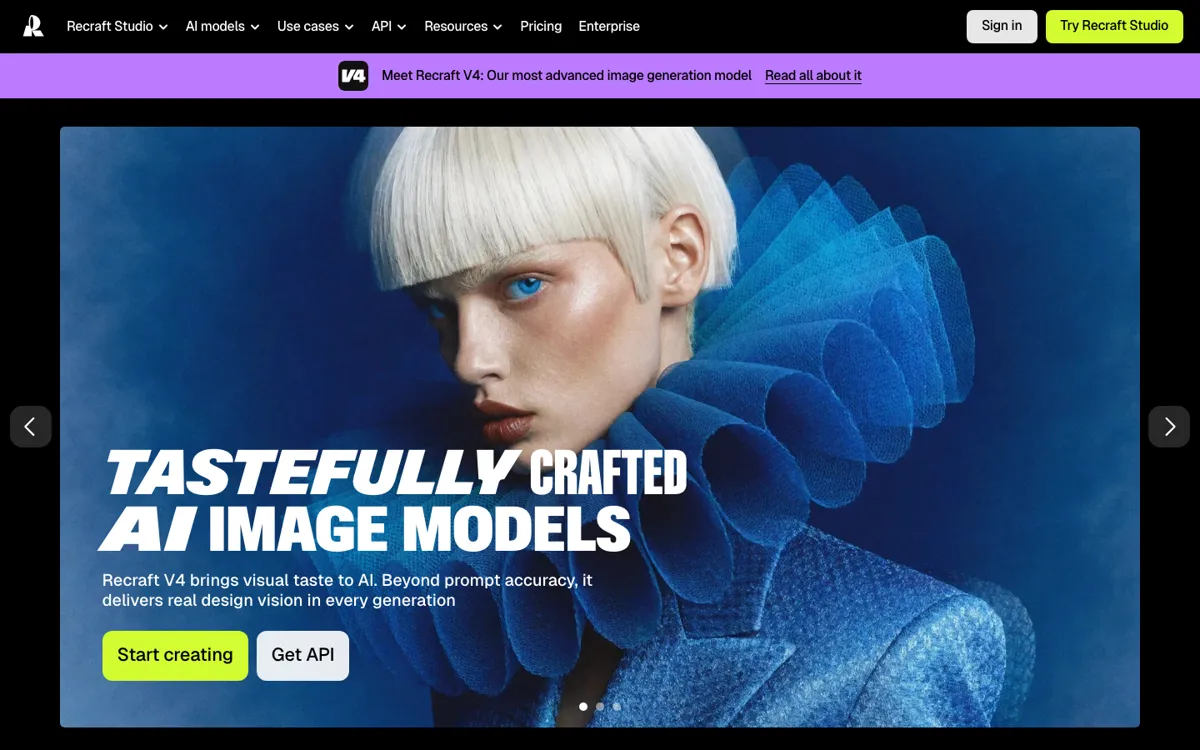
Official Website Snapshot Visit Site ↗

check_circle Pros

  • It is aimed at design-system work, which makes it easier to build visuals that belong to the same brand instead of drifting from prompt to prompt.
  • The product is better aligned with icons, mockups, illustrations, and marketing assets than tools that mostly optimize for photoreal novelty.
  • Public API documentation makes it more realistic to plug Recraft into a broader creative or product workflow.
  • The overall product framing is closer to production design than casual image play, which is valuable for teams shipping client-facing work.

cancel Cons

  • If you only need cheap one-off generations, Recraft can feel more structured and more expensive than necessary.
  • Its design-first positioning means some of the value is wasted on users who do not care about brand consistency or reusable asset systems.
  • You still need good visual direction, because the platform helps with consistency but does not replace taste or design judgment.

Should you use it?

Best for: Creating repeatable brand assets such as illustrations, icons, ad creatives, mockups, and campaign graphics that need to match each other over time. It is especially strong when a team is producing many related visuals instead of isolated prompt experiments.

Skip it if: Skip this if your only goal is casual image generation at the lowest possible cost. Also skip it if you do not care whether the next output matches the last one as part of a wider visual system.

Is it worth the price?

Freemium Starts at $12.00 USD

The entry tier can help you understand whether Recraft's design-first workflow fits your process, but the stronger case for paying shows up once you need regular production use. It becomes easier to justify when consistency and client-ready assets matter, and harder to justify when you only want occasional prompt-based images.

The Free Tier

Free tier is presented as an entry point for trying the platform before heavier production use.

Paid Upgrade
$12/month

Entry paid tier is positioned for regular design production beyond basic trial use.

One thing to know before you start

Test it with a real asset family, not a single prompt. A logo-adjacent graphic, a supporting illustration, and a promo visual will tell you more about Recraft than three unrelated generations ever will.

What people actually use it for

Generate a matching set of campaign graphics instead of one isolated hero image

Recraft makes more sense when you need several related assets that all have to feel like they came from the same design language. You can use it to build a landing-page visual, supporting social graphics, and ad variants that stay closer to one brand direction. That is much more valuable than a one-off image win, because the real time savings come from not rebuilding style consistency from zero for every asset.

Create product or brand illustrations that need cleaner reuse later

If your job involves recurring illustrations, icon-like visuals, or structured marketing graphics, Recraft is better positioned than tools that mainly chase photoreal spectacle. The payoff is not just in what one image looks like, but in whether the next ten assets can still belong to the same product family. It is less useful when you do not plan to reuse the visual language after the first output.

Plug design generation into a broader product or team workflow

The public API docs suggest a more workflow-aware product than a closed consumer-only generator. That matters if a team wants image generation to connect to internal tools, asset pipelines, or product features instead of living in a totally manual prompt box. It is less relevant for solo users who are never going to move beyond direct web use.

What does Recraft actually do?

A lot of image tools are impressive at first and frustrating a week later. They can make one striking output, but the second, third, and fourth assets drift in style, layout, or tone until they stop feeling like part of the same brand or campaign. That becomes a real problem in design work, where the job is rarely one standalone image. More often, you need a family of visuals: a hero graphic, a few supporting illustrations, a thumbnail set, a mockup, maybe some icons, all of which have to feel coherent enough for a real brand or product launch. Recraft is built around that production problem, which is why it tends to resonate more in design circles than generic prompt playgrounds do.

The official site and pricing pages position Recraft as an AI design platform rather than a single-purpose image generator. That framing matters. Instead of optimizing only for novelty, it leans into the kind of outputs design and marketing teams actually reuse: illustrations, graphics, mockups, icons, and other branded assets. The API documentation adds another useful signal, because it shows the product is meant to fit into broader workflows rather than stay trapped inside a single browser session. In practical terms, that means Recraft is strongest when the output has to travel, whether into a campaign system, a product workflow, or a recurring creative pipeline where visual consistency matters more than isolated prompt wow-factor.

The tradeoff is that Recraft is not trying to be the cheapest or most casual way to make random images. If you do not care about consistency, editable design logic, or repeatable asset systems, some of its value disappears immediately. The pricing becomes easier to defend when you are replacing repeated design labor or reducing the amount of cleanup needed to keep assets on-brand. It becomes harder to defend when you only need occasional image generation and would be happy with whatever a broader, looser tool gives you. In other words, Recraft works best when your problem is visual system quality, not just image quantity.

What you can do with it

Generate branded illustrations, graphics, and marketing visuals from prompts.
Create and edit images with tighter style control for consistent asset sets.
Produce icons, mockups, and design-oriented visuals instead of only art-style generations.
Use API access for product or workflow integrations.
Build reusable visual systems that stay closer to one brand direction across outputs.
Export assets that are easier to use in real design and campaign work.

Technical details

platform
Web-based design and image generation platform
deployment
Cloud SaaS
design_focus
Built around brand-consistent graphics, illustrations, icons, and marketing assets rather than generic image chat use
workflow_fit
Supports repeatable asset production for design and marketing teams
api_available
Yes, official API docs are publicly available
commercial_use
Positioned for professional and brand-facing creative output

Top Alternatives to Recraft

If Recraft is close but still misses the job, try one of these instead.

Key Questions

Is Recraft mainly for designers or for general AI art prompting?
It leans much more toward design work. The platform is positioned around reusable brand assets, illustrations, graphics, and production-friendly outputs rather than casual prompt experimentation.
Does Recraft offer API access?
Yes. Recraft publishes official API getting-started documentation, which makes it more viable for teams that want to integrate generation into a larger workflow.
Is the free plan enough to know whether Recraft fits your workflow?
Usually yes for evaluation. It should tell you whether the product's design-first approach is useful for your asset pipeline, but serious recurring production use is where the paid plans start to matter.
When is Recraft a poor fit?
It is a poor fit when consistency is not important and you only need occasional inexpensive generations. In that case, the extra structure and positioning may feel heavier than the job requires.