Colorcinch Review

7.3/10

Turn photos into cartoons, sketches, and editable artwork in one browser-based editor.

Review updated May 2026 By The AI Way Editorial Tested 133+ tools across the site 5 min read
Colorcinch Android App Image-to-Image iOS App Web-Based Freemium from $4.99/mo

Our Verdict

Colorcinch is for people who want a normal photo to look stylized fast, especially when the real goal is an avatar, social graphic, meme, or lightweight art effect rather than deep retouching. Its best angle is that cartoonizing sits inside a broader browser editor, so you can remove the background, add text, swap colors, and export without jumping between tools. But the whole product is optimized for simplicity first, which means serious image work will hit the ceiling quickly if you need fine-grained control instead of one-click effects.

Try it
Free to start, then pay when the limits stop you. Starts at $4.99 USD.
open_in_new Try Colorcinch
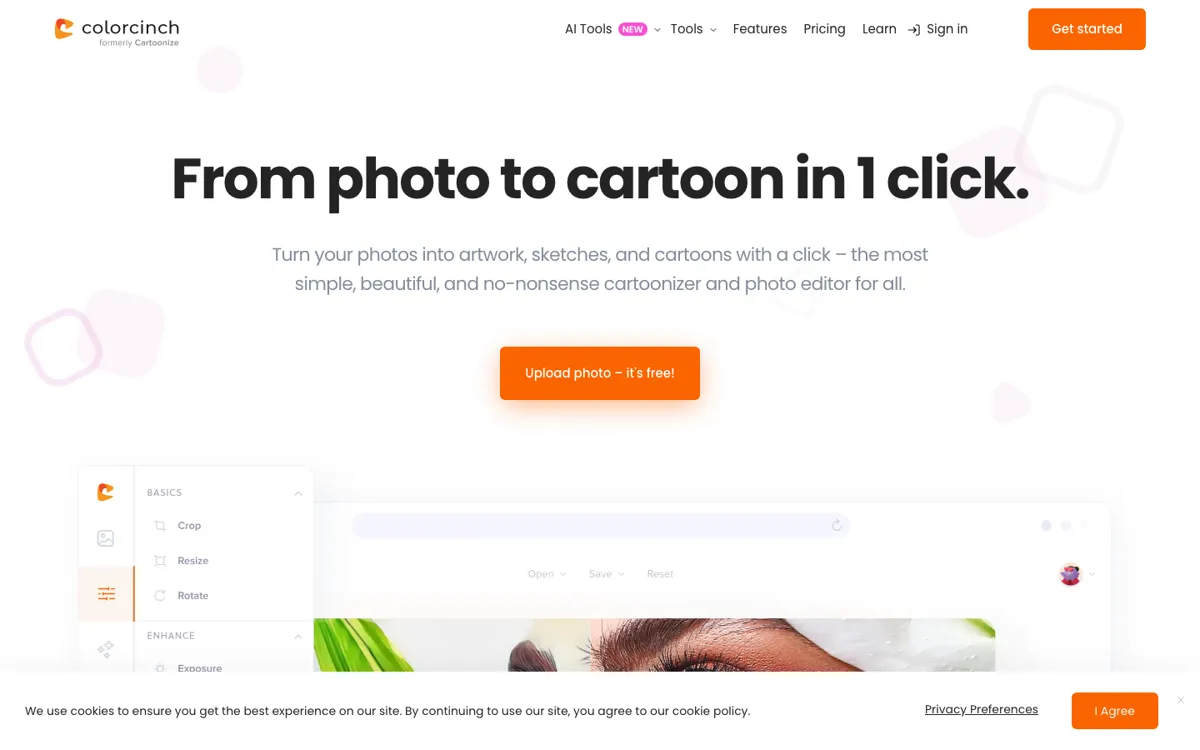
Official Website Snapshot Visit Site ↗

check_circle Pros

  • The cartoonizer is not isolated, so you can keep editing the same image with background removal, text, frames, masks, and overlays after the style pass.
  • The browser editor stays approachable for non-designers, with one-click effects and preset resize options instead of a heavy desktop workflow.
  • The Plus plans are straightforward, with all features bundled into one monthly or annual price instead of feature-by-feature upsells.

cancel Cons

  • The live brand path is messy because colorcinch.com redirects to cartoonize.net, which makes the product feel less stable than a cleaner primary domain setup.
  • The site emphasizes ease and one-click results more than precision controls, so advanced editors may outgrow it fast.
  • Official help content is thin in public view, and the FAQ page linked from the footer returned a 404 during validation.

Should you use it?

Best for: Turning portraits or casual photos into cartoon avatars, stylized social images, quick collages, or light promo graphics without learning a full design suite.

Skip it if: Skip this if you need high-end retouching, exact layer-heavy design work, or a stable pro workflow with deeper documentation and cleaner product infrastructure. Also skip it if a one-click cartoon effect is not enough and you need exact artistic control over every detail.

Is it worth the price?

Freemium Starts at $4.99 USD

The free entry point makes sense if you only want to test the editor and see whether the cartoon styles fit your kind of images. You will end up paying once this becomes part of recurring content work, because the paid tier is really about unlocking the full editor and removing the ceiling on projects rather than buying a single isolated effect.

The Free Tier

The site presents free access for trying the editor without sign-up, while the Plus plans are positioned as the way to unlock all features, all graphic collections, and unlimited projects.

Paid Upgrade
$4.99/month billed annually

Plus unlocks all features, all graphic collections, and unlimited projects.

One thing to know before you start

Use Colorcinch when you need the whole quick-fix chain in one tab, not just the cartoon filter. The product gets more useful when you combine the style effect with background removal, resize presets, and text instead of judging it only on the first one-click transform.

What people actually use it for

Turn a headshot into a profile graphic

You start with a normal portrait, run it through the cartoonizer or sketch effects, then keep going inside the same editor to remove the background, crop to a social ratio, and add small text or frames. That is much faster than exporting into a second app just to finish the profile image. It is most useful when the goal is a polished avatar or channel image, not a photorealistic portrait edit.

Make quick social content from one photo

If you have one product shot, selfie, or event image and need a meme, collage, poster-style tile, or story graphic, Colorcinch gives you resize tools, overlays, text, masks, and stock assets in the same browser flow. That shortens the path from raw image to something postable. The limitation is that serious branding systems and precise layout work will still want a stronger design tool.

Create stylized art without desktop software

This fits people who do not want to install a full editor but still want access to cartoon, painting, sketch, pixel, or color-splash effects plus export controls. The PWA offline mode also helps if you want browser-style access without being permanently tied to a live connection. It is a convenience play, though, so it makes more sense for quick creative edits than for long-form commercial art production.

What does Colorcinch actually do?

A lot of people do not actually need a full design suite when they search for a cartoonizer. They usually have one photo and one job: make it look different enough to use as an avatar, a meme, a promo tile, or a stylized post without spending an hour learning layer-heavy software. That old path is where time gets wasted. You upload one image, jump into a large editor, hunt for the right effect, then still have to crop, remove the background, add text, and export somewhere else. For casual creators, small businesses, and people fixing images for social use, that chain is usually too much overhead for what should be a ten-minute task.

Colorcinch solves that by keeping the stylizing step inside a broader browser editor instead of treating cartoon conversion like a one-shot gimmick. The live site shows one-click cartoonizer, sketch, and painting effects, but also background removal, crop and resize controls, text masking, overlays, freehand drawing, multiple layers, and export to JPG, PNG, or PDF. The feature pages add more clues about how it is meant to be used: preset social ratios, up to 400 DPI export, access to more than 4 million stock photos, and a PWA mode for offline editing. In practice, that means you can bring in one image and finish several common cleanup and presentation steps without leaving the product.

The boundary is just as important as the convenience. Colorcinch keeps selling simplicity, low learning curve, and one-click results, which is exactly why it is easier to recommend for quick transformations than for exacting professional work. If you need highly controlled retouching, dependable documentation, or a cleaner enterprise-style product surface, warning signs show up fast. The primary domain redirects to cartoonize.net, the public FAQ URL returned a 404 during checking, and the public feedback visible on TAAFT includes complaints about price sensitivity and output quality. So the tool is worth keeping as a lightweight editor and cartoonizer, but not as your default answer for precision image production.

What you can do with it

Turn a photo into a cartoon, sketch, or painted effect with one click.
Remove image backgrounds with AI before continuing to edit the same file.
Crop, resize, and export images for social posts, print, JPG, PNG, or PDF output.
Build collages, add overlays, masks, frames, and text inside the same editor.
Use stock photos, vector graphics, and icons from the built-in asset library.
Keep editing in a browser or through the downloadable PWA offline mode.

Technical details

platform
Web app, PWA offline mode, iOS app, Android app
deployment
Cloud editor with optional offline PWA use
api_available
No public API mentioned

Top Alternatives to Colorcinch

If Colorcinch is close but still misses the job, try one of these instead.

Key Questions

Can you use Colorcinch without creating an account first?
Yes for basic trying. The site states that you can get started for free with no sign-up required, but paid use and subscription management obviously depend on having an account.
Is Colorcinch only a cartoon filter, or is it a fuller editor?
It is broader than a one-click cartoon tool. The live features pages show background removal, crop and resize, text tools, layers, overlays, masks, export controls, and stock assets alongside the cartoonizer effects.
What do you actually get with Colorcinch Plus?
Plus is the full-access tier. The pricing page says both paid plans include all Plus features, all graphic collections, and unlimited projects, so the main difference is billing frequency rather than feature split.
Does Colorcinch work only in a browser?
No. The product is web-first, but the site also says you can use a downloadable PWA for offline editing and offers mobile apps for iOS and Android.