MLJAR Studio Review

8.6/10

A private AI Python notebook that analyzes data locally, runs ML experiments, and saves everything as reproducible notebooks.

Review updated May 2026 By The AI Way Editorial Tested 99+ tools across the site 5 min read
MLJAR BYO Key Privacy Focused Self-Hosted Windows App Workflow Builder Paid from $199.00/mo

Our Verdict

MLJAR Studio is worth opening when you want AI help with analysis but still need real Python execution, visible code, and local control over the data. Its biggest edge is that it behaves more like a serious notebook workspace with AI inside it than a cloud chat pasted on top of CSVs. But the product only pays off if reproducibility, local execution, or repeated experiment work actually matter in your day-to-day workflow.

Try it
Paid product. Starts at $199.00 USD.
open_in_new Visit MLJAR Studio
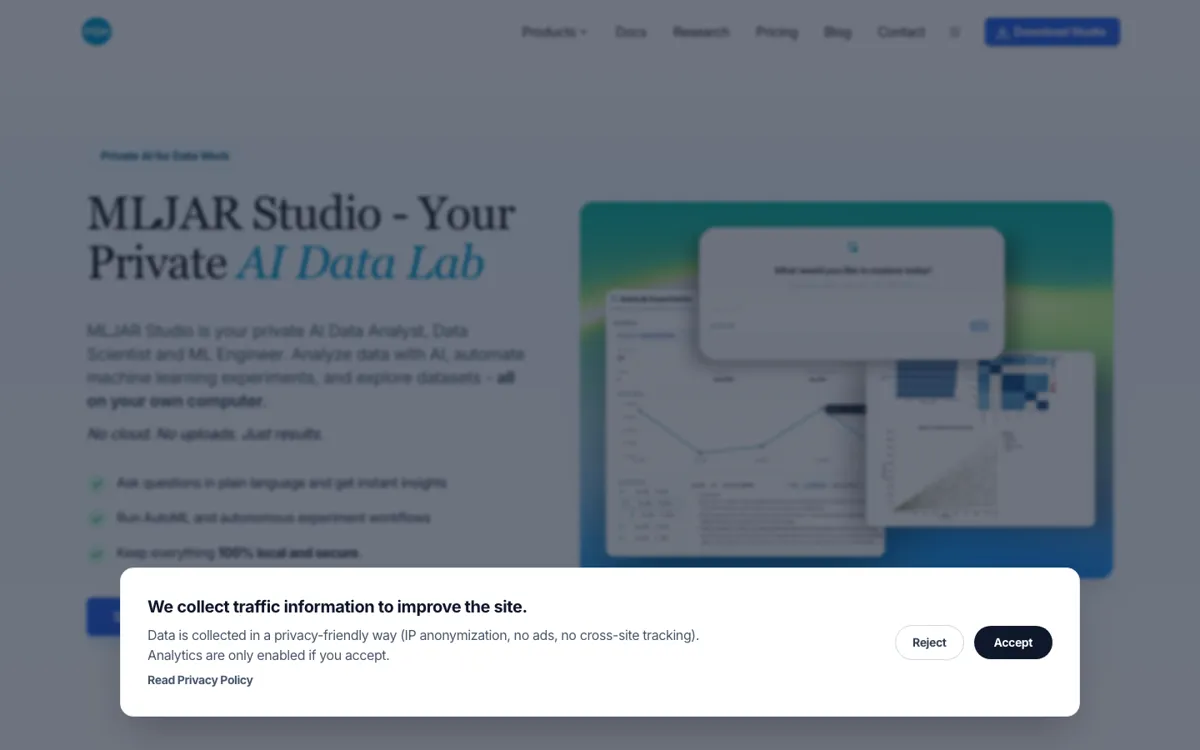
Official Website Snapshot Visit Site ↗

check_circle Pros

  • It turns plain-English analysis requests into local Python execution, so you can inspect and reuse the exact notebook instead of trusting a black-box answer.
  • It combines analysis, AutoML, experiment search, and code assistance in one tool instead of making you stitch those steps across separate notebook and AI products.
  • It gives privacy-minded teams several routes for AI, including local LLMs, their own API keys, or an optional hosted add-on.

cancel Cons

  • The product assumes you care about notebooks, code visibility, or experiment reproducibility, which makes it heavier than a quick browser chat tool for simple spreadsheet questions.
  • The desktop app has historically been Windows-first in public materials, so cross-platform expectations need to be checked carefully against the latest release state.
  • You still need enough data literacy to judge whether the generated analysis, features, or model experiments are actually sensible for the dataset in front of you.

Should you use it?

Best for: Analyzing sensitive datasets locally, iterating on notebook-based experiments, and turning repeated data questions into reproducible Python workflows. It is especially strong when a researcher, analyst, or ML practitioner wants AI help without giving up local execution or notebook transparency.

Skip it if: Skip this if you only want a lightweight cloud chat over CSVs and do not care whether the code is visible, reusable, or local. Also skip it if your team will never use notebooks, experiment tracking, or self-hosted sharing after the first answer appears.

Is it worth the price?

Paid Starts at $199.00 USD

The $199 perpetual license is reasonable if this becomes a regular analysis environment instead of a curiosity you open twice and forget. The optional AI add-on is easy to skip if you already have local models or provider keys, but the value drops fast if you are paying for a serious notebook tool while using it like a casual spreadsheet chatbot.

Paid Upgrade
$199 one-time

The license unlocks the desktop app, local workflows, provider flexibility, and one year of updates.

One thing to know before you start

Test it on one real dataset where you already know the messy parts. You will learn more by asking for an outlier check, a model comparison, and a notebook rerun than by watching a clean benchmark demo.

What people actually use it for

Explore a sensitive dataset without sending it to a cloud notebook

A hospital, finance team, or research group often wants AI help but cannot casually upload the underlying data to an external service. MLJAR Studio is built for that exact tension. You load a CSV, Excel file, or SQL source on your own machine, ask a question in plain English, and the tool writes and runs Python locally so the analysis stays under your control. The practical gain is not just privacy on paper, but the ability to keep working in the same notebook after the first answer. It is less attractive when your data is already safe to share and you only need a quick hosted chat response.

Run repeated model experiments without leaving the notebook workflow

A lot of AI analysis tools stop after they show a chart or summary. MLJAR Studio keeps going into AutoML and autonomous experiment work, which matters when the next step is not just understanding a column but comparing models, testing feature ideas, and tracking what changed between runs. That saves time when an analyst or ML engineer would otherwise bounce from an AI chat to a notebook to a separate experiment tool. It is not the right fit if you never plan to build or compare models after the first analysis pass.

Turn an internal notebook into a shareable app for teammates

Some analysis work dies in notebooks because the people who need the result do not want to open Jupyter or rerun code cells. MLJAR Studio leans on Mercury so a notebook can become a self-hosted app or dashboard that colleagues can use without living in the notebook itself. That is valuable when you need to move from exploration into an internal tool or recurring report. It is probably unnecessary if your work ends at personal analysis and never needs to be shared beyond static charts or tables.

What does MLJAR Studio actually do?

Many AI data tools make the first minute feel easy and the next hour frustrating. You can ask a question about a dataset, get a slick answer, then hit the wall: where did that number come from, what code actually ran, can the result be reproduced next week, and why did the tool quietly assume your data could leave the machine. For analysts and researchers, those questions are not edge cases. They are the real job. MLJAR Studio is trying to solve that by keeping the workflow in a local notebook environment where plain-English requests still lead to visible Python code, rerunnable outputs, and files that stay on your own computer. That makes it feel closer to a working data lab than a cloud demo.

The useful part is how many adjacent steps it pulls into the same workspace. The official pages show AI Data Analyst, AutoLab experiments, AI code assistance, local notebook execution, SQL connections, local or hosted LLM choices, and sharing through Mercury. In practice that means you can start with a question about a CSV, inspect the generated notebook code, push into feature or model experiments, then turn the result into something another teammate can use without rebuilding the workflow somewhere else. For people who already think in notebooks, that is a meaningful compression of the toolchain. It reduces the handoff friction between exploration, modeling, iteration, and sharing.

The trade-off is that MLJAR Studio is not trying to be the lightest possible AI analyst. It assumes that local execution, reproducibility, and notebook-based work are worth carrying some extra structure for. If your team only wants quick natural-language answers and will never inspect code, manage experiments, or share notebooks as apps, this product can feel heavier than the task requires. The pricing is also built around that more serious use case: a perpetual license for the desktop app, with an optional hosted AI subscription layered on top. That is a sensible model for repeat data work, but not for people who just want a disposable cloud assistant over one spreadsheet.

What you can do with it

Ask data questions in plain English and run the generated Python locally.
Launch AutoML and autonomous experiment workflows from the same notebook workspace.
Connect local files or SQL databases such as PostgreSQL and MySQL.
Save every analysis as a reproducible notebook with visible code.
Use local LLMs, your own provider keys, or MLJAR's hosted AI add-on.
Turn notebooks into self-hosted web apps with Mercury.

Technical details

platform
Desktop app with local notebook workflow
deployment
Local desktop app with self-hosted sharing via Mercury
api_available
No

Top Alternatives to MLJAR Studio

If MLJAR Studio is close but still misses the job, try one of these instead.

Key Questions

Do you need a cloud subscription just to use MLJAR Studio?
No. The pricing page says the core product is sold as a perpetual license, while the MLJAR AI subscription is an optional add-on rather than a requirement.
Can MLJAR Studio work with local models instead of hosted AI?
Yes. The docs and pricing pages both say you can use local LLMs, connect your own provider keys, or use MLJAR's hosted AI service if you prefer less setup.
What actually happens when you ask a data question in plain English?
MLJAR Studio writes Python code, runs it locally against your data, and returns the result in a notebook workflow you can inspect, edit, and rerun later.
Is this product only for model building?
No. It covers exploratory analysis, code assistance, database-backed workflows, and notebook sharing, while AutoML and autonomous experiments are only one part of the broader workspace.