What does ChatGPT actually do?
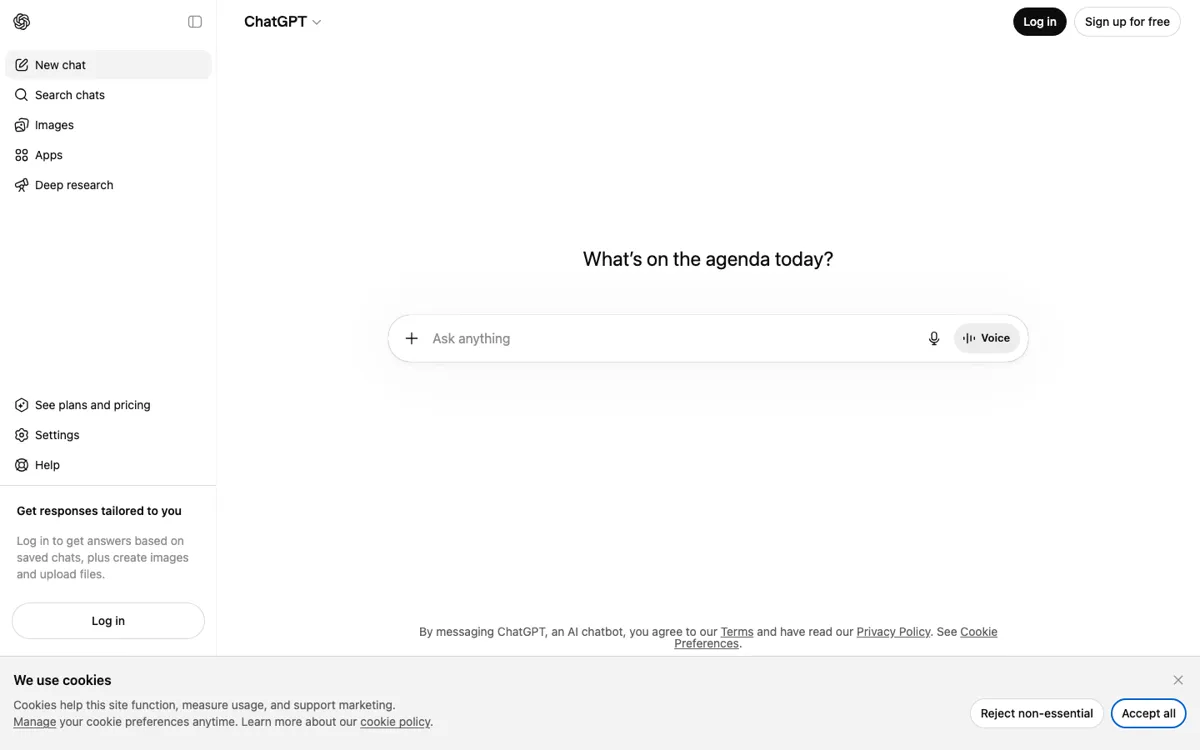
Many AI tools still make you choose a lane before you even begin. One app is for writing, another is for images, another is for files, and another is for longer research. ChatGPT’s advantage is that it reduces that switching cost. Even from the public interface, the product points users toward writing help, file uploads, voice, image creation, and deeper task flows like projects and research. That means the product is not only selling answers. It is selling continuity. When your task keeps changing shape while you work, that continuity becomes more important than having the absolute sharpest specialist for one isolated step.
The pricing page makes the packaging strategy visible: Free, Go, Plus, Pro, Business, and Enterprise. The important part is not the list of plan names by itself. It is what those plans imply about the product. ChatGPT is no longer a single consumer chatbot with one upgrade path. It is a broad AI workspace sold across casual, serious individual, and team use cases, while features like Projects, custom GPTs, Codex, Voice, and Deep Research keep pushing the product outward. That breadth is why it fits so many workflows. A user can stay in one place while moving from lightweight chat to heavier document, research, and build tasks.