Emdash Review

8.0/10

An AI reading and knowledge workspace for highlights, notes, books, articles, podcasts, and videos.

Review updated May 2026 By The AI Way Editorial Tested 99+ tools across the site 5 min read
Emdash Literature Review Note-Taking PDF Analyzer Summarization Web-Based Freemium from $8.00/mo

Our Verdict

Emdash is most useful when your problem is not collecting information but losing track of what you already saved. Its best move is combining broad source import with AI search, tagging, summaries, and chat so your reading archive becomes something you can actually work with later instead of a graveyard of highlights. But that only pays off if you already have enough books, articles, podcasts, or notes to justify maintaining a dedicated knowledge layer on top of them.

Try it
Free to start, then pay when the limits stop you. Starts at $8.00 USD.
open_in_new Try Emdash
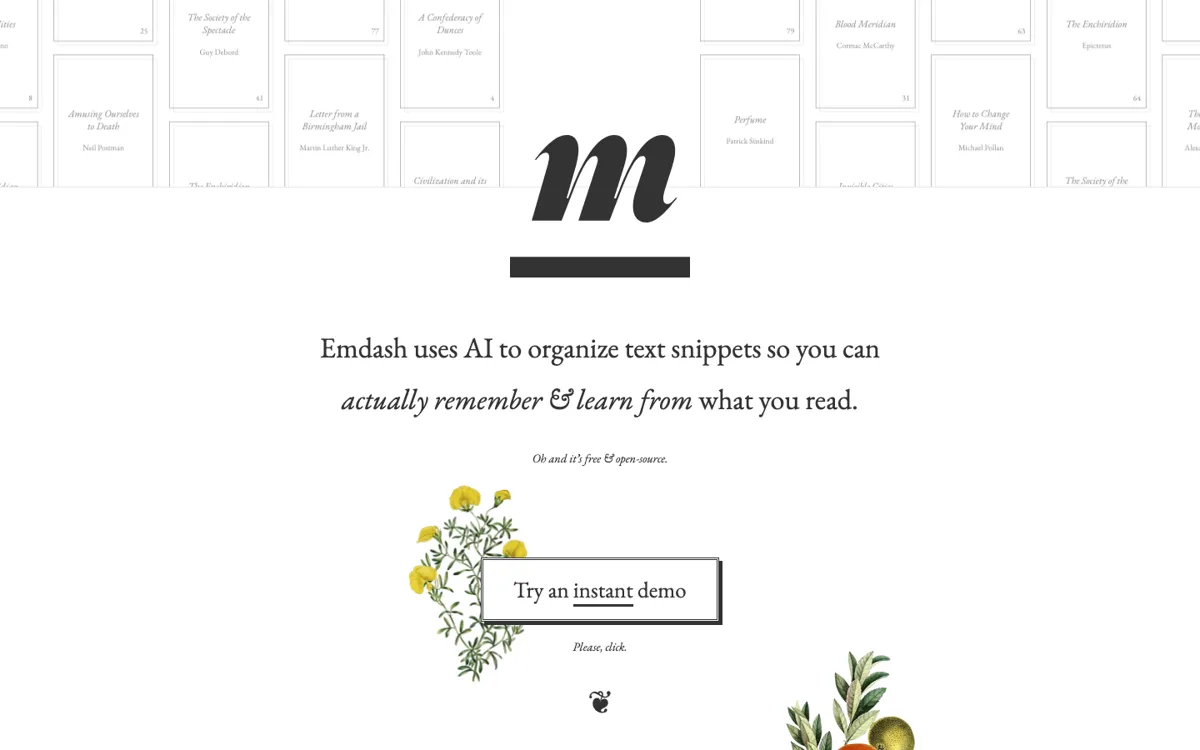
Official Website Snapshot Visit Site ↗

check_circle Pros

  • The source coverage is unusually broad, spanning reading apps, books, web articles, PDFs, podcasts, and YouTube instead of trapping your highlights inside one content lane.
  • Semantic search, summaries, AI tagging, and chat are directly useful for recovering old ideas, not just for adding another generic AI box to a notes app.
  • The pricing page makes the free-to-paid jump understandable, with a free tier for testing and Pro framed around larger storage and expanded AI use.

cancel Cons

  • The product is easiest to justify when you already have a serious reading or research archive, so lighter users may never feel the system paying for itself.
  • Because Emdash sits on top of many other reading and annotation sources, the quality of the experience depends partly on how well your existing tools and highlights are already structured.
  • If you mainly want a simple read-later queue, the AI knowledge layer can feel like more system than the job actually requires.

Should you use it?

Best for: Best for heavy readers, researchers, and knowledge workers who want to search, summarize, and reconnect ideas across a large archive of highlights and notes.

Skip it if: Skip this if you only save a small number of links or notes each week, because the value comes from managing depth and volume rather than from basic bookmarking.

Is it worth the price?

Freemium Starts at $8.00 USD

The free tier is enough to test whether importing and querying your archive actually changes how you reuse information. The paid plan starts making sense when storage limits and deeper AI usage become bottlenecks rather than when you are still deciding whether you even need a second-brain workflow.

The Free Tier

Free tier includes limited storage and AI usage according to the official pricing page.

Paid Upgrade
$8/month

Pro increases storage and expands the AI usage needed for a larger research archive.

One thing to know before you start

Import one existing highlight source first, such as Kindle or Readwise, before wiring in every possible app. You will learn faster whether Emdash is helping you recover ideas or just adding another inbox to maintain.

What people actually use it for

Finding old ideas across books, articles, and notes without rereading everything

Emdash fits when the real problem is not saving content, but remembering where a useful idea came from months later. Semantic search, AI tagging, and summaries matter here because they let you work backward from the idea you need instead of manually retracing which book, article, or note held it. That becomes much more valuable once your archive spans multiple reading and listening tools.

Turning scattered highlights into a research-ready knowledge base

If your reading habits already run through Kindle, Readwise, Instapaper, Pocket, podcasts, and PDFs, Emdash is more useful than a single-source notes tool because it tries to unify those fragments into one searchable layer. That can help with literature review, writing preparation, or long-term topic tracking. It is less useful when your inputs are too small or too inconsistent to create meaningful retrieval value.

Using AI summaries and chat on top of a personal archive instead of public web content

Emdash becomes more interesting when you want AI to reason over what you have actually read rather than over a generic model context window. The summary and chat tools matter most when they are grounded in your imported materials and highlights. The catch is that the system only feels smart if you feed it enough real source material to work with.

What does Emdash actually do?

Emdash is solving a problem that appears after you have already built reading habits. Saving articles, highlights, books, and notes is easy enough. The harder part is getting anything useful back out when the archive grows across Kindle, Pocket, Instapaper, Readwise, PDFs, podcasts, YouTube, and book apps. The homepage is explicit that Emdash wants to unify those streams and stop them from turning into isolated piles. That matters because the failure mode for a lot of second-brain systems is not lack of capture, it is capture without retrieval. You keep everything and then still cannot find the one idea that mattered when you actually need it.

The product’s strongest feature set is built around retrieval and synthesis rather than simple storage. Emdash layers semantic search, AI summaries, AI tagging, and chat on top of imported highlights and notes, which is a more useful promise than generic note-taking when your library is already large. It also supports a broad set of ingestion sources, including book platforms, read-later tools, and audio or video content. That breadth means it can become the place where old reading and listening finally connect. For researchers, writers, and heavy readers, the value is not saving more material, it is making the existing archive feel usable again.

The tradeoff is that Emdash does not create much value for shallow workflows. If you only save a few links a week, or if your highlights are inconsistent and rarely revisited, the AI layer can become another thing to manage rather than something that changes your work. It also assumes you want a structured knowledge system at all. Some people are better served by a simpler read-later queue or a lightweight notes app. Emdash works best when the archive is already real, the retrieval pain is already obvious, and you are ready to maintain a dedicated layer for synthesis on top of the sources you use.

What you can do with it

Import and organize highlights, notes, books, articles, podcasts, PDFs, and videos in one library.
Sync reading and annotation sources such as Kindle, Readwise, Pocket, Instapaper, Kobo, and book apps.
Use semantic search, AI tagging, summaries, and chat to revisit old ideas faster.
Turn saved reading into linked notes and searchable knowledge instead of isolated highlights.
Upgrade for larger storage and broader AI usage once the archive grows beyond the free tier.

Technical details

platform
Web app
deployment
Cloud
api_available
No public API mentioned

Top Alternatives to Emdash

If Emdash is close but still misses the job, try one of these instead.

Key Questions

Is Emdash more like a read-later app or a knowledge system?
It is closer to a knowledge system. The homepage emphasizes imports, highlights, semantic search, summaries, AI tagging, and chat rather than simple queueing for later reading.
What kinds of sources can Emdash bring together?
The official site names Kindle, Readwise, Pocket, Instapaper, Kobo, Apple Books, Google Play Books, podcasts, PDFs, and YouTube. That range is one of the main reasons the product stands out.
Who gets the most value from Emdash?
People with a real archive of reading or listening material get the most value. The product is strongest when retrieval, synthesis, and reconnecting old ideas are already painful problems.
When should someone skip Emdash?
If you only save a small amount of content and rarely revisit highlights, a simpler bookmarking or notes workflow will probably be enough. Emdash works best when volume and retrieval pain are already real.