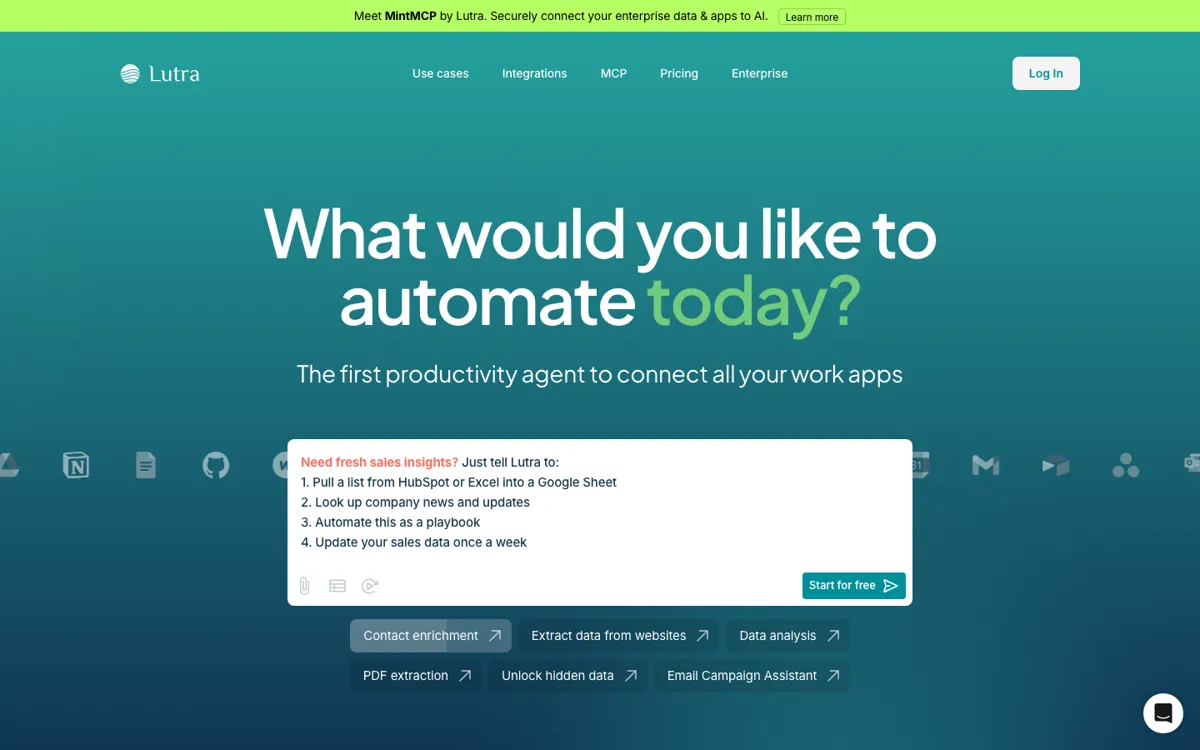
What does Lutra AI actually do?
A lot of knowledge work is really glue work. The job is not writing one email or updating one row in a spreadsheet, it is moving between inboxes, docs, CRM data, browser research, PDFs, and internal systems until the whole task is finished. Lutra AI is built for that kind of friction. The homepage is unusually explicit about it, with examples like contact enrichment, website extraction, data analysis, PDF extraction, and email campaign help. That frames the product less as a general-purpose assistant and more as an agent that sits across business tools and reduces the manual stitching between them.
What gives Lutra real weight is the combination of integrations and reusable playbooks. The public text says it works across Google Workspace, Microsoft tools, Slack, GitHub, HubSpot, Airtable, LinkedIn, APIs, and databases via MCP. The FAQ also explains that users can create recurring playbooks for tasks they run again and again. That matters because the product is not only answering one prompt at a time. It is trying to turn repeated cross-system work into a saved process that can be reused, shared, and scaled inside a team without rebuilding the logic every time.