Keel Review

7.8/10

An AI assistant whose memory belongs to you.

Review updated May 2026 By The AI Way Editorial Tested 144+ tools across the site 5 min read
Keel Labs Knowledge Base Mac App Meeting Notes Open Source Privacy Focused Windows App Free

Our Verdict

Keel stands out if your real frustration with AI tools is not output quality but memory lock-in. Its core promise is that your notes, captures, and context stay in markdown files you control, while the model becomes a replaceable tenant. That is a strong fit for people who already work out of folders and notes, but it also means you are signing up for a more hands-on setup than a cloud assistant that hides the plumbing.

Try it
Free to start.
open_in_new Try Keel
Official Website Snapshot Visit Site ↗

check_circle Pros

  • Your context stays in plain markdown on your own machine instead of inside a vendor-owned memory layer.
  • You can switch between Claude, GPT, OpenRouter, and Ollama without restarting your knowledge base from zero.
  • It goes beyond chat by writing decisions, tasks, summaries, and knowledge-base updates back into the files you already manage.

cancel Cons

  • Keel gets less useful if you do not already want to live in markdown files, folders, and self-managed context.
  • You still need your own API keys or a local model setup, so the first-run experience is heavier than a normal hosted assistant.
  • Public discussion keeps circling around memory quality and noise control, which suggests the hard part is not storage ownership alone but whether the assistant remembers the right things.

Should you use it?

Best for: Running ongoing project work from markdown files when you want one assistant to remember tasks, notes, and project context across Claude, GPT, OpenRouter, or Ollama.

Skip it if: Skip it if you want a hosted assistant with zero setup and do not want to manage API keys, local files, or a desktop app tied to your own workspace.

Is it worth the price?

Free

There is no subscription price to compare because the app is open source, but it is not cost-free in practice. You still pay with your own API usage, local model setup, and the extra effort of managing a more manual stack.

The Free Tier

The app is open source, MIT licensed, and there is no account required, but you still need your own provider API key or a local Ollama setup.

Paid Upgrade
Contact for pricing

Paid plans usually unlock higher limits, cleaner exports, and broader commercial use.

One thing to know before you start

Point Keel at one project folder you already maintain well. If your files are messy, the assistant will inherit that mess instead of magically cleaning it up.

What people actually use it for

Keep project memory portable across different AI models

If you regularly switch between Claude, GPT, OpenRouter, and local models, Keel gives you one place to keep project notes, captures, and ongoing context without tying that memory to a single vendor. That is useful when the real job is long-running work, not one-off prompting.

Turn scattered project files into a queryable working base

If a project already lives in markdown notes, PDFs, and folders, Keel can turn that pile into something you can actually ask questions against. That is most useful when the pain is not writing a prompt, but remembering where the last decision, meeting note, or reference doc ended up.

What does Keel actually do?

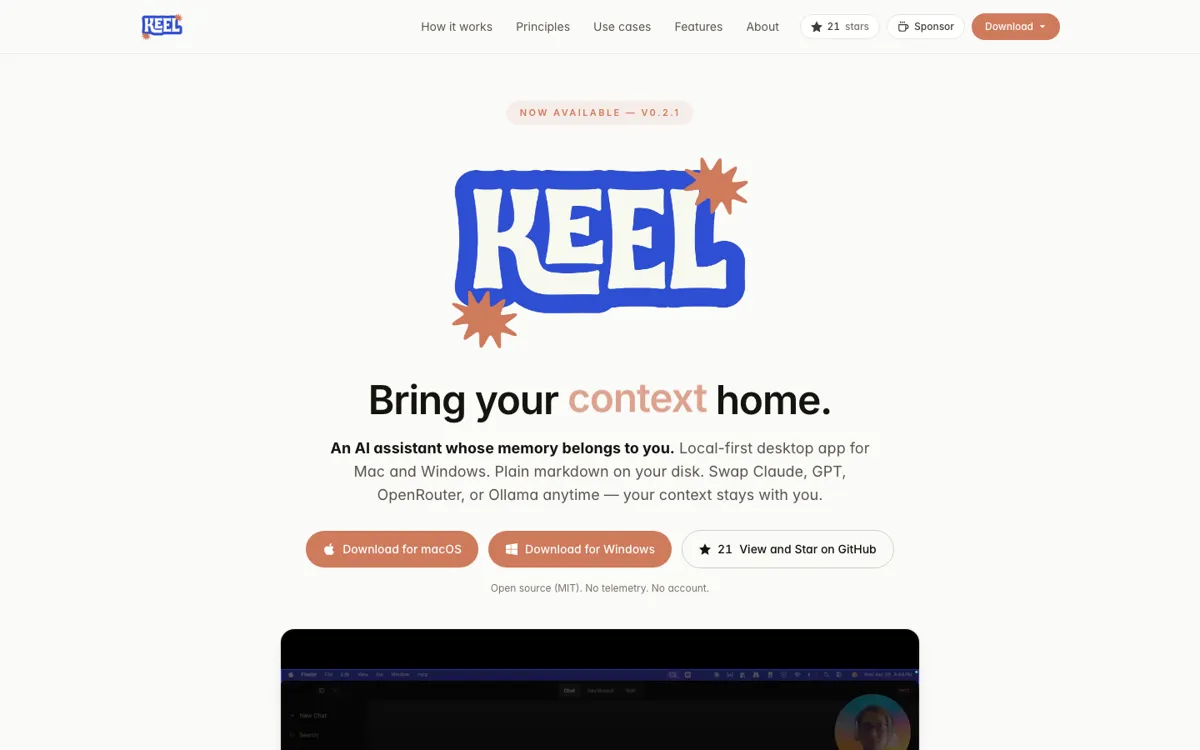
Keel is trying to solve a problem that a lot of AI products quietly make worse: the more useful the assistant becomes, the more your notes, history, and context get trapped inside one vendor's product. Keel flips that arrangement. The homepage and README both make the same promise in blunt terms. Your memories live on your disk, in plain markdown, in a folder you control. That means the sticky part of the product is not the model. It is your own context. If you care about portability, backup control, and the ability to inspect what the assistant knows, that pitch is immediately stronger than another hosted chat box with a memory feature bolted on top.

The practical appeal is not just privacy. Keel also reads and writes into a real working setup: project folders, daily logs, wiki bases, tasks, reminders, and meeting notes. It can transcribe audio locally with Whisper, build per-project knowledge bases from markdown and PDFs, generate a morning brief, and save decisions or tasks back into the right files. That gives it a more operational feel than a standard personal AI app. The strongest use case is not casual chat. It is ongoing project work where memory needs to survive model switches and actually stay connected to the artifacts you already use.

The tradeoff is that Keel is clearly for people who want control enough to accept friction. You bring your own API keys, or set up Ollama, and you get the most value if you are comfortable working out of markdown and local folders. Public comments also show where people are cautious: not whether memory ownership matters, but whether the memory stays clean, structured, editable, and useful instead of turning into a pile of noisy logs. That is the right concern. A local-first memory layer only becomes valuable if it remembers the right things and keeps them easy to manage over time.

What you can do with it

Store notes, captures, tasks, and project memory as plain markdown files on your own disk.
Swap between Claude, GPT, OpenRouter, and Ollama without moving your context to a new tool.
Turn project folders into queryable knowledge bases and write chat outputs back into the right files.

Technical details

deployment
Local-first desktop app
os_support
macOS and Windows downloads are published on the official site and GitHub releases.
open_source
Yes, the project is open source under the MIT license.
privacy_mode
No telemetry, no account, no hosted server according to the homepage and README.
model_support
Claude, GPT, OpenRouter, and local models through Ollama.
storage_format
Plain markdown files stored in a local workspace folder on your own disk.

Top Alternatives to Keel

If Keel is close but still misses the job, try one of these instead.

Key Questions

What makes Keel different from a normal AI chat app?
Its memory stays in files you control instead of inside a vendor account. Keel is built around a local markdown workspace, so the sticky part is your context, not a hosted memory feature.
Does Keel come with its own model?
No. You bring your own model access through Claude, GPT, OpenRouter, or a local model via Ollama.
Who gets the most value from Keel?
People who already manage ongoing work in files, folders, notes, and project docs will get the clearest benefit. If you want an assistant to write back into that system instead of replacing it, Keel fits well.
What should you be cautious about before switching to Keel?
Be realistic about setup and memory quality. You need to manage model access yourself, and the long-term value depends on whether the captured memory stays clean, structured, and easy to review.