GoldenRetriever.ai Review

7.9/10

Search across video, audio, and documents for moments that never made it into the transcript.

Review updated May 2026 By The AI Way Editorial Tested 99+ tools across the site 5 min read
GoldenRetriever.ai AI Search Transcription Web-Based

Our Verdict

GoldenRetriever.ai is worth opening when your team already has a serious archive of recordings and keeps losing time trying to rediscover the one useful moment hidden inside them. Its strongest promise is not note-taking, but better recall when transcript search breaks down or misses the context that actually matters. But if your archive is small or your team rarely goes back into old media, the product can feel like extra retrieval power with nowhere urgent to apply it.

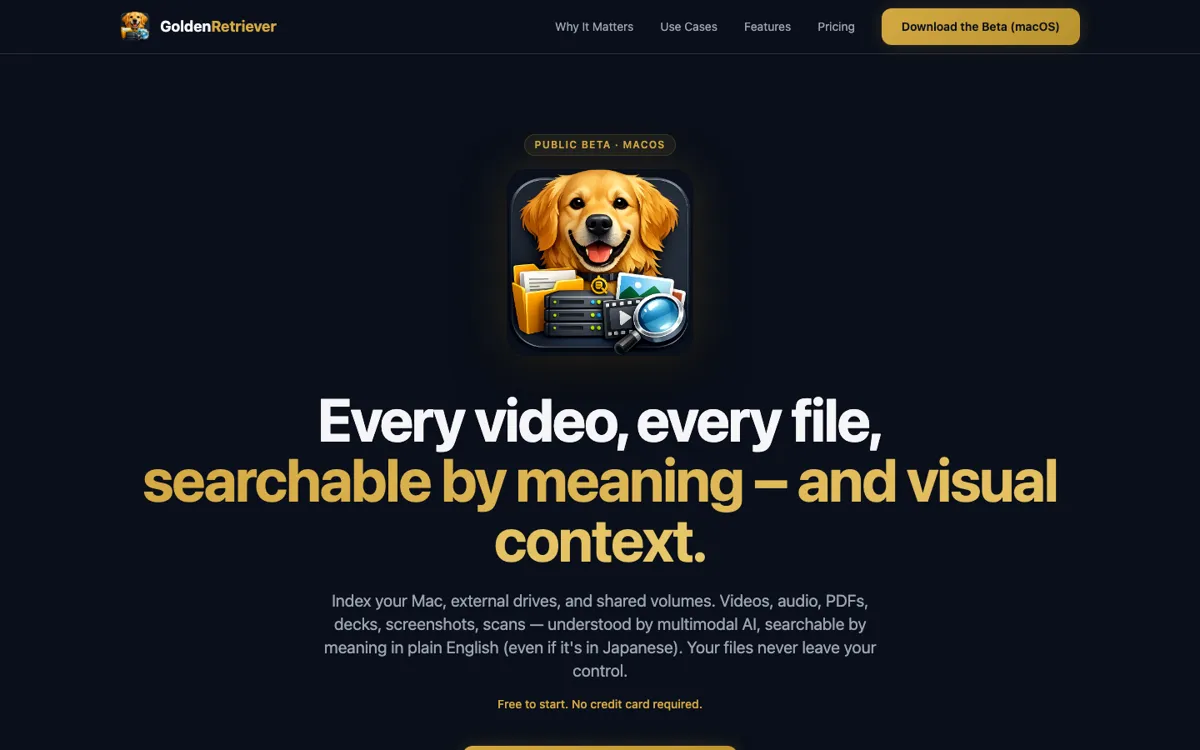
Official Website Snapshot Visit Site ↗

check_circle Pros

  • The product is positioned around a very specific retrieval failure, finding what transcript search misses, which makes its value easier to test than broad knowledge-management claims.
  • It is a better fit for long-form media reuse than tools that stop at transcript search or one-time summaries.
  • The use case naturally spans podcasts, interviews, meetings, calls, and research archives, so the retrieval layer can matter across several content-heavy workflows.
  • The core promise is concrete enough that a team can validate it quickly against a real archive instead of guessing from abstract AI language.

cancel Cons

  • Public pricing evidence was not available in the reviewed official material, so cost realism is still unclear from the sources I could verify.
  • The value depends on already having a large enough archive of recordings or documents to make better retrieval worth paying for.
  • If transcript search already solves most of your team’s questions, the gap between interesting and necessary may stay small.

Should you use it?

Best for: Best for teams searching through large back catalogs of interviews, meetings, calls, podcasts, or research material where the answer is often buried in context that plain transcript search does not catch well.

Skip it if: Skip this if you rarely revisit recordings, or if your current workflow only needs summaries and transcript keywords. Also skip it if you do not yet have enough media volume for retrieval quality to matter more than simple storage and search.

Is it worth the price?

Because public pricing was not verifiable from the official sources I reviewed, the best decision signal here is archive pain, not plan math. If your team repeatedly wastes hours hunting through old media, better retrieval could pay back quickly. If not, the product may be solving a problem you do not feel often enough.

One thing to know before you start

Test it on one ugly question that transcript search already fails at, not on a neat keyword lookup. That is the fastest way to see whether the product is giving you better recall or just a prettier search box.

What people actually use it for

Finding interview moments that were never labeled clearly in the transcript

A research or product team can use GoldenRetriever.ai when a stakeholder suddenly asks for a user quote, objection, or moment from past interviews and nobody remembers which session contained it. Instead of reopening dozens of files and searching rough transcript text, the team can use a stronger retrieval layer to find the relevant segment faster. This matters when interviews accumulate over time and the archive becomes too large for manual memory to carry it.

Reusing old podcast or video content without scrubbing through hours of media

A content team with long-form episodes, webinars, or recorded talks can use the product to find reusable moments for clips, references, or follow-up content. The value is strongest when transcript text alone misses what made the moment useful, like tone, framing, or surrounding context. It matters less for teams that rarely repurpose existing media assets.

Searching meeting and call archives for buried operational context

Operations, sales, or leadership teams can use GoldenRetriever.ai when a question depends on something said in an old meeting or call and no one wants to rewatch a large archive manually. This is useful when recordings have become a real memory system for the company. It is weaker if recordings are mostly stored and forgotten after the first summary is read.

What does GoldenRetriever.ai actually do?

A recording archive often looks useful long before it actually becomes usable. Teams save interviews, calls, podcasts, webinars, and meeting videos for months or years, then hit the same problem later: they know the answer is somewhere in the archive, but nobody can find it fast enough to matter. Transcript search helps only up to a point. If the wording was different, the transcript was noisy, or the important clue lived in context rather than a keyword, the search breaks down. GoldenRetriever.ai is aimed at that exact retrieval failure. The homepage promise is unusually direct: search for stuff that is not in the transcripts. That makes the product’s target pain much clearer than a generic "AI search" label would.

What makes the product interesting is that it is framed as a recall layer over long-form content, not just a note-taking or meeting-summary tool. The job is not to tell you what happened once and move on. The job is to help you go back later and recover the one buried moment, clip, or piece of context that a normal text search would miss. That matters in workflows where old recordings keep producing value, like research libraries, podcast back catalogs, sales-call archives, or internal decision histories. In plain terms, GoldenRetriever.ai is trying to turn passive media storage into something teams can interrogate more intelligently when a real question shows up.

The limitation is that retrieval only feels magical when the archive is already big enough and important enough to hurt. If a team rarely reopens old recordings, or if transcript keyword search already solves the questions people ask, then a more advanced retrieval layer may not change much. Public pricing was also not verifiable from the official sources I reviewed, so the commercial side is less clear than the product story. That means the smartest evaluation is not to admire the concept in the abstract, but to test it against one messy archive question that your current search workflow already fails to answer quickly.

What you can do with it

Search across recorded video, audio, and documents for moments that basic transcript lookup misses.
Surface exact clips or context from long-form media archives without manually scrubbing through full recordings.
Work as a retrieval layer over stored media instead of only producing one-time meeting notes.
Help teams reuse buried research, interviews, calls, and content assets faster when a question comes up later.
Focus on multimodal recall where the needed answer is not captured cleanly in transcript text alone.

Technical details

platform
Web app
deployment
Cloud
api_available
No public API highlighted on reviewed official pages

Top Alternatives to GoldenRetriever.ai

If GoldenRetriever.ai is close but still misses the job, try one of these instead.

Key Questions

Is GoldenRetriever.ai just another transcript search tool?
No, at least not by the way it is positioned. The reviewed homepage frames the product around finding things that transcripts miss, which suggests the retrieval layer is meant to go beyond simple keyword lookup.
Who gets the most value from this kind of product?
Teams with large archives of interviews, calls, podcasts, meetings, or documents get the strongest case. The product matters most when the archive is already valuable but hard to query well with normal search.
Does it replace summaries and notes?
Not exactly. It looks more like a retrieval layer for going back into stored material later than a one-time summary generator you read once and forget.
Can pricing be judged from the official sources reviewed here?
Not confidently. I could not verify a public pricing page or plan table from the official sources reviewed in this run, so cost should be treated as unconfirmed rather than guessed.