SlidesAI Review

8.0/10

Turn a prompt or text draft into Google Slides or PowerPoint-ready presentations in seconds.

Review updated May 2026 By The AI Way Editorial Tested 99+ tools across the site 5 min read
SlidesAI Content Repurposing Multi-language Slide Designer Web-Based Freemium from $8.33/mo

Our Verdict

SlidesAI is worth opening when the hardest part of making a deck is getting from blank page to usable slide structure fast. Its strength is not advanced design magic, but speed: you feed it a topic or text, and it turns that into a presentation draft you can edit, translate, and export. But the free tier is narrow and the output still depends on your willingness to clean up the story, so this is better as a drafting tool than a finished presentation machine.

Try it
Free to start, then pay when the limits stop you. Starts at $8.33 USD.
open_in_new Try SlidesAI
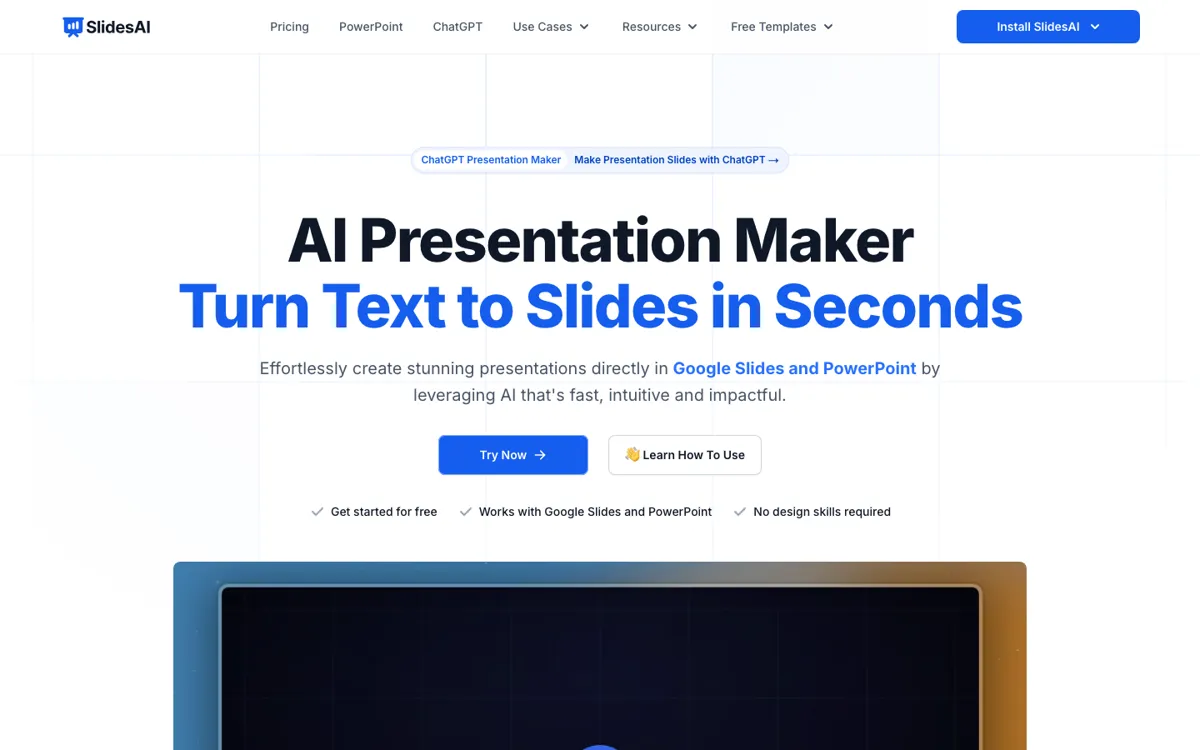
Official Website Snapshot Visit Site ↗

check_circle Pros

  • It attacks the blank-slide problem directly by turning a prompt into a structured deck instead of only offering design fragments.
  • The workflow stays practical because you can keep editing in Google Slides or export as PPTX for PowerPoint use.
  • Language support is broad enough to matter for multilingual presentation work, not just English-only drafting.

cancel Cons

  • The free plan is very tight at 12 presentations per year, low character allowance, and limited AI credits, so serious use quickly becomes paid.
  • SlidesAI speeds up the first draft, but it does not remove the need to rewrite weak logic or tighten a messy story before presenting.
  • If your main goal is pixel-level brand design or highly custom slide choreography, this tool is solving the wrong part of the job.

Should you use it?

Best for: Best for turning notes, outlines, or rough prompt ideas into a first-pass presentation for classwork, internal meetings, client drafts, or quick proposal decks. It fits people who need the structure and wording to appear fast so they can spend their time refining instead of starting from zero.

Skip it if: Skip this if your main pain is final-stage visual polish, complex brand systems, or highly custom storytelling flow. It is also a weak fit if you expect frequent deck generation but do not want to move beyond the free tier.

Is it worth the price?

Freemium Starts at $8.33 USD

The free plan is enough to see whether the prompt-to-slide workflow feels right, but not enough for regular presentation work. Once deck creation becomes a repeated part of your week, the presentation count, character cap, and credit pool push this into paid territory fast.

The Free Tier

12 presentations per year, 2500 character input per presentation, and 120 AI credits per year.

Paid Upgrade
$8.33/month billed yearly

Pro raises presentation volume, character allowance, AI credits, and adds document upload.

One thing to know before you start

Start with a clean outline instead of a vague topic. The better your section logic going in, the less time you will spend rewriting what the AI guessed wrong.

What people actually use it for

Turning a rough topic into a class or team deck

SlidesAI is useful when you know the subject but do not want to build the deck frame from scratch. You give it a topic or text prompt, it organizes sections and drafts slide content, and you get something editable fast. That saves time at the exact point where many presentations stall. The tradeoff is that the first version still needs judgment, especially if the argument order or examples matter.

Converting written notes into a presentation draft

If you already have notes, an outline, or source text, SlidesAI helps you convert that raw material into slides instead of manually pasting and reformatting everything. Paid plans add document upload, which makes this workflow more direct. The time saved is mostly in structure and formatting. It is less compelling if your source material is weak, because bad logic turned into slides is still bad logic.

Preparing multilingual decks faster

SlidesAI makes sense for teams or students who need to repurpose a presentation into another language without rebuilding slide by slide. The homepage explicitly highlights translation support and 100+ languages, so language conversion is part of the product, not an afterthought. This helps when the same deck needs several versions. The catch is that translated slides still need a human eye for tone, spacing, and context.

What does SlidesAI actually do?

Most presentation tools are slow in the same way. They do not just ask you what you want to say, they make you decide slide order, headings, body copy, and rough layout before you have even tested whether the idea holds together. SlidesAI is built to remove that first-draft drag. On the homepage, the promise is simple: go from text to presentation with AI, starting from a single prompt. That matters because it targets the exact moment where people freeze at a blank deck. Instead of spending 40 minutes creating headings and placeholder boxes, you get a structured first pass that can be judged, cut, or rebuilt while the topic is still fresh in your head.

The product becomes more useful when you look at what it lets you do after generation. SlidesAI does not stop at making one static draft. The homepage says you can tweak wording, rephrase, translate, change theme and layouts, then share or export as a PPTX compatible with Google Slides and PowerPoint. That keeps it grounded in real presentation workflows rather than trapping the output in a novelty editor. If you already work in Google Slides, that matters a lot. It means the AI is helping with the messy setup work while the final editing can still happen in familiar tools where comments, revisions, and presentation delivery already live.

The limitation is that SlidesAI is strongest at speeding up structure, not guaranteeing presentation quality. The pricing page makes clear that free usage is constrained to 12 presentations per year, 2500 characters per presentation, and a small yearly credit pool, so repeated use quickly stops being casual. More importantly, the output still reflects the input. If your prompt is vague or your source material is sloppy, the generated deck will need rewriting, not just design tweaks. That makes SlidesAI a good drafting assistant for people who know their message, but a weaker choice for anyone hoping AI will replace clear thinking, narrative judgment, or final-stage visual craft.

What you can do with it

Generate a complete presentation from a single topic or prompt.
Organize sections, write slide content, and build a first draft automatically.
Adjust theme, layouts, wording, rephrasing, and translation from the side panel.
Export presentations as PPTX for PowerPoint or continue in Google Slides.
Create decks in 100+ supported languages.

Technical details

platform
Web app for Google Slides workflow with PPTX export
deployment
Cloud
api_available
No public API surfaced on the fetched official pages

Top Alternatives to SlidesAI

If SlidesAI is close but still misses the job, try one of these instead.

Key Questions

Is SlidesAI free enough for regular use?
Only for light testing. The free Basic plan allows 12 presentations per year with low character and credit limits, so repeated weekly use quickly runs into the cap.
Can SlidesAI work with both Google Slides and PowerPoint?
Yes. The homepage says you can export as PPTX and that the output is compatible with both Google Slides and PowerPoint.
Does SlidesAI replace manual editing after generation?
No. It can save a lot of time on structure and first-draft wording, but you still need to refine the story, clean weak sections, and check the final presentation flow.
What changes when you move to a paid plan?
The biggest change is capacity. Paid plans increase presentation count, character input, AI credits, and add document upload so the tool can be used for real recurring deck work instead of occasional testing.