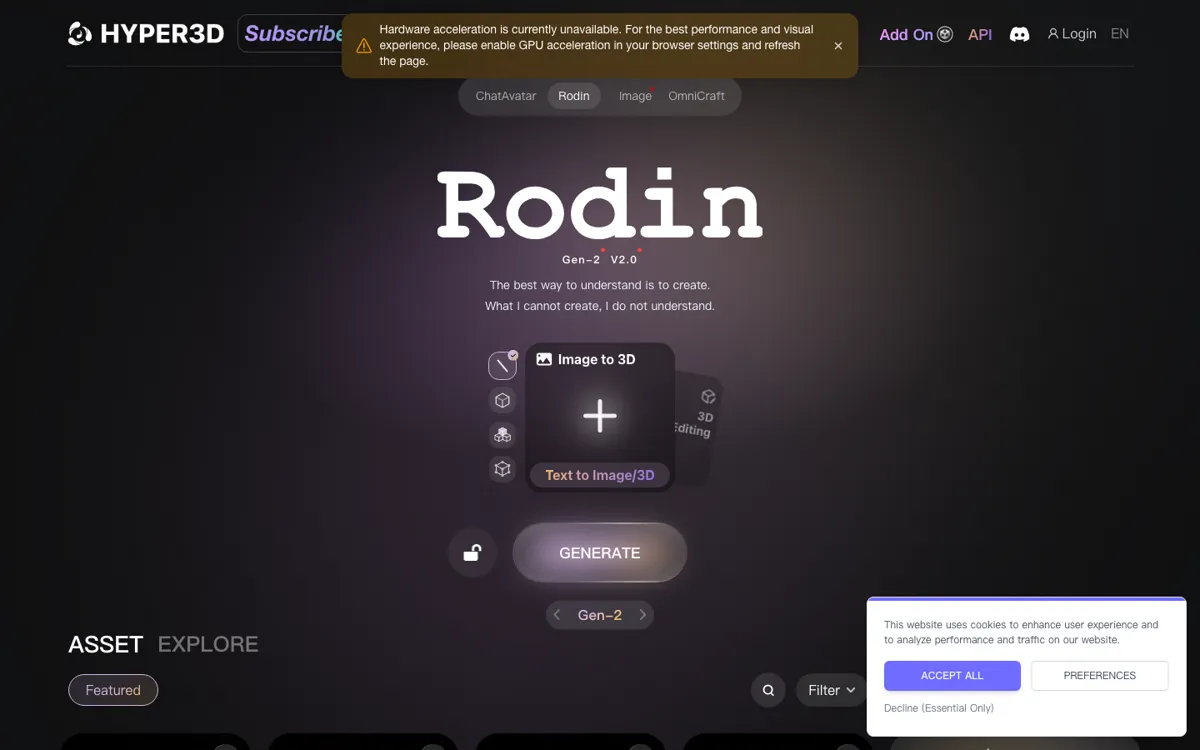
What does Rodin actually do?
A lot of AI 3D products still stop at the first render. Rodin is more credible because it keeps pointing toward what happens next: previewing the model, cleaning it up, converting it, and exporting it into real 3D tools. That matters when the job is getting a usable asset draft into a pipeline quickly, not just generating something nice once.
The limits are still economic and craft-related. The pricing page shows a free entry, a $24 Creator tier billed yearly, and a Business tier with API access, but the real cost depends on how often you confirm results. And even with the speed gains, manual cleanup still matters if the asset is headed into serious production.