Midjourney Review

7.9/10

Generate stylized images for concept work, moodboards, and visual exploration in Midjourney's web workflow.

Review updated May 2026 By The AI Way Editorial 4 min read
Midjourney Image-to-Image Text-to-Image Web-Based Paid from USD 10.00/mo

Our Verdict

Midjourney is the better pick when the image needs a stronger point of view, not just a fast draft. The draw is stylized output plus a huge prompt culture that helps people push concepts further. The catch is that beginners still learn a lot through docs, support pages, and community habits.

Official site
Paid product. Starts at USD 10.00.
open_in_new Visit Midjourney
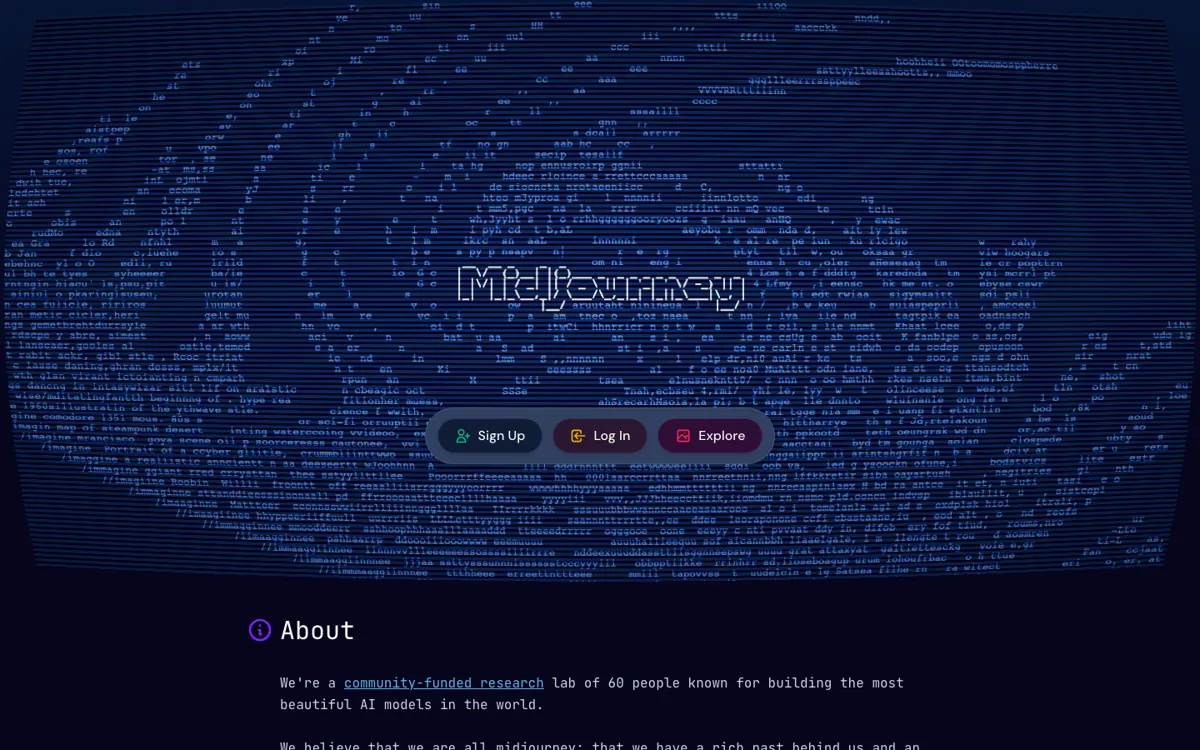
Official Website Snapshot Visit Site ↗

check_circle Pros

  • It is stronger than generic image boxes when mood, style, and composition are the whole job.
  • The prompt culture gives people more ways to learn by example.
  • Docs, support, and exploration are easy to find once you go deeper.

cancel Cons

  • It explains the creation loop less clearly than a beginner-first image app.
  • You still learn a lot through docs, support pages, and community habits.
  • It is weaker for teams that want private image generation at the cheapest entry point.

Should you use it?

moodboards, character directions, and concept work where style matters as much as subject

Skip it if: you need a dead-simple image workflow with clear private-use expectations and almost no learning curve

Is it worth the price?

Paid Starts at USD 10.00

The lowest plan mainly answers one question: do you care enough about Midjourney's look to put up with its learning curve? Once image generation becomes regular client or team work, the bill is less about raw access and more about whether you need room for heavier usage and stronger privacy controls.

Paid Upgrade
$10/month for the Basic Plan

Higher tiers expand usage headroom, and the upper plans unlock private-generation features such as Stealth Mode.

One thing to know before you start

Do not judge Midjourney from one throwaway prompt. It makes more sense when you iterate on composition, style, and references instead of using it like a one-shot stock image search.

What people actually use it for

Set visual direction early

Use it when the team is still deciding mood, color, composition, or tone and needs several strong-looking directions before final design work starts.

Create stylized references

It works well when you need character, scene, or campaign references that look strong in a meeting, even if they are not final production assets.

Learn through the community

It suits people who learn by watching how others prompt and refine, not people who want the tool to explain itself in one pass.

What does Midjourney actually do?

Midjourney keeps winning people over when the image needs a real point of view, not just a serviceable draft. The product still feels more like a creative lab than a tidy utility, and that is part of the appeal if you care about mood, style, and composition.

The tradeoff is that Midjourney still expects experimentation and outside learning. Explore, docs, and Discord do a lot of the onboarding work, so the product is easier to love once you are inside than it is to explain to a beginner in one clean first session.

What you can do with it

Turn text prompts into stylized AI images.
Browse public creations through the Explore surface.
Iterate through a community-shaped prompting culture.
Use docs and support resources while learning the workflow.

Technical details

workflow
Runs through Midjourney's web product with Explore and support surfaces.
public_api
No public official API was surfaced in the reviewed pages.
learning_path
Docs, help pages, and Discord still carry much of onboarding.

Top Alternatives to Midjourney

If Midjourney is close but still misses the job, try one of these instead.

Key Questions

Is Midjourney more about image quality or ease of use?
It leans more toward image character and style than instant simplicity. You can get strong results, but the product expects more experimentation and learning than a plain beginner-first image app.
Do you need documentation or community help to get comfortable with Midjourney?
Often yes. The product points users toward documentation, support pages, and Discord, which tells you the learning path is not fully carried by the homepage alone.
How much does Midjourney start at?
It starts at $10 per month on the Basic Plan according to Midjourney's official plan comparison article. Higher plans increase monthly cost and add features such as Relax Mode or private-generation options.
What kind of creative work is Midjourney best opened for?
It is best opened for concept-heavy visual work such as moodboards, character directions, scene exploration, and stylized campaign ideas where the look of the image is part of the decision, not just the subject matter.