Pancake Review

7.8/10

Slack-based AI cofounder that runs cross-functional agents across growth, ops, product, and engineering.

Review updated May 2026 By The AI Way Editorial Tested 289+ tools across the site 6 min read
Pancake AI Agents Browser Automation No Credit Card Required Sales Automation Slack Web-Based Paid from $49.00/mo

Our Verdict

Pancake is interesting when the bottleneck is not one task, but a pile of small decisions and follow-ups spread across Slack, email, outbound, and product work. Its real value is that agents can stay online, act through live tools, and escalate only the expensive or risky step back to a human. The cost is that you are not buying a lightweight copilot. You are giving an AI layer enough context and permissions to touch real company operations, so scope control matters more than prompt quality.

Try it
Paid product. Starts at $49.00 USD.
open_in_new Visit Pancake
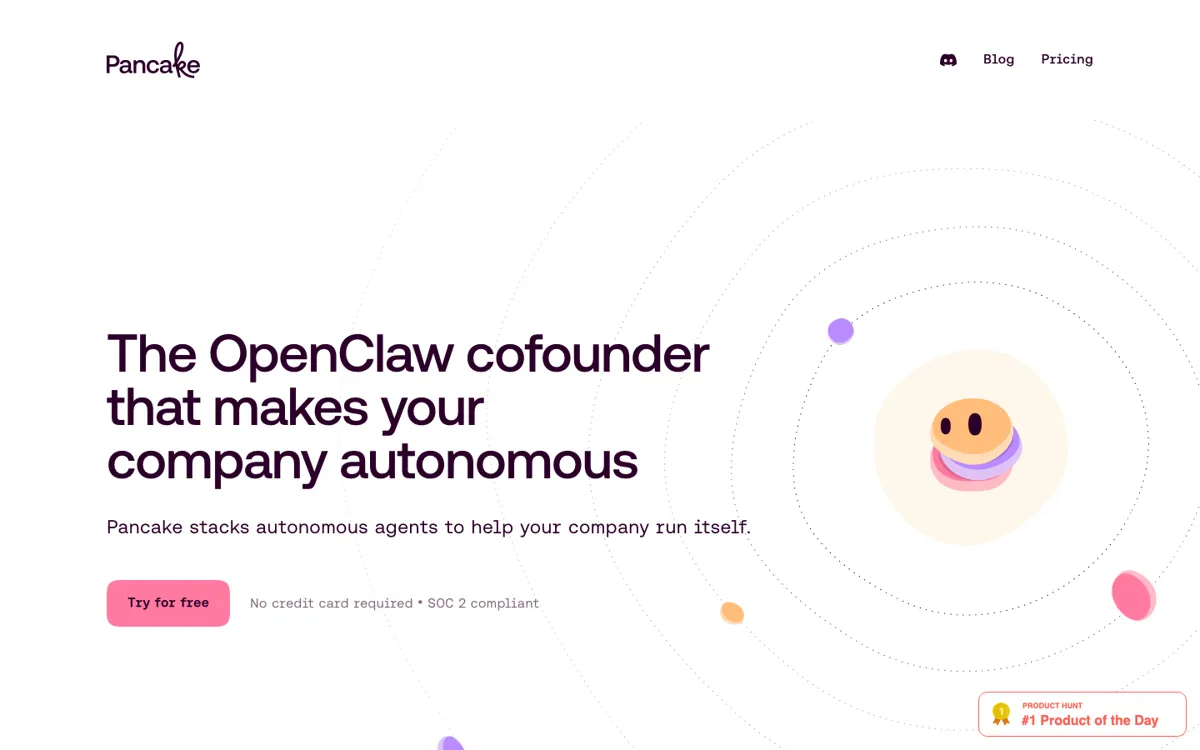
Official Website Snapshot Visit Site ↗

What people actually use it for

Turn Slack requests into shipped GTM work

Pancake fits teams that already brief each other in Slack and hate losing momentum between idea, draft, and distribution. A founder can ask for an outbound sequence, an X thread, or a meeting prep note in-channel, and the agent can use prior context, schedule the result, and post back the outcome instead of dropping a draft in an isolated editor. That is most useful when the pain is coordination drag, not writing from scratch.

Run overnight company triage without another dashboard

The product makes sense when the team wants the morning state of the company summarized before the first meeting starts. Daily digests, customer movement, product updates, and anything that needs approval can be surfaced in one Slack thread instead of being scattered across separate tools. That saves time when a founder or operator is tired of checking five systems before knowing what matters today.

Convert product feedback into follow-up work

Pancake is stronger than a plain chat assistant when new information should turn into action in another system. Feedback heard during a call can become a concrete engineering or content step instead of dying inside meeting notes. If your team keeps promising follow-up and then forgetting to move it into the next tool, this is the kind of handoff Pancake is built to close.

check_circle Pros

  • The Slack-centered setup makes the product easier to supervise than agent tools that disappear into a separate control panel.
  • Browser, inbox, phone, and web-research access let agents move beyond drafting and into actual follow-up work.
  • Approval thresholds and immutable logs give buyers a practical way to inspect and limit autonomous behavior.
  • The flat monthly fee, token-pack model, and bundled feature list are unusually direct for a product this ambitious.

cancel Cons

  • The product asks for a lot of operational trust because the same system can browse, message, schedule, and eventually spend money.
  • Slack is the center of gravity, so teams that do not run day-to-day work there will feel the fit problem quickly.
  • The $49 base fee is only part of the bill because meaningful usage also depends on token-pack spend.
  • Some notable features, including iMessage access and agent credit cards, are still marked as coming soon.

Should you use it?

Best for: Running a Slack-centered startup or small team where AI can draft outbound, prep meetings, push product follow-up, and queue approvals without waiting for a prompt every time.

Skip it if: Skip it if you only need a narrow assistant for writing or research, or if your team is not ready to give an AI layer inbox, browser, and approval-adjacent access to live company systems.

Is it worth the price?

Paid Starts at $49.00 USD

The 3-day trial is enough to see whether the Slack workflow feels real, but not enough to judge long-running autonomy. Teams that want daily digests, outbound work, and always-on follow-up will move into paid use fast. If the token slider starts feeling like something you have to babysit every week, the product is probably carrying more agent activity than your current process can justify.

Paid Upgrade
$49/month plus token-pack spend.

The paid base includes a dedicated private cloud computer, Slack-native agent access, inbox and browsing, and unlimited sub-agents.

One thing to know before you start

Start with one bounded agent that can save time without spending money or touching production systems. Once the approval thresholds and logs feel trustworthy, expand to broader roles.

What does Pancake actually do?

The strongest part of Pancake is not any one role, but the way it turns an org chart into something operational. Instead of asking you to open separate tools for copy, outbound, support, or product follow-up, it keeps returning to a Slack-native loop where requests, updates, and approvals all stay visible in the same place. That matters for small teams because the real tax is usually not writing one more email. It is remembering what was promised, where the context lives, and who needs to approve the next step. Pancake tries to collapse that into a single supervision layer.

The guardrail story is also more concrete than most autonomy products. Pancake is not framed as a magic black box that simply does company work somewhere off-screen. It shows approval thresholds, immutable logs, per-agent sandboxing, and replay or rollback of actions. Those are the controls that matter once an agent can browse signed-in accounts, send email, or queue production-adjacent work. The product still requires trust, but it at least acknowledges the real problem: an autonomous system is only useful if you can see what it touched, stop it before expensive actions, and narrow what each role is allowed to reach.

The commercial tradeoff is easier to understand than the category itself. Pancake charges a flat monthly platform fee, then adds token-pack usage instead of burying everything behind opaque enterprise pricing. That helps because buyers can separate the always-on agent layer from the actual model spend. It also exposes the biggest decision boundary. If your team only needs occasional drafting or one-off research, the product is probably too much system. If the company already loses time to repeated Slack follow-up, outbound work, meeting prep, and cross-tool busywork every single day, the package starts to look much more rational.

What you can do with it

Run a Slack-native org chart of autonomous agents across growth, product, ops, support, and engineering.
Pull context from docs, meeting notes, and company discussions before drafting, researching, or acting.
Browse signed-in websites, search the web, and send or receive email from an agent-owned inbox.
Use threshold-based approvals so expensive or risky actions stop for a one-tap human decision.
Record every tool call, message, and action in an immutable audit log with replay and rollback.
Configure roles and workflows in markdown files and run multiple sub-agents in parallel.

Technical details

platform
Slack-first agent system where each role runs on its own always-on private cloud computer with inbox, browser, and phone-style channels attached.
deployment
Each agent runs in its own sandbox with threshold-based approvals, immutable action logs, and dedicated private cloud compute instead of a shared chat session.
api_available
No public developer API is surfaced in the captured pages; setup is framed around markdown-defined agents, connected accounts, and model choice across Claude, GPT, and Gemini.

Top Alternatives to Pancake

If Pancake is close but still misses the job, try one of these instead.

Key Questions

Does Pancake only work inside Slack?
No. Slack is the control center, but Pancake also includes browser access, an agent inbox, phone and SMS support, and web research outside Slack itself.
Can you choose which model powers Pancake?
Yes. Pancake is positioned as model-agnostic and lists Claude, GPT, and Gemini as supported choices.
Is there a permanent free plan?
No. The public plan is a 3-day trial with $100 in free credits, then the product moves into the $49 monthly base plus token usage.
How much control do humans keep over agent actions?
Humans keep the final say on high-risk actions. The product surfaces spend, scope, and trust thresholds so expensive or sensitive steps can stop for approval before they go through.