What does Lindy actually do?
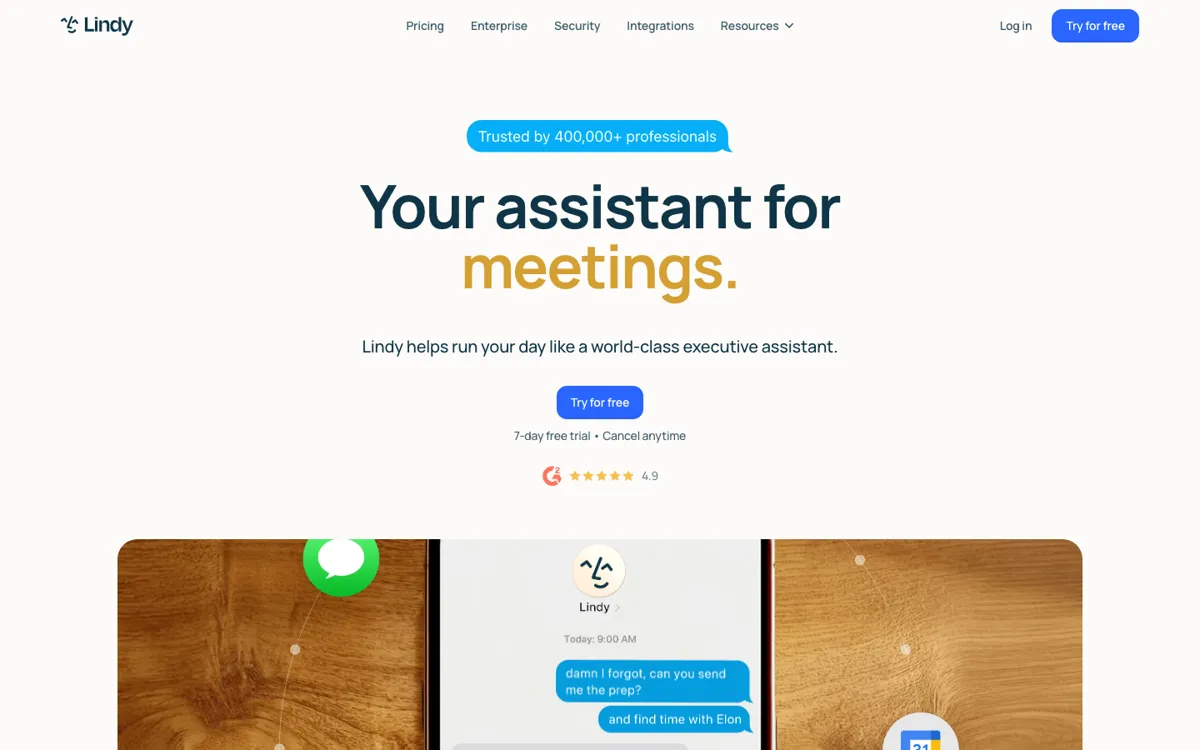
A lot of AI work tools still leave the annoying part untouched. You can generate text in a chat box, but someone still has to open the inbox, sort the messages, draft the replies, prepare for the meeting, take notes during the call, and send the follow-up afterward. Lindy is aimed at that exact gap. The official docs and homepage keep returning to the same pattern: email triage, scheduling, meeting prep, note taking, and ad hoc admin tasks. That is useful because these are the jobs that eat thirty seconds here, five minutes there, and then somehow consume a whole afternoon. If your workload is full of small coordination tasks spread across Gmail, calendars, Slack, and phone messages, Lindy is trying to take over those motions instead of giving you another place to manually prompt an assistant.
The product is stronger when you look at how it operates, not just the tagline. Lindy can connect to Gmail or Outlook, work through Slack, and use integrations with tools like Google Drive, HubSpot, Calendly, Airtable, and Google Sheets. The docs also show a more advanced layer with custom agents, workflows, steps, memory, phone calls, web scraping, and computer use. In plain terms, that means you are not limited to one-off answers. You can set up an assistant that reacts to a trigger, follows an ordered set of steps, remembers context, and keeps moving inside other apps. For a team or operator drowning in repetitive follow-ups, that is a more serious promise than a generic AI chatbot.