What does Mumbli actually do?
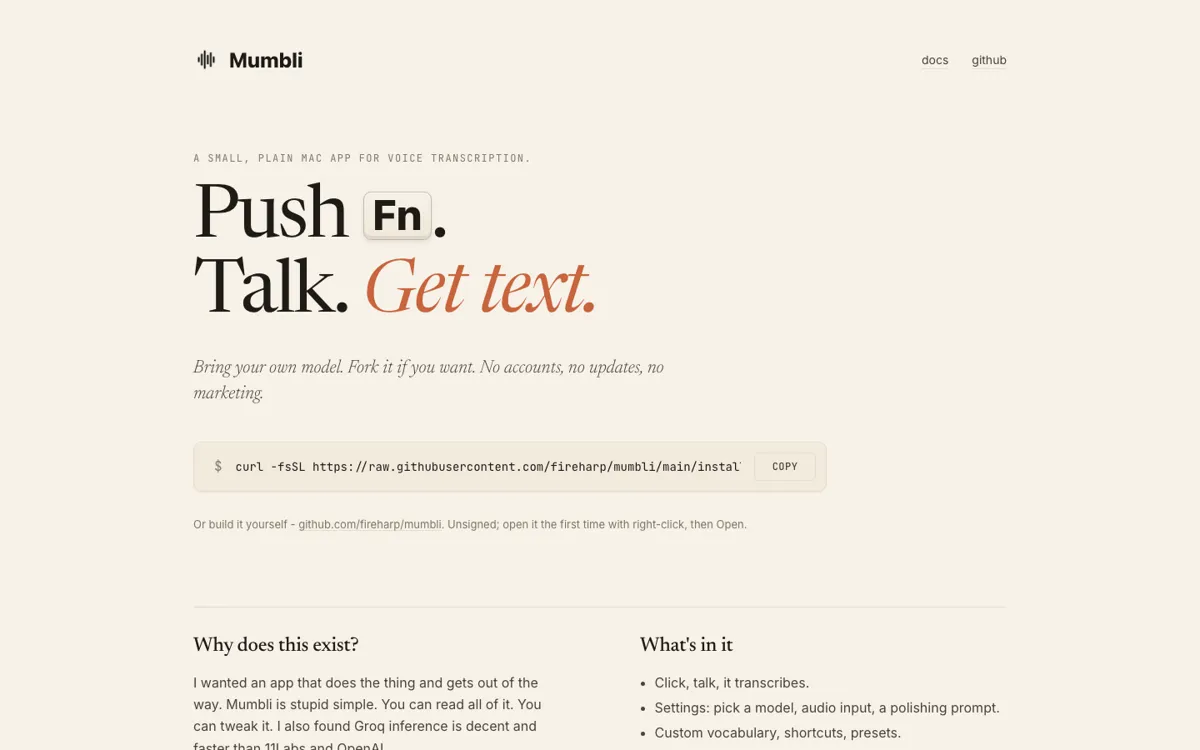
A lot of voice transcription apps still make you take a detour. You record into their box, wait for a transcript, then move the result into the place where you actually needed it. Mumbli is built around killing that detour. The homepage and docs both frame the product as a tiny Mac utility that waits in the menu bar, listens when you hold Fn, and places polished text where the cursor already is. That changes the job from transcript generation to direct text entry, which is why the product feels closer to a keyboard shortcut than a traditional transcription app. If that insertion step works reliably in your real apps, the product can save more friction than a bigger feature list would suggest.
The strongest part of Mumbli is how specific the docs are about what it actually does. It explains that it works across browsers, email clients, messaging tools, IDEs, notes apps, and terminals, usually through the macOS Accessibility API and with clipboard paste as a fallback. It also spells out the text cleanup layer, including filler-word removal, self-correction handling, grammar cleanup, and custom vocabulary support. On the GitHub side, the README adds the practical bits a serious user will care about: required permissions, macOS 13+, supported providers, and the fact that dictation history stays on your Mac. That level of specificity makes the product easier to trust than many AI voice tools that stay vague about how the final text actually reaches your screen.