AIVA Review

7.4/10

Generate original music in seconds, then edit, export, and license it inside one composer workflow.

Review updated May 2026 By The AI Way Editorial Tested 99+ tools across the site 5 min read
Aiva Technologies SARL Music Generation No Credit Card Required Web-Based Freemium from $11.00/mo

Our Verdict

AIVA is worth opening when you need usable background music fast and you still want some control over style, influence, and export instead of accepting a blind one-shot result. Its strongest angle is that it combines generation, light track editing, and licensing choices in one place, which makes it easier to move from draft music to something you can actually publish. But the free tier is mostly a test bed, and the rights you get change sharply by plan, so this only works well if you already know what kind of publishing freedom you need.

Try it
Free to start, then pay when the limits stop you. Starts at $11.00 EUR.
open_in_new Try AIVA
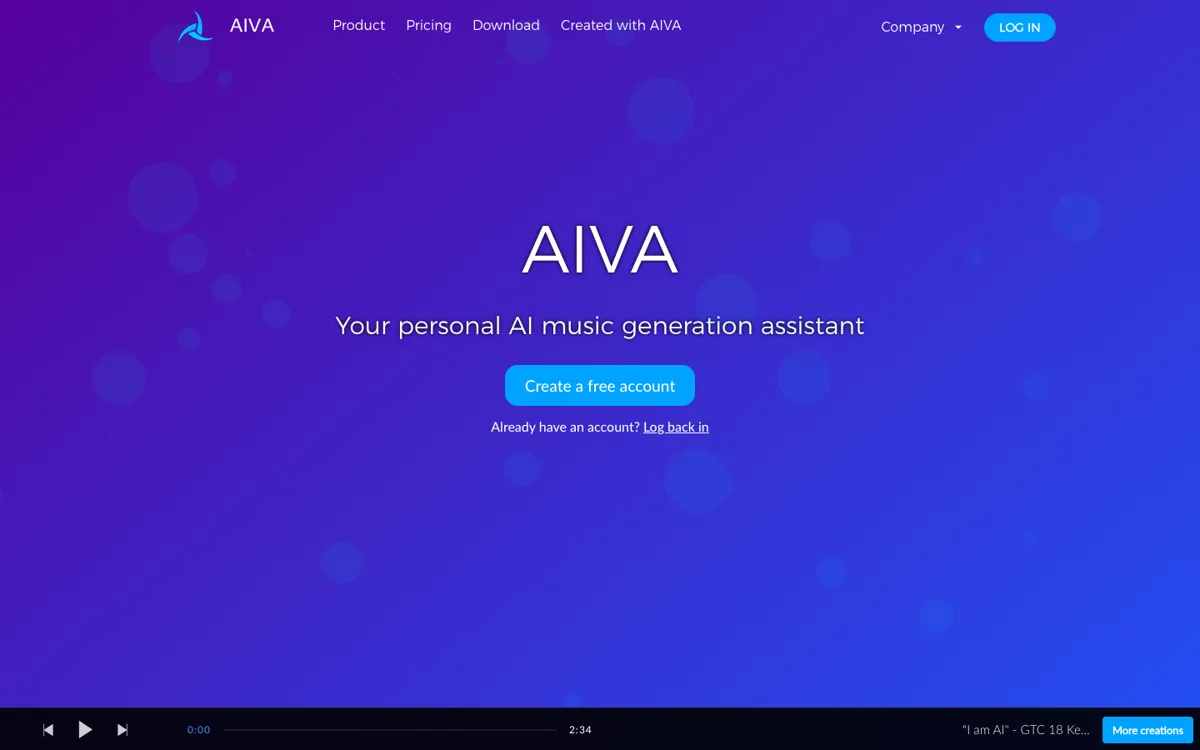
Official Website Snapshot Visit Site ↗

check_circle Pros

  • The official workflow goes beyond prompt-and-pray because you can upload audio or MIDI influence files and edit the generated track after it appears.
  • The pricing table explains licensing boundaries clearly, including where monetization is blocked, limited, or fully unlocked.
  • A free account exists without a credit card, so you can hear the output quality before paying.

cancel Cons

  • The free plan is tight at three downloads per month and tracks capped at three minutes, so it is easy to outgrow during real project work.
  • Rights are plan-dependent, which means you cannot assume a track is safe to monetize until you check the exact tier rules.
  • The public site shows editing and influence controls, but it does not surface deep production details like stems, DAW plugins, or public developer access for advanced workflows.

Should you use it?

Best for: Best for drafting soundtrack-style music for YouTube videos, games, student projects, or client mockups when you need something original faster than composing from scratch. It fits people who want to start from a style preset and then nudge the result with MIDI or audio influence.

Skip it if: Skip this if you need unrestricted commercial rights on a zero-budget plan, or if your workflow depends on deep production controls outside the browser. It is also a weak fit if you need long-form track volume quickly, because the free tier runs out fast.

Is it worth the price?

Freemium Starts at $11.00 EUR

The free plan is enough to judge whether AIVA's sound and editing flow fit your project, but not enough for sustained publishing work. If you need monetization rights or frequent exports, the pricing jump is really about licensing access and download headroom, not just nicer extras.

The Free Tier

3 downloads per month, tracks up to 3 minutes, non-commercial use, and credit required.

Paid Upgrade
€11/month billed annually

Paid plans raise download limits and remove credit requirements; Pro adds full monetization and user-owned copyright.

One thing to know before you start

Use the free tier to test two things first: whether the style presets get you close enough on the first pass, and whether the MIDI or audio influence tools actually reduce rework for your kind of project.

What people actually use it for

Drafting background music for short-form video

If you have a finished YouTube, TikTok, or presentation video and only need an original background track, AIVA covers the roughest part fast. You pick a style, generate a cue, and export a draft without hunting through stock libraries. The time saver is that you can get a starting point in seconds and then edit the track inside the same workflow. The catch is that free-plan rights and download limits make this more of a testing path than a serious publishing setup.

Building a quick music mockup for a game or film scene

AIVA makes more sense when you need to hand over a musical idea, not a final full production session. You can generate a cue in a target style, upload a MIDI or audio influence, and shape the output into something a teammate, client, or human arranger can react to. That shortens the blank-page phase. It is less compelling if your process depends on deep DAW-level control, stems, or a large batch of exports in one go.

Testing whether AI composition can replace stock music browsing

For someone tired of scrolling stock libraries, AIVA gives a practical comparison point. Instead of searching for a nearly-right song, you generate one and check whether the result is close enough to save time. This is where the free account is useful: you can test the sound and editing loop before paying. But once you need more than a few downloads or you want monetization without caveats, the free plan stops being a real operating mode.

What does AIVA actually do?

Finding music for a project usually breaks down in one of two ways. Either you write something yourself and lose hours before you even know whether the scene or video wants orchestral tension, ambient pads, or something brighter, or you dig through stock libraries and keep hearing tracks that are close but not right. AIVA is built to shorten that early composition loop. On the official site, the promise is concrete: generate songs in more than 250 styles in seconds. That matters because it moves the job from blank-page composing to fast auditioning. Instead of waiting until the end to discover the mood is wrong, you can hear a draft early and decide whether it deserves more work.

What makes AIVA more than a novelty button is the control layer shown on the homepage. You are not limited to one raw output and a download link. The product says you can create your own style models, upload an audio or MIDI influence, edit generated tracks, and export in different formats. In practice, that means the useful workflow is not just generation, but generation plus steering. If you already have a rough melodic idea, a reference file, or a scene-specific tone in mind, you can use that as input and reshape the output instead of starting over every time. That is the part that gives it real value for mockups, content drafts, and quick soundtrack experiments.

The main limitation is not hidden in fine print, which is good, but it is still a real limitation. AIVA separates casual testing from publishable use through licensing and plan caps. The free plan allows only three downloads per month, limits tracks to three minutes, blocks monetization, and requires credit. The Standard plan loosens some of that but still keeps copyright with AIVA and only allows monetization on a short list of platforms. Full ownership and unrestricted monetization only arrive on Pro. So if your real task is shipping music commercially at scale, you have to treat AIVA as a rights-sensitive tool, not just a music generator with prettier outputs.

What you can do with it

Generate new songs in more than 250 styles in seconds.
Upload an audio or MIDI influence to steer the composition.
Edit generated tracks after creation instead of taking a fixed output.
Download tracks as MP3, MIDI, or all formats on higher plans.
Monetize with broader rights on paid plans, with full copyright ownership on Pro.

Technical details

platform
Web app
deployment
Cloud
api_available
No public API or developer docs surfaced on the official site

Top Alternatives to AIVA

If AIVA is close but still misses the job, try one of these instead.

Key Questions

Is AIVA free enough to test properly?
Yes, for evaluation. The free tier lets you generate and download music without a credit card, but it is capped at three downloads per month, short track lengths, and non-commercial use.
Can you monetize music made with AIVA?
Yes, but only under certain plans. The free tier does not allow monetization, the Standard plan limits monetization to listed social platforms, and the Pro plan is the one that unlocks unrestricted monetization with user-owned copyright.
Does AIVA only spit out a finished track, or can you steer it?
You can steer it to a degree. The official site says you can upload audio or MIDI influence files and edit generated tracks after creation, which makes it more flexible than a pure one-click export tool.
Who gets the copyright on AIVA tracks?
It depends on the plan. On the free and Standard plans, the site says copyright remains with AIVA, while the Pro plan gives full copyright ownership to the user.