Flow Review

8.0/10

Google’s AI creative studio for generating, refining, and composing videos, images, and story scenes.

Review updated May 2026 By The AI Way Editorial Tested 133+ tools across the site 5 min read
Google Image-to-Image Text-to-Image Text-to-Video Web-Based Freemium from $19.99/mo

Our Verdict

Flow is the product to evaluate now, because Google has effectively retired Whisk as a standalone experience and moved visual generation into this broader creative studio. It is strongest when you want to keep shaping image and video ideas across several passes, but the credit system and subscription gates make it a heavier choice than a simple generator.

Try it
Free to start, then pay when the limits stop you. Starts at $19.99 USD.
open_in_new Try Flow
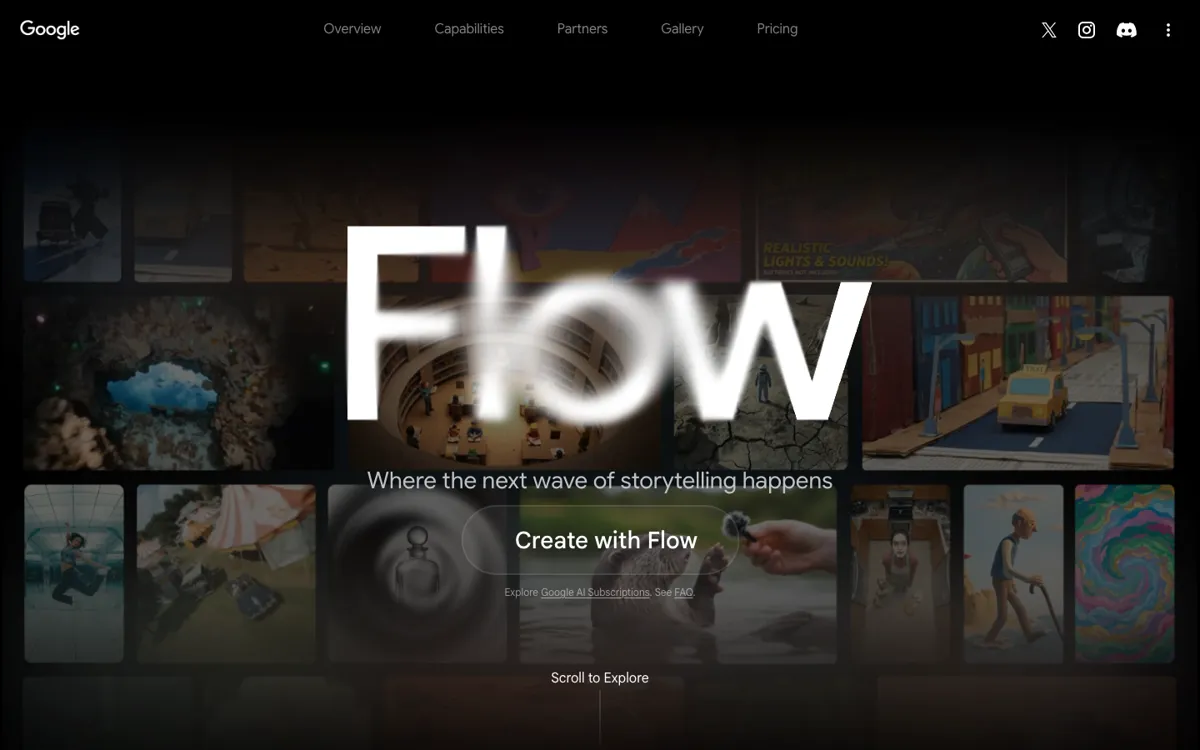
Official Website Snapshot Visit Site ↗

check_circle Pros

  • Google is clearly consolidating image and video generation here, so Flow looks like the stable product path rather than a side experiment.
  • The official workflow covers generation, refinement, and scene composition, which is more useful than a tool that only spits out one image at a time.
  • Paid tiers explain what extra headroom you get, including more credits and higher-resolution upscaling.

cancel Cons

  • Whisk no longer stands on its own, so older references to that product can mislead people about what they are actually signing up for.
  • The product is tied to monthly credits, which means experimentation can start to feel metered once you move past casual use.
  • The best output quality and headroom sit behind more expensive Google AI plans, so the free path is not where serious usage will stay.

Should you use it?

Best for: Creators who want to generate and iterate on story visuals, mood frames, and short-form video ideas across multiple steps instead of one prompt at a time.

Skip it if: Skip it if you only want a lightweight image generator with simple unlimited usage, or if you do not want your creative workflow tied to subscription credits.

Is it worth the price?

Freemium Starts at $19.99 USD

The free layer is enough to explore the interface, but the product is clearly designed to pull heavier users into Pro or Ultra once output volume and quality start to matter. It makes more sense for ongoing creative work than for casual image dabbling.

The Free Tier

Free users can access the product, but paid tiers are promoted for higher image generation limits and better upscaling.

Paid Upgrade
$19.99/month for Google AI Pro.

Pro adds 1,000 monthly credits, 1080p upscaling, and higher image generation limits; Ultra expands credits and 4K upscaling further.

One thing to know before you start

Treat Flow like a scene-building workspace, not just a prompt box. Its value shows up more when you keep iterating on the same idea than when you only run one generation and leave.

What people actually use it for

Storyboarding visual ideas

Start with rough prompts or source visuals, then keep adjusting scenes, objects, and framing when you need a sequence of related assets instead of one isolated image.

Short-form video concept development

Use image and video generation together when you are testing a creative direction, extending shots, or turning ingredients into a more complete motion idea.

Creative iteration for campaigns or pitches

Build several versions of the same concept when you need to compare directions quickly before committing to a full production workflow.

What does Flow actually do?

The biggest thing to understand about this task is that Whisk is no longer the live product you reach. Google now redirects that path into Flow and explicitly tells Whisk users that image and video generation have moved. That changes the evaluation completely. Instead of judging a narrow experiment, you are now looking at a broader creative studio that tries to keep generation, refinement, and scene composition in one place. For someone exploring visual ideas, that matters because the job is rarely finished after the first prompt. You usually need to change the framing, swap objects, extend the shot, or turn one still concept into a sequence that can support a pitch, a storyboard, or a short video direction.

Flow’s official page is strongest when it shows that this is not just an image generator with a fancier landing page. The language around creating, refining, and composing points to a multi-step workflow, and the capability list backs that up with ingredients-to-video, frames-to-video, scene building, video extension, object insertion and removal, plus upscaling at higher plans. That means the product is trying to own the messy middle of creative work, where you are still shaping an idea rather than simply exporting a final asset. If your work depends on iteration, that is much more useful than a tool that only gives you one result per prompt and leaves the rest to another app.

The main limitation is economic, not conceptual. Google makes the free path available, but the official pricing page clearly reserves bigger credit pools, higher image generation limits, and better upscaling for paid tiers. In practice, that means Flow is not the kind of playground where you can forget about usage pressure if you generate heavily. It is better suited to creators, marketers, and visual teams who know they will revisit it often enough to justify the subscription tradeoff. If you just want unlimited casual image generation, or if you dislike credit math in the middle of a creative session, Flow will feel restrictive faster than simpler free tools.

What you can do with it

Generate high-fidelity images and videos from scratch or transform existing visuals into new concepts.
Refine scenes by swapping objects, extending shots, and iterating on visuals with more control than one-shot prompting.
Compose stories with ingredients-to-video, frames-to-video, and scene-building workflows on one platform.
Upscale outputs at higher tiers, with 1080p options on Pro and 4K image and video upscaling on Ultra.

Technical details

platform
Web-based creative studio on labs.google/fx.
deployment
Hosted Google web product tied to Google account and Google AI subscription tiers.
api_available
No public API mentioned on the official pages reviewed.

Top Alternatives to Flow

If Flow is close but still misses the job, try one of these instead.

Key Questions

Is Whisk still the real product here?
No. The live Google experience now routes Whisk users into Flow and explicitly says image and video generation moved there, so Flow is the product that should be evaluated today.
What does Flow actually do better than a basic generator?
It is built for iteration. The official page emphasizes generating, refining, and composing scenes across images and videos, which is more useful when one prompt is only the start of the job.
Can you use Flow for free?
Yes, but with limits. Google’s pricing page makes clear that free users exist, while paid tiers unlock more credits, higher generation limits, and better upscaling, so serious usage will hit the paid boundary quickly.
Who gets the most value from Flow?
People shaping creative sequences rather than one-off pictures. It fits better when you need multiple passes on scenes, frames, or short video concepts than when you just want a single fast image output.