EssayGrader AI Review

8.1/10

An AI essay grading platform for teachers with rubric-based scoring, feedback reports, and LMS imports.

Review updated May 2026 By The AI Way Editorial Tested 99+ tools across the site 5 min read
EssayGrader Grammar Checker Web-Based Freemium

Our Verdict

EssayGrader AI is most valuable when a teacher has enough essay volume that consistent feedback becomes impossible to maintain by hand. Its real strength is not just speed, but the combination of rubric-based grading, bulk imports, student-facing reports, and class-level writing insights in one workflow built around actual school systems. But it only makes sense if you are comfortable letting software take the first pass on writing quality, because teams or teachers who want every score and comment to originate manually may feel more friction than relief.

Try it
Free to start, then pay when the limits stop you.
open_in_new Try EssayGrader AI
Official Website Snapshot Visit Site ↗

check_circle Pros

  • The workflow is tightly matched to real school grading, with rubric upload, class organization, LMS imports, and exportable feedback instead of generic writing-tool features.
  • It supports bulk grading and rubric-aligned reports, which is much more useful than a chat-based writing tool when the real problem is turnaround time across many student essays.
  • The feature set covers both grading and integrity checks, including plagiarism and AI-writing detection, so teachers do not need a separate checker for every essay batch.

cancel Cons

  • The product is specialized enough that it can feel heavy if you grade essays only occasionally or in small numbers.
  • Teachers still need to trust, review, and sometimes adjust AI-generated scores and comments, which means it reduces grading labor but does not remove teacher judgment.
  • The captured public pricing information does not surface a clean entry price, which makes the upgrade path less transparent than the feature list itself.

Should you use it?

Best for: Best for teachers and school teams who grade large numbers of essays against rubrics and want faster turnaround without dropping detailed student feedback.

Skip it if: Skip this if you only grade a few essays at a time or if you do not want AI involved in the first pass of scoring and comments.

Is it worth the price?

Freemium

The free plan is useful if your goal is to test grading quality, rubric fit, and classroom workflow before committing. The real decision point is not a flashy AI add-on, it is whether essay volume is high enough that faster grading and exportable feedback save enough teacher time to justify adoption.

The Free Tier

Homepage explicitly says Get started for free, but the captured public pricing page does not clearly expose usage limits in the available text.

Paid Upgrade
Contact for pricing

Paid plans likely expand grading scale and advanced workflow features, but the captured pricing text did not expose a clean public breakdown.

One thing to know before you start

Start with one rubric and one real class set before importing your whole writing program. You will learn faster whether the rubric interpretation and feedback style match your expectations when you test against work you have already graded yourself.

What people actually use it for

Returning rubric-based essay feedback faster for revision cycles

EssayGrader fits when a teacher needs to move from draft submission to feedback quickly enough that students can still revise while the assignment is fresh. The combination of rubric upload, bulk grading, and student-facing feedback reports matters here because it shortens the dead time between writing and revision. That is especially useful in writing-heavy classes where the real bottleneck is not collecting essays, but getting enough specific comments back in time to improve the next draft.

Handling large class sets without reducing comments to generic shorthand

A teacher with 100 or more essays often has to choose between speed and usable feedback. EssayGrader is better suited to that pressure than a generic grammar tool because it grades against rubrics and produces reports tied to scoring criteria. The value is not just that it grades fast, but that it keeps the feedback connected to classroom standards. It is less compelling when class volume is small enough that manual grading is still sustainable.

Checking originality and AI-written patterns during essay review

The product becomes more valuable when grading and integrity checks need to happen in the same pass. Because plagiarism and AI-writing detection are built into the wider grading workflow, teachers can review quality and originality together instead of hopping across separate tools. That saves more time for schools running frequent written assignments, but it still requires teacher review when a flag could affect how a student submission is interpreted.

What does EssayGrader AI actually do?

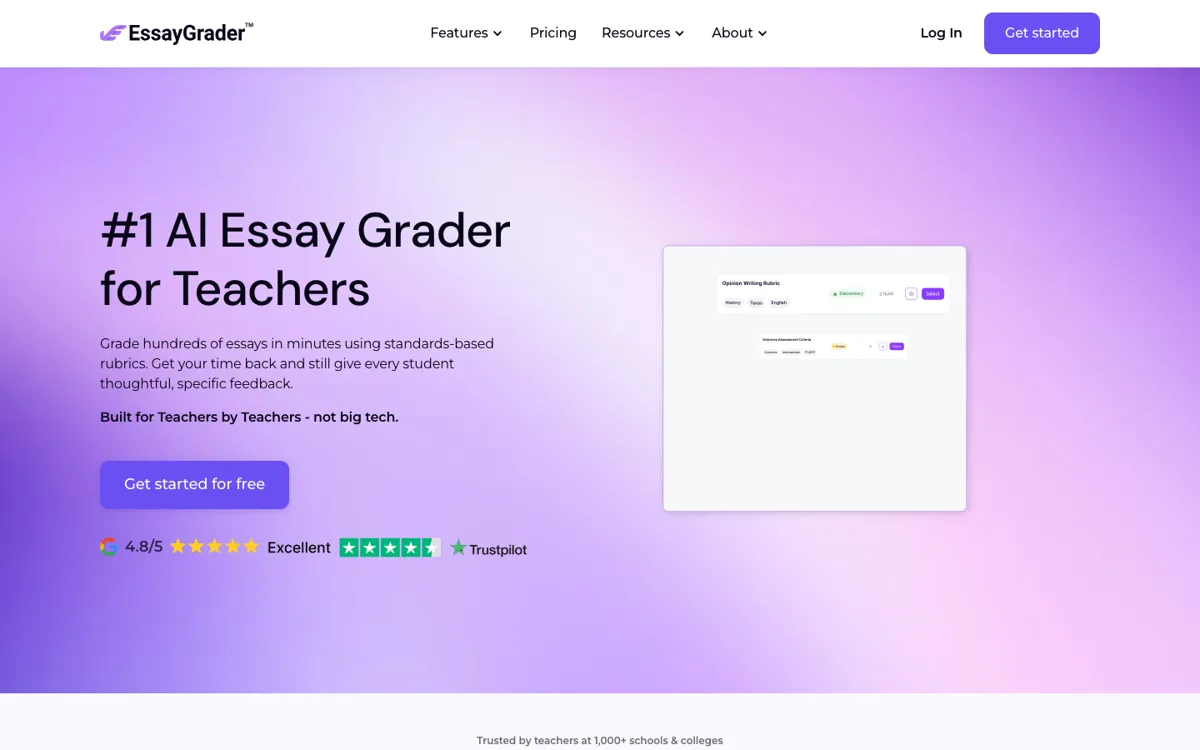
EssayGrader is solving a very specific teacher problem: the more essays you assign, the harder it becomes to return specific, standards-based feedback quickly enough for students to use it. The homepage is unusually concrete about this. It shows rubric selection, class imports, grading status, score distribution, criterion-level comments, and student-facing reports, which makes the core job obvious. This is not a broad AI tool for education in general. It is a grading workflow for teachers who need to process entire class sets without shrinking feedback into vague margin notes or delaying revision until students have already mentally moved on from the assignment.

The product is strongest when a school or teacher already grades through structured rubrics. Features like bulk upload, custom rubrics, a 500-plus rubric library, Google Classroom integration, Canvas integration, plagiarism detection, AI-writing detection, and performance insights all support the same loop: bring essays in, score them against a known standard, generate comments, and return results at scale. That makes the tool more practical than a generic writing assistant because the output is tied to classroom scoring logic rather than just sentence improvement. The dashboard and class organization features also suggest this is built for repeated grading cycles, not one-off experiments.

The tradeoff is that EssayGrader still assumes a teacher wants oversight. The testimonials and product framing both point to time savings, but they also emphasize editing feedback, checking scores, and keeping the human in charge of final judgment. That is the right boundary, but it means the product is less useful for someone hoping to remove themselves from the evaluation process entirely. It also looks most justified when assignment volume is consistently high. If essay grading is only occasional, the setup of rubrics, classes, and imports may feel like extra operational weight instead of relief.

What you can do with it

Grade large batches of essays against uploaded or built-in rubrics.
Import submissions from Google Classroom, Canvas, Google Drive, and OneDrive.
Generate feedback reports with rubric breakdowns, comments, and improvement suggestions.
Flag AI-generated writing and possible plagiarism inside student submissions.
Track class, assignment, and student-level writing performance from one dashboard.

Technical details

platform
Web app
deployment
Cloud
api_available
No public API mentioned

Top Alternatives to EssayGrader AI

If EssayGrader AI is close but still misses the job, try one of these instead.

Key Questions

Is EssayGrader mainly a writing helper or a grading system for teachers?
It is mainly a grading system. The homepage centers on rubrics, class imports, bulk grading, feedback reports, and export workflows rather than open-ended writing help for students.
Can teachers use their own grading standards?
Yes. Custom rubrics are a core feature, and the site also highlights a large rubric library aligned to state, national, and international standards.
Does it work with school tools teachers already use?
Yes, at least on the integrations named publicly. The site explicitly lists Google Classroom, Canvas, Google Drive, and OneDrive in the import workflow.
Who gets the least value from EssayGrader?
Teachers who grade small essay volumes or want every score and comment to be written fully by hand will get less value. The product is built for scale, rubric consistency, and faster turnaround.