Quizizz AI Review

7.9/10

Generate quizzes, lessons, and classroom materials from prompts, links, PDFs, and slides.

Review updated May 2026 By The AI Way Editorial Tested 99+ tools across the site 6 min read
Wayground Free Forever Lesson Planning No Credit Card Required Web-Based Freemium

Our Verdict

Quizizz AI is most useful when a teacher already has source material and needs to turn it into quizzes, slides, or differentiated classwork without rebuilding everything by hand. Its real value is that the generation step stays attached to delivery, accommodations, and assessment inside Wayground instead of stopping at raw text output. But if you only want a lightweight AI writer or a single quiz draft, the platform can feel heavier than the task and some of the strongest reporting and grading features sit behind school plans.

Try it
Free to start, then pay when the limits stop you.
open_in_new Try Quizizz AI
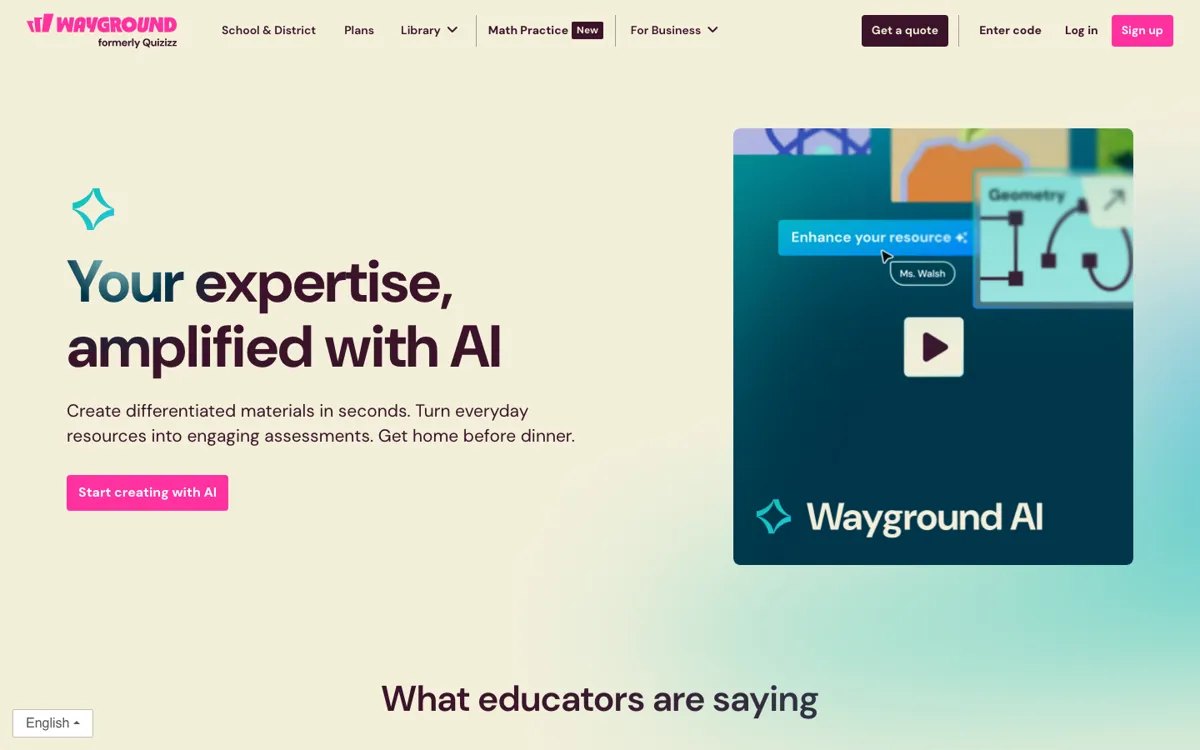
Official Website Snapshot Visit Site ↗

check_circle Pros

  • It can turn prompts, links, PDFs, DOCs, and PPTs into multiple classroom resource formats instead of making you re-enter the same material by hand.
  • The generated work stays inside the same system used for assignments, presentations, flashcards, and interactive checks, which cuts the usual copy-paste step between tools.
  • Wayground ties AI generation to classroom accommodations like Read Aloud and translations, so differentiation is closer to the output instead of being a separate cleanup pass.

cancel Cons

  • The free teacher plan is broad, but the plans page still marks some resource limits and advanced school-level capabilities as restricted or quote-based.
  • Quizizz AI makes most sense inside the larger Wayground workflow, so it is less appealing if you only need a standalone text generator or occasional quiz draft.
  • Official pages emphasize classroom outputs and admin reporting more than low-level model controls, which limits how much precision a power user can directly tune.

Should you use it?

Best for: Best for turning an article, slide deck, worksheet, or chapter notes into quizzes, lessons, flashcards, and differentiated class materials right before teaching. It fits teachers who want AI generation tied directly to assignment delivery rather than copied out of a general chatbot.

Skip it if: Skip this if you only need a simple one-off AI writer or quiz prompt helper and do not want the surrounding classroom platform. Also skip it if your buying decision depends on public self-serve pricing for full school features, because the paid school tier routes you to a quote.

Is it worth the price?

Freemium

Individual teachers can test the core workflow without paying, which is enough to see whether AI-generated classroom materials save real prep time. The paid jump matters once you need broader question coverage, full AI grading, admin analytics, shared school setup, or district-wide accommodation controls.

The Free Tier

Free for every teacher, forever, but some question types, activity storage, and higher-tier school capabilities stay limited.

Paid Upgrade
School and district plans require a quote rather than a public monthly starting price.

Paid school plans unlock all question types, full AI grading, shared library controls, admin insights, integrations, and centralized accommodation setup.

One thing to know before you start

Start with an existing PDF or slide deck instead of a blank prompt. The strongest official examples begin with material you already teach, then turn it into a quiz, lesson, or flashcard set instead of asking the tool to invent a full curriculum from scratch.

What people actually use it for

Turn a chapter handout into a full class packet

Upload a PDF or slide deck you already planned to teach, then let Quizizz AI spin it into quizzes, flashcards, passages, or presentations that match the same lesson. This is where it saves the most time, because the teacher is not starting from zero. The gain is bigger when the same source needs several output formats, but it is less compelling if all you wanted was a short worksheet idea.

Differentiate one lesson for mixed reading needs

When one class needs the same concept delivered at different levels, Wayground’s AI can adapt material while the platform layers in supports like Read Aloud and translation. That cuts a common prep bottleneck where teachers duplicate and simplify resources by hand. It is still best when you already know the lesson target, not when you need the tool to decide the pedagogy for you.

Refresh old quiz questions before reteaching

If you already have a bank of stale questions, the AI tools can reword them, change question type, fix grammar, or generate close variants for another run through the topic. That is useful when a teacher needs a quick second version without rebuilding an assessment from scratch. It is weaker as a pure analytics tool if your main goal is deep item analysis outside the wider Wayground platform.

What does Quizizz AI actually do?

A lot of teaching prep is not conceptually hard, but it is repetitive in the worst possible way. A teacher already has the article, chapter excerpt, worksheet, or slide deck, then still has to turn that source into a quiz, a quick warm-up, a homework assignment, and some alternative version for students who need reading support. That often means copying chunks into separate tools, rewriting the same questions, and manually simplifying language before class starts. Quizizz AI is aimed at that exact bottleneck. The official pages keep coming back to the same promise: start with material you already have, then generate standards-aligned resources fast enough that the prep work no longer eats the evening.

What makes the product more useful than a plain chatbot is that generation is tied to delivery. Wayground says teachers can upload prompts, links, PDFs, DOCs, and PPTs, then create quizzes, lessons, flashcards, passages, videos, worksheets, and rubrics from that source. On the plans page, those outputs sit alongside live and student-paced delivery, accommodations like Read Aloud, and school-level features such as AI grading and reporting. In practice, that means the tool is not only helping you draft content. It is helping you move one teaching asset through several classroom formats without leaving the system every time you need a new version.

The limitation is that Quizizz AI is strongest when you buy into the larger Wayground workflow. If your need is narrowly scoped, like generating a single set of questions from a reading passage once in a while, a full classroom platform may feel heavier than necessary. The official plans page also puts the most advanced admin, grading, and integration benefits in school or district plans rather than the forever-free teacher tier. So the product is easiest to justify for teachers and schools that want content generation, accommodations, and delivery in one place, not for someone shopping for a barebones AI text tool with transparent self-serve pricing on every advanced feature.

What you can do with it

Generate quizzes, lessons, flashcards, passages, and videos from prompts, links, or uploaded files.
Adapt one source into differentiated classroom materials for different learning needs.
Add accommodations such as Read Aloud and translation support inside assigned resources.
Turn existing questions into alternate versions, simpler language, or grammar-corrected drafts.
Deliver materials through assessments, presentations, flashcards, and interactive videos in the same platform.

Technical details

platform
Web app
deployment
Cloud
api_available
No public API mentioned on the official product pages reviewed

Top Alternatives to Quizizz AI

If Quizizz AI is close but still misses the job, try one of these instead.

Key Questions

Can Quizizz AI build materials from files teachers already use?
Yes. The official pages say it can generate content from prompts, web links, and files such as PDF, DOC, and PPT materials. That matters most when you already have source material and want faster conversion into class-ready formats rather than a blank-page generator.
Is the free version enough to test whether it fits a classroom?
Yes for individual evaluation. Wayground says the Basic plan is free for every teacher with no credit card required, but some question types, storage, and advanced school-level features remain limited, so it is better for proving the workflow than for evaluating district-wide rollout.
What does Quizizz AI generate besides quizzes?
It goes beyond quizzes. Official product pages list lessons, flashcards, passages, presentations, videos, worksheets, rubrics, and other resource types, which is why it is closer to a classroom content engine than a single quiz maker.
Who gets the most value from this product?
Teachers and schools that repeatedly turn the same source material into several classroom formats get the clearest payoff. If you only need occasional AI drafting and do not want the surrounding delivery platform, the tool may be more than you need.