Dubbing AI Review

7.7/10

A real-time AI voice changer and soundboard for gaming, streaming, chats, and meetings.

Review updated May 2026 By The AI Way Editorial Tested 99+ tools across the site 6 min read
Dubbing AI Mac App Real-Time Voice Cloning Windows App Freemium

Our Verdict

Dubbing AI is easiest to justify when you want a live voice changer that can sit between your mic and the apps you already use, because its pitch is not about polished studio dubbing, it is about real-time character voices, meme sounds, and low-friction social play. The tradeoff is that the site sells breadth and fun much more clearly than it explains the paid plan in concrete numbers.

Try it
Free to start, then pay when the limits stop you.
open_in_new Try Dubbing AI
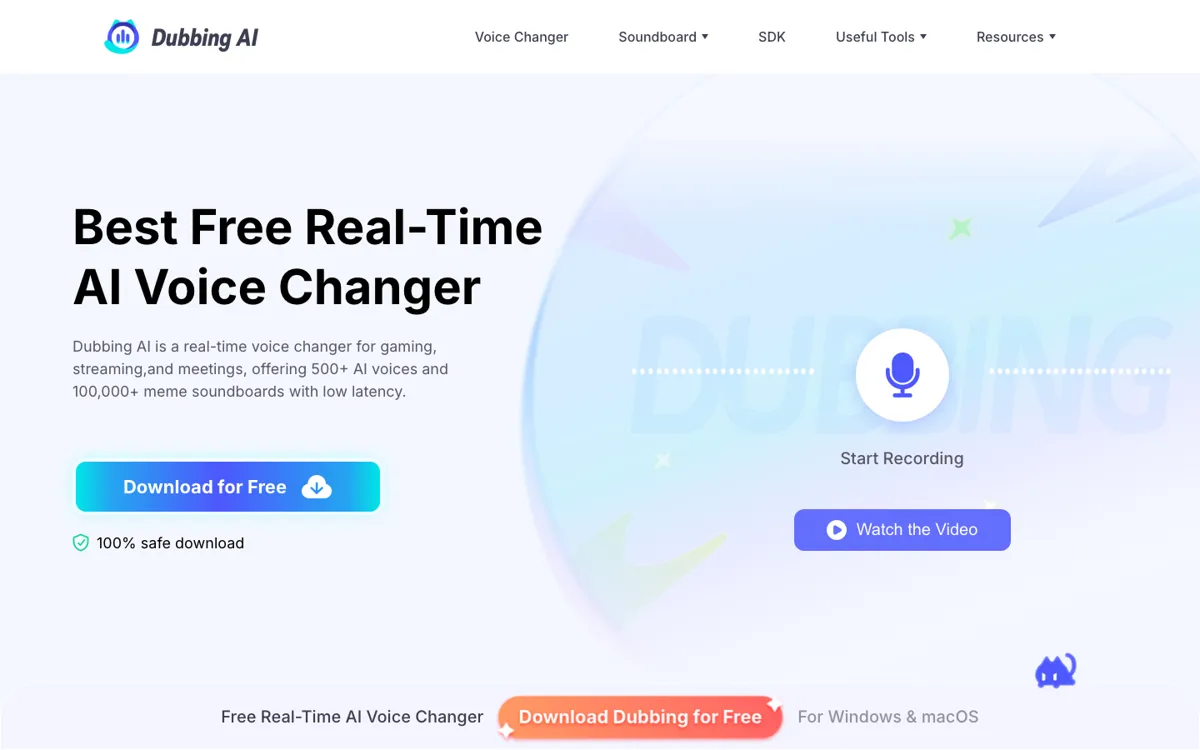
Official Website Snapshot Visit Site ↗

check_circle Pros

  • The live use case is unusually clear, with official setup guidance for routing its virtual device into games, chat apps, and web-based calls.
  • It covers more than voice swapping, adding soundboards, community sounds, voice cloning, and app-specific setup pages that make the product feel like a broader live-audio toolkit.
  • The free entry point looks real rather than symbolic, because the official FAQ says free users get rotating voices every day before paying to unlock the full catalog.

cancel Cons

  • Public pricing is not very concrete, so you can confirm there is a subscription unlock but not easily judge the ongoing cost from the official pricing HTML alone.
  • A lot of the marketing leans on huge catalog numbers and app lists, which makes the main evaluation question voice quality and routing stability on your own setup rather than something the site proves deeply.
  • If you need finished dubbed audio or scripted post-production control, this product is pointed at live interaction first, not editing-heavy post-production work.

Should you use it?

Best for: Best for gamers, streamers, VTubers, and Discord-heavy creators who want to change their live mic output in real time, trigger meme sounds, and experiment with character voices during play or broadcasts.

Skip it if: Skip this if your main job is producing polished dubbed tracks, narrations, or multilingual post-production audio, because Dubbing AI is positioned around live mic transformation and soundboard use rather than offline editing control.

Is it worth the price?

Freemium

The free tier seems good enough to test the routing, latency, and general fun factor, which matters here because the real purchase decision is not abstract feature count. It is whether the voices hold up in your own live setup well enough that you want full-time access instead of rotating freebies.

The Free Tier

Official FAQ says at least 10 voices rotate daily for free, plus 15 other voices switch weekly for trial access.

Paid Upgrade
Contact for pricing

Subscription unlocks all voice characters beyond the rotating free selection.

One thing to know before you start

Test it first in the exact app chain you care about, especially Discord, OBS, or your game voice chat, because routing friction matters more here than headline voice count.

What people actually use it for

Live game voice role-play

Use Dubbing AI when you want your microphone to sound like a specific character while you are already inside games such as Valorant, Fortnite, CS2, Roblox, or VRChat. The point is not to render a polished file later. It is to speak live through the virtual device and change the social feel of the session in the moment.

Streaming with meme sound triggers

It also fits creators who want a fast way to layer reactions into a live stream. The official site pushes large soundboard and community-sound libraries, so the practical use case is mixing voice changes with instant audio stings for Twitch, YouTube, or Discord streams without building a separate audio stack first.

Testing character voices before paying

The freemium setup makes sense for people who mainly need to find out whether the routing works, the latency feels acceptable, and the character voices land in their own setup. The rotating free voices are enough to answer that evaluation question before deciding whether full catalog access is worth a subscription.

What does Dubbing AI actually do?

The first thing Dubbing AI gets right is product clarity. It does not bury the lead behind general AI audio language. The homepage repeatedly points you toward live use, especially gaming, streaming, chats, and meetings, and the setup instructions explain the practical mechanism: install the desktop app, turn on the voice changer, and choose the Dubbing Virtual Device as your input in the target app. That is important because a lot of voice AI pages blur together once they start talking about cloning, multilingual support, or creator tools. Here, the core action is concrete. You are changing the mic signal you are about to send into Discord, Zoom, OBS, Steam, or a game, not producing a finished voice asset for later editing.

The second thing worth noting is how broad the package is around that core action. Official pages claim 500 plus AI voices, 100,000 plus meme soundboards, support for more than 40 languages, community sounds, voice cloning, and platform coverage across desktop, mobile, and VR or AR. There is also a low-resource claim that the app runs only on CPU at around 2 to 3 percent usage, with much heavier competitors used as contrast. That combination matters because live voice software fails when it feels heavy, fiddly, or too narrow after the joke wears off. Dubbing AI is clearly trying to position itself as something you keep installed for repeated live sessions, not just a one-time novelty download.

The main hesitation is pricing and proof depth. Official FAQ text confirms a freemium model, including rotating free voices and a subscription that unlocks the full set, but the public pricing surface is much less concrete than the feature marketing. That means the smartest way to judge it is not by catalog size alone. It is by whether the free access is enough to test your actual stack: mic routing, echo handling, latency feel, voice quality, and how well it behaves in the exact apps where you plan to use it. If that live setup works smoothly, the product case is straightforward. If not, no amount of voice count or soundboard scale will rescue it.

What you can do with it

Real-time voice changing for games, chats, streams, and meetings.
500+ AI voices and 100,000+ meme soundboards on the official site.
Voice cloning, community sounds, and custom soundboard building.
Virtual microphone routing for apps like Discord, Zoom, OBS, Steam, and VRChat.

Technical details

platform
Windows, Mac, Android, iOS, VR/AR
deployment
Desktop app with virtual audio device, plus SDK/API services
api_available
Yes

Top Alternatives to Dubbing AI

If Dubbing AI is close but still misses the job, try one of these instead.

Key Questions

Is Dubbing AI actually free to use?
Yes, but only in a limited freemium sense. The official FAQ says everyone gets rotating free voices every day, while the subscription unlocks the full set of voice characters.
What kind of work is Dubbing AI best at?
It is best at live voice transformation, not polished post-production. The clearest official use cases are gaming, streaming, chats, meetings, and routing a changed mic signal into apps like Discord, Zoom, OBS, and Steam.
Does Dubbing AI only work on Windows?
No, the official site claims broader platform coverage. Public copy says it supports Windows, Mac, Android, iOS, and VR or AR, although the hands-on setup flow is still centered on the desktop app and virtual device.
What should you test before paying for Dubbing AI?
Test the routing and live feel first. The most important questions are whether the virtual device works cleanly in your target apps, whether latency feels acceptable during real conversation, and whether the rotating free voices are good enough to justify unlocking the full catalog.