What does clicky actually do?
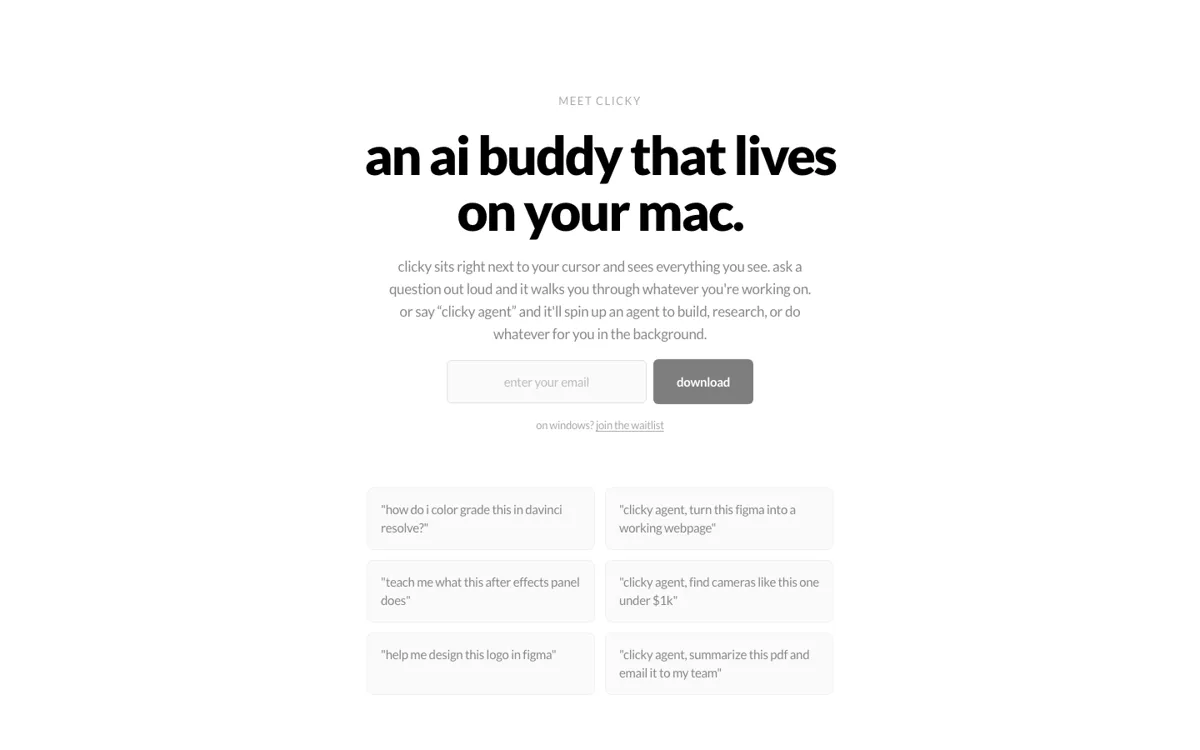
A lot of AI tools still assume the work starts when you open their tab. That breaks down fast on a real desktop, where the actual task is already spread across a browser, a calendar, a mail window, a document, and whatever else is open. The newsletter description of Clicky is useful because it gives one concrete picture instead of a vague promise: it can run Gmail, Calendar, and Drive by voice. That tells you the product is meant to sit close to everyday tool use. The official site goes one level wider and positions it as an AI buddy living on your Mac, which suggests the deeper pain it is trying to solve is context switching, not just one missing shortcut.
What makes Clicky more distinctive than a normal assistant is the screen-context angle. The homepage says it sees what you see and helps you build or research from there, which is a very different posture from a chatbot that waits for you to paste context in manually. That can be useful if your task depends on what is already open in front of you, because the assistant starts from the same working surface instead of forcing another handoff. The newsletter’s Google app example helps make the product feel less abstract, because it shows the kind of cross-tool action the product is meant to take inside a normal workday.