What does Clay actually do?
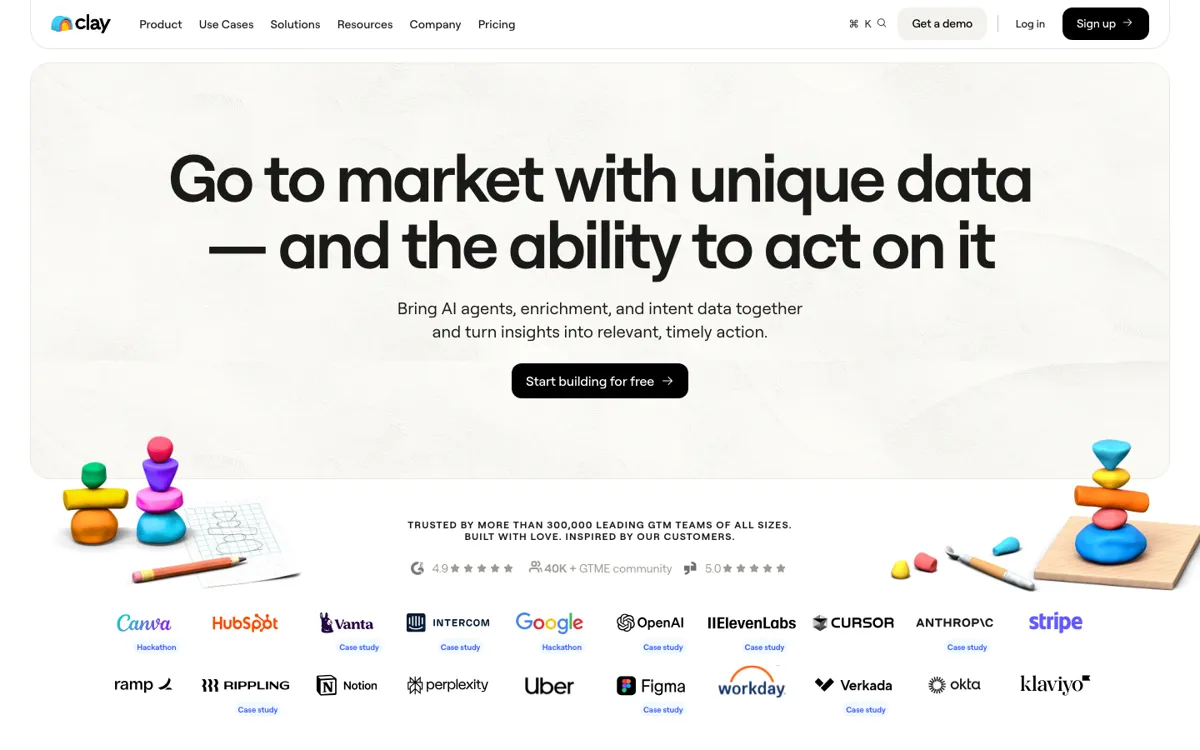
A lot of GTM teams do not really have a prospecting problem. They have a data coordination problem. One workflow starts in a CRM, another in LinkedIn, another in a spreadsheet, and then somebody manually checks two or three enrichment tools, rewrites fields, and pushes the result into a sequencer. Clay's homepage is clearly aimed at that mess. It talks about CRM enrichment, multi-provider waterfalls, AI-led research, intent signals, and automated action rather than just selling access to a static contact database. The practical pain point is that revenue teams waste hours deciding who to target, cleaning records, and moving data between systems before any useful outreach or routing even starts.
Clay's answer is to become the layer where enrichment, research, and workflow logic meet. The fetched pages point to 150+ data providers, Claygent AI with web research access, AI formatting, webhook automation, HTTP API connections, CRM auto-sync, sequencer support, and waterfall logic that searches multiple sources in order. In plain terms, a team can bring records into one table, enrich them, classify or summarize them with AI, and then send the result into the next GTM step without rebuilding the process across five tools. That is why Clay is more than just a list builder. It behaves more like an operating workspace for GTM data, especially when a team needs to mix several vendors and automate what happens after enrichment.