Wingbits AI Review

8.2/10

Create aircraft-monitoring agents that send real-time alerts and reports to Slack, Teams, or email.

Review updated June 2026 By The AI Way Editorial Tested 311+ tools across the site 5 min read
Wingbits AI Agents Autonomous Agents Free Forever Real-Time Slack Web-Based Freemium from $25.00/mo

Our Verdict

Wingbits AI is worth opening when the job is to watch the sky for a specific aviation signal and get told when it happens. Its edge is turning live aircraft data into recurring agents for GPS jamming, airport disruption, VIP aircraft activity, or regional monitoring. The catch is focus: if you cannot define the aircraft, region, event, or alert condition, the product has less room to help.

Try it
Free to start, then pay when the limits stop you. Starts at $25.00 USD.
open_in_new Try Wingbits AI
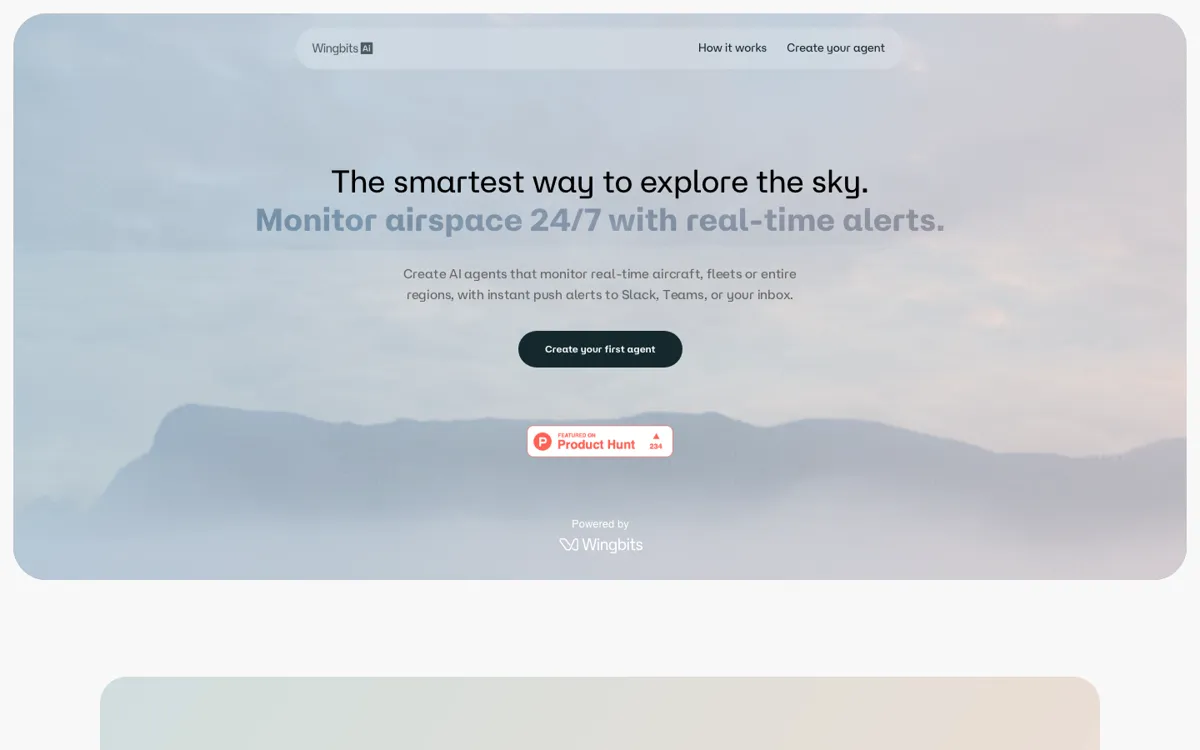
Official Website Snapshot Visit Site ↗

What people actually use it for

Track GPS jamming and airspace disruption

Wingbits AI fits aviation and security teams that need to know when GPS jamming appears in a region such as the Gulf. Instead of manually refreshing a map or running the same query, the user can set an agent to watch the condition and push an alert when the signal appears.

Send airport operations reports without manual map checks

Airport ops and travel-monitoring teams can ask for daily reports on delays and diversions at a specific airport such as JFK. The useful part is not the map alone; it is the scheduled report that turns changing aircraft activity into something a team can read and act on.

Watch VIP aircraft or fleet activity

Journalists, investigators, and analysts can monitor a VIP list, operator, or fleet and get notified when an aircraft becomes active. This use case depends on having a defined list or target, but that is exactly where an agent is more useful than a broad flight-search interface.

Spot unusual local aircraft patterns

Monitoring helicopter activity over Beverly Hills and alerting on spikes shows the product's best pattern. Pick a place, define the signal, and let the agent watch for change instead of asking a person to keep checking.

check_circle Pros

  • The use cases are sharp enough to judge quickly: GPS jamming, airport delays, VIP lists, helicopter spikes, fleets, and whole regions.
  • Delivery to Slack, Teams, and email makes the alerts usable for teams that already live outside flight-tracking dashboards.
  • The free tier gives a low-risk way to test one pre-built agent before paying for custom agents and automated checks.
  • Paid tiers tie value to concrete limits, including custom agents, automated checks, chat messages, and monitoring frequency.

cancel Cons

  • The product is narrow: it only makes sense if aircraft activity is a real signal in your work.
  • The free plan is mainly a trial lane, because it has one pre-built agent, 20 chat messages, and manual runs only.
  • Enterprise data such as VIP or OSINT aircraft access requires approval, so high-stakes investigation use cannot assume every source is instantly available.
  • The public site does not expose a self-serve API, which limits teams that want to wire the aviation signal into their own backend first.

Should you use it?

Best for: Monitoring aircraft, fleets, airports, airspace regions, GPS jamming, VIP aircraft lists, or unusual local activity when the result needs to arrive as an alert or scheduled report.

Skip it if: Skip it if you only want to browse flights casually or ask broad travel questions. Wingbits AI earns its keep when there is a specific aviation condition to watch repeatedly.

Is it worth the price?

Freemium Starts at $25.00 USD

The free plan is enough to test whether the aviation data and agent framing match your job, but it is not enough for serious monitoring because it has one pre-built agent and manual runs only. Starter becomes the practical entry point when you need custom agents, automated checks every 5 minutes, and Slack or email delivery. Pro is the better signal when airport-level or region-level monitoring and 1-minute checks matter.

The Free Tier

Explorer is free forever with 20 chat messages, 1 pre-built agent, manual runs only, and community support.

Paid Upgrade
$25/month

Starter adds 200 chat messages, up to 5 custom agents, 1,500 automated checks running every 5 minutes, Slack / Email delivery, and priority support.

One thing to know before you start

Start with one alert that would change what you do that day, not a curiosity query. A GPS-jamming region, JFK diversion report, VIP list activation, or helicopter spike is a better test than asking the map a broad question.

What does Wingbits AI actually do?

Wingbits AI has a clearer job than many agent launches because the monitored world is not vague. The user is not asking a chatbot to reason over a generic document set. The user asks for something visible in aviation data: a plane, a fleet, an airport, a region, GPS jamming, TCAS alerts, delays, diversions, or unusual helicopter activity. The product then turns that request into a watch task. That matters because flight-data work often fails through repetition. A person can find one aircraft on a map, but the real work is noticing the next movement, the next spike, or the next regional event without checking every hour.

The pricing is unusually concrete. Explorer gives 20 chat messages, one pre-built agent, manual runs, and community support. Starter moves to 200 chat messages, up to 5 custom agents, 1,500 automated checks that can run every 5 minutes, plus Slack and email delivery. Pro raises the ceiling to 2,000 chat messages, 30 custom agents, 15,000 automated checks, 1-minute frequency, and airport-level or region-level queries. Those limits make the upgrade logic easy to understand: pay when the job shifts from testing one idea to keeping multiple alerts alive.

The product is strongest for people who already know the aviation signal they care about. A newsroom tracking aircraft tied to a story, an airport team watching disruption, an analyst monitoring GPS jamming, or an operator watching a fleet can all describe a concrete trigger. Casual users may enjoy the live map, but the agent layer is less compelling if there is no repeated condition to monitor. The Enterprise / Media tier also makes the boundary visible: VIP or OSINT aircraft data needs approval, and organization-wide alerts require a heavier setup with SSO, SLA, dedicated Slack support, and custom monitoring frequency.

What you can do with it

Create agents from plain-English aviation monitoring requests, including aircraft, fleets, airports, regions, or event types.
Receive alerts, custom reports, or analysis in Slack, Teams, or email.
Track examples such as GPS jamming, airport delays and diversions, VIP aircraft activity, and local helicopter spikes.
Explore a live map with aircraft filters, GPS jamming, TCAS alerts, historical playback, operator history, altitude, seats, and engine filters.
Run automated checks as often as every 5 minutes on Starter or every 1 minute on Pro.
Use Enterprise / Media options for whitelabel alert systems, VIP or OSINT aircraft data access, SSO, SLA, and newsroom-wide alerts.

Technical details

platform
Web-based agent setup backed by Wingbits' aviation data surface, with a live map for real-time aircraft filters, GPS jamming, TCAS alerts, and historical playback.
deployment
Cloud-hosted app with alert delivery to Slack, Teams, and email; Enterprise / Media adds SSO, SLA, dedicated Slack support, and custom monitoring frequency.
api_available
No self-serve API is exposed in the public product surface; the buying path centers on agents, alerts, reports, and delivery integrations rather than developer endpoints.

Top Alternatives to Wingbits AI

If Wingbits AI is close but still misses the job, try one of these instead.

Key Questions

What does Wingbits AI monitor?
It monitors aircraft activity and airspace signals. The public examples include specific aircraft, fleets, whole regions, GPS jamming, airport delays and diversions, VIP aircraft activity, and helicopter spikes.
Can Wingbits AI send alerts outside the app?
Yes. Alerts and reports can be delivered to Slack, Teams, or email, with Slack and email delivery explicitly included on the Starter plan.
Is there a free plan?
Yes. Explorer is listed as free forever, but it is limited to 20 chat messages, one pre-built agent, manual runs only, and community support.
When should someone pay for Wingbits AI?
Pay once the job needs custom agents or automated checks. Starter is the first paid tier at $25/month and adds up to 5 custom agents plus 1,500 automated checks per month.