Slatebox Review

8.4/10

Turn prompts and PDFs into editable visual stories and presentations.

Review updated May 2026 By The AI Way Editorial Tested 99+ tools across the site 5 min read
Slatebox API Available Slide Designer Summarization Team Collaboration Web-Based Workflow Builder Freemium from $6.00/mo

Our Verdict

Slatebox is for people who need an idea, process, or document turned into something visual enough to present, not just something to read. Its strongest angle is that the output is both editable and presentation-ready, so it can sit between diagramming, storytelling, and lightweight deck creation. But if you mainly need ordinary slides or plain text drafting, the visual-first workflow can feel heavier than necessary and the advantage shrinks fast.

Try it
Free to start, then pay when the limits stop you. Starts at $6.00 USD.
open_in_new Try Slatebox
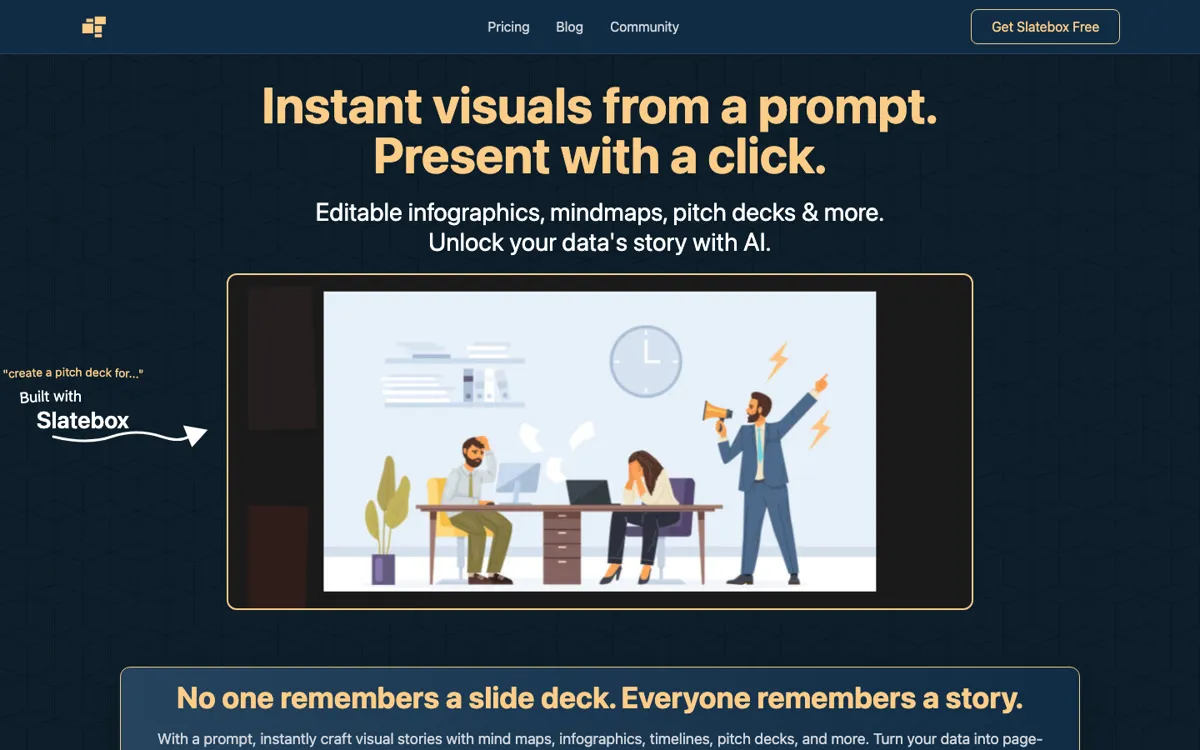
Official Website Snapshot Visit Site ↗

check_circle Pros

  • The product makes the input-to-output step very concrete: prompt in, visual format out, then present it from the same workspace.
  • Generated slates stay editable, which matters more than one-shot image generation for real business communication work.
  • The mix of infographics, mind maps, timelines, and pitch decks covers several explanation-heavy workflows in one tool.
  • Real-time collaboration and API access make it easier to justify for teams that use visual storytelling repeatedly.

cancel Cons

  • The workflow is most valuable when the final answer needs to be visual, so it can feel excessive for straightforward writing or standard slide use.
  • The free plan is usable but narrow, with monthly slate and sharing limits that make it more of a test lane than a full work setup.
  • Public third-party validation was limited in this run, so the strongest claims still need buyer-side testing in real use.

Should you use it?

Best for: Best for founders, strategists, consultants, and teams that repeatedly need to turn prompts, data, or documents into visual explainers, mind maps, or story-led presentations.

Skip it if: Skip this if your workflow ends with plain text, simple docs, or conventional slide editing and you do not actually need a visual-canvas format. It is also a weak fit if you only make occasional diagrams and will not use collaboration, presentation mode, or repeated slate generation.

Is it worth the price?

Freemium Starts at $6.00 USD

The free tier is enough to understand the product, but not enough to rely on if you create visuals regularly. The paid plans make more sense once Slatebox becomes part of a recurring storytelling or collaboration workflow rather than a once-in-a-while diagram tool.

The Free Tier

Free includes 10 AI slates per month, 3 private slates, 10 magic links per month, and public collaboration.

Paid Upgrade
$6/month

Solo-Pro raises monthly slate limits and private-slate access, while Team-Pro adds API access, custom AI personas, and private team collaboration.

One thing to know before you start

Start with an existing PDF or process you already explain often. That shows faster than a blank prompt whether Slatebox actually removes presentation work or just gives you a prettier canvas.

What people actually use it for

Turning a rough idea into a presentable visual explainer

A common problem in strategy, product, or client work is that the core idea is clear in someone’s head but not yet shaped into something others can follow. Slatebox is built for that exact gap. You start with a prompt, generate a visual structure like a mind map, infographic, or pitch deck, and then present it from the same environment. The time savings show up when the usual alternative is manually building shapes and slide layouts just to explain one concept. It matters most for people who repeatedly need to make abstract thinking visible for other stakeholders.

Converting an existing PDF into a visual story

Sometimes the source material already exists, but it lives in a format people will not absorb quickly. The homepage claims Slatebox can take a PDF and turn it into a presentation in one click, which makes it useful for repackaging reports, internal documents, or long-form materials into something easier to walk through. That is valuable when the bottleneck is not writing, but translation from dense material into a form that can be presented live. The real test here is whether the visual structure saves enough editing time after import to beat doing the deck manually.

Collaborative visual planning inside a team

Slatebox also fits teams that need a shared visual workspace rather than a single-author diagram. Real-time collaboration, guest passes, private team collaboration on higher tiers, and editable templates all point to recurring internal use, not just one-person brainstorming. This is where the product can move from novelty to operational tool: planning a process, mapping a customer journey, structuring a pitch, or aligning around a timeline. The payoff is highest when several people need to shape the same visual artifact, not just view a finished export.

What does Slatebox actually do?

A lot of work products fail not because the idea is weak, but because the format is flat. A strategy, process, dataset, or proposal may make sense in someone’s head, yet still land badly when it gets dumped into bullets or ordinary slides. The usual fix is manual layout work: drawing boxes, arranging flows, rewriting text into visual chunks, and then rebuilding the same content again in presentation format. That takes time even before anyone improves the actual story. Slatebox is aimed at this formatting bottleneck. It is less about drafting the raw idea and more about turning that idea into a visual structure people can actually follow when the goal is explanation, persuasion, or alignment.

The homepage makes the solution very direct. You prompt it, generate a slate, and then click present. The output types are concrete and varied: infographics, mind maps, timelines, pitch decks, and other visual stories. The important part is that the slates stay editable, so this is not just image generation with a fancy wrapper. The site also claims PDFs can be transformed into presentations, which expands the workflow from net-new creation to repackaging existing material. On top of that, Slatebox layers collaboration features, templates, guest passes, and API access in higher plans. That combination is what gives the product a business use case beyond novelty, especially for teams that repeatedly explain structured information visually.

The boundary is that Slatebox only earns its keep when the visual format is genuinely part of the job. If your workflow stops at plain writing, standard documents, or ordinary slide editing, a visual-canvas tool can add one more step instead of removing one. The free tier is generous enough to test the core behavior, but its monthly limits and private-slate caps signal that serious ongoing use sits on paid plans. That is not a problem if visual storytelling is central to how you work. It is a problem if you only need the occasional diagram and will not touch collaboration, presentation mode, or repeated slate generation often enough to justify learning a new format.

What you can do with it

Generate infographics, mind maps, timelines, pitch decks, and other visual formats from a text prompt.
Turn a PDF into a presentation with one click.
Edit generated visuals after creation instead of treating them as fixed outputs.
Present slates in a zoomable, story-led format from the same workspace.
Collaborate with others on an infinite canvas with real-time support.
Use templates, guest passes, and API access on higher plans for repeated team workflows.

Technical details

platform
Web app
deployment
Cloud
api_available
Yes, on Team-Pro

Top Alternatives to Slatebox

If Slatebox is close but still misses the job, try one of these instead.

Key Questions

Can you use Slatebox without paying first?
Yes. The homepage pricing section shows a free plan with 10 AI slates per month, 3 private slates, 10 magic links per month, audio huddles, and public collaboration.
Is Slatebox just for mind maps?
No. The site positions it as a broader visual storytelling tool that can generate infographics, mind maps, timelines, pitch decks, and presentation-style outputs.
Can you edit what the AI generates?
Yes, and that is one of the stronger product signals on the homepage. Slatebox says generated slates are fully editable, which matters if the first version needs business-level cleanup before sharing.
When does the paid plan start to make sense?
They start to matter once you are creating visuals often enough to outgrow the free limits or need private collaboration, more slate volume, API access, or custom AI personas. For casual experimentation, the free tier is enough, but for recurring team use it will likely be too small.