Triage Review

7.4/10

An agent monitoring and observability product for debugging AI agents already running in production.

Review updated May 2026 By The AI Way Editorial Tested 99+ tools across the site 5 min read
Raindrop API Available Auto Debugging Web-Based

Our Verdict

Raindrop Triage matters once your agents are already live and a broken run is no longer a toy problem. The value is not another builder or prompt surface, it is the ability to inspect production behavior and debug failures with an observability mindset. But the product is clearly for teams that already crossed into real agent operations, so it will feel too early for casual experimentation.

Try it
Paid product.
open_in_new Visit Triage
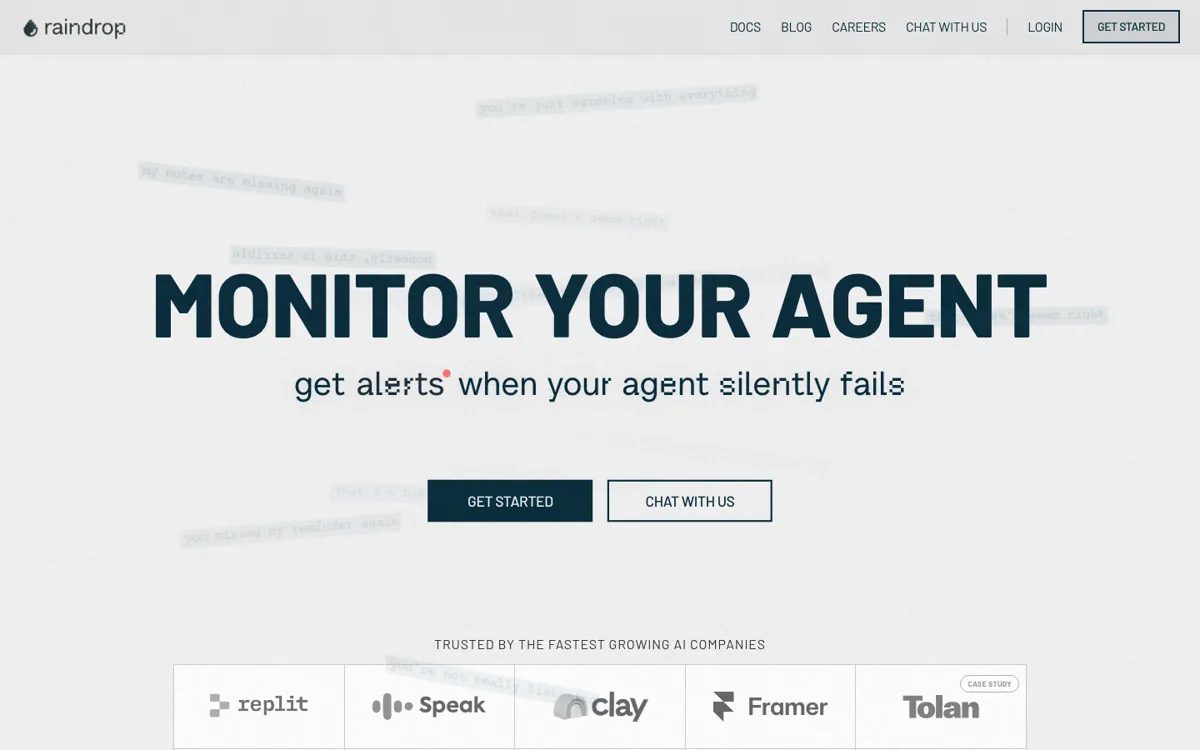
Official Website Snapshot Visit Site ↗

check_circle Pros

  • The product job is extremely clear: debug production agents instead of helping you build another demo.
  • The monitoring and observability framing gives it a more concrete role than many agent tools that stay vague about post-launch operations.
  • The MCP docs make it easier to believe there is a real investigation workflow behind the pitch, not just marketing language.

cancel Cons

  • Public pricing was not available from the captured official pages, which weakens evaluation before contact or deeper setup.
  • The product is naturally narrower than general agent tooling because it only becomes compelling after agents are already in production.
  • Teams without an existing agent stack will likely find the observability pitch premature and too technical.

Should you use it?

Best for: Best for debugging agents already running in production when you need to inspect failures, decisions, and behavior without relying on scattered logs alone.

Skip it if: Skip this if you are still prototyping agents or if you do not yet have production agent failures important enough to justify dedicated observability.

Is it worth the price?

The captured official pages were enough to explain what the product does, but not enough to explain what it costs. That means the product can be easy to want at the moment of pain and still hard to budget cleanly from public information alone.

One thing to know before you start

Judge Triage against your last painful agent incident. If you had to reconstruct the failure from scraps, the product case is probably real.

What people actually use it for

Debugging a production agent after a bad run

Once an agent is already live, the hardest moments are usually not about building the next feature but explaining the last failure. If the agent gave the wrong answer, took the wrong path, or broke somewhere inside a tool chain, Triage is meant to help you inspect that behavior instead of guessing from incomplete traces and team memory. That makes it much more useful after deployment than during early experiments.

Adding observability to an MCP-based agent workflow

The docs explicitly connect Triage to MCP, which makes the product easier to place for technical teams already using that pattern. In that setting, Triage is less about one-off debugging and more about having a repeatable way to investigate what agents did in a live environment. If your agents are still local demos with low stakes, that level of operational structure is likely more than you need.

What does Triage actually do?

A lot of agent tools feel useful right up until the moment something breaks in production. Then the problem changes. You are no longer asking how to wire a model call or spin up a new flow. You are asking why the live agent took the wrong action, where the failure started, and what actually happened in the path between input and outcome. That is the pain Raindrop Triage is built around. The newsletter wording is unusually direct and worth preserving because it says the real job without decoration: debug your agents already in production. The official homepage matches that intent by framing the broader product as AI agent monitoring and observability rather than generic agent building.

What makes Triage more credible than a vague monitoring promise is the way the docs anchor it to an investigation workflow. The captured MCP overview shows this is not only a homepage slogan. There is a documented path for using the product in technical environments where agents are already doing real work. That matters because production failures are expensive mostly when teams cannot reconstruct them fast. A product that helps inspect behavior, debug decisions, and reduce guesswork is more useful than another tool that stops at orchestration diagrams or local test runs. In other words, the product only gets interesting once the stakes are real, which is exactly why the use case is so specific.

The tradeoff is specialization. Triage is not trying to be the first tool you use when you are casually exploring agents, and that will narrow the audience immediately. Teams without production agents or meaningful failure cost will feel the product is too technical and too early. The captured official pages also did not provide a working public pricing page, so a buyer can understand the pain story before understanding the cost. That is not fatal, but it does mean evaluation is driven more by urgency after a production problem than by a neat self-serve pricing path.

What you can do with it

Monitor AI agents that are already running in production.
Inspect agent behavior to debug failures and unexpected outcomes.
Use observability workflows instead of guessing from partial logs.
Work through MCP-based investigation paths documented on the site.
Focus on production agent troubleshooting rather than first-time agent building.

Technical details

platform
Web product with docs-driven MCP workflow
deployment
Cloud
api_available
Yes, MCP workflow documented

Top Alternatives to Triage

If Triage is close but still misses the job, try one of these instead.

Key Questions

Is Raindrop Triage meant for building agents from scratch?
No. The public positioning points much more toward monitoring and debugging agents that are already running than toward first-time agent construction.
When does Triage become worth using?
It becomes worth using when agent failures are happening in production and you need a faster way to inspect behavior than piecing things together from scattered logs.
Does the captured site show a public price?
No. The homepage linked to pricing, but the official fetch for that path returned 404, so there is no verified public pricing evidence in this review.
Why might a team skip Triage even if the idea sounds strong?
Because the product is operationally specific. If your agents are still prototypes or the failures do not matter enough yet, dedicated observability may be too much too soon.