What does GitHub Copilot actually do?
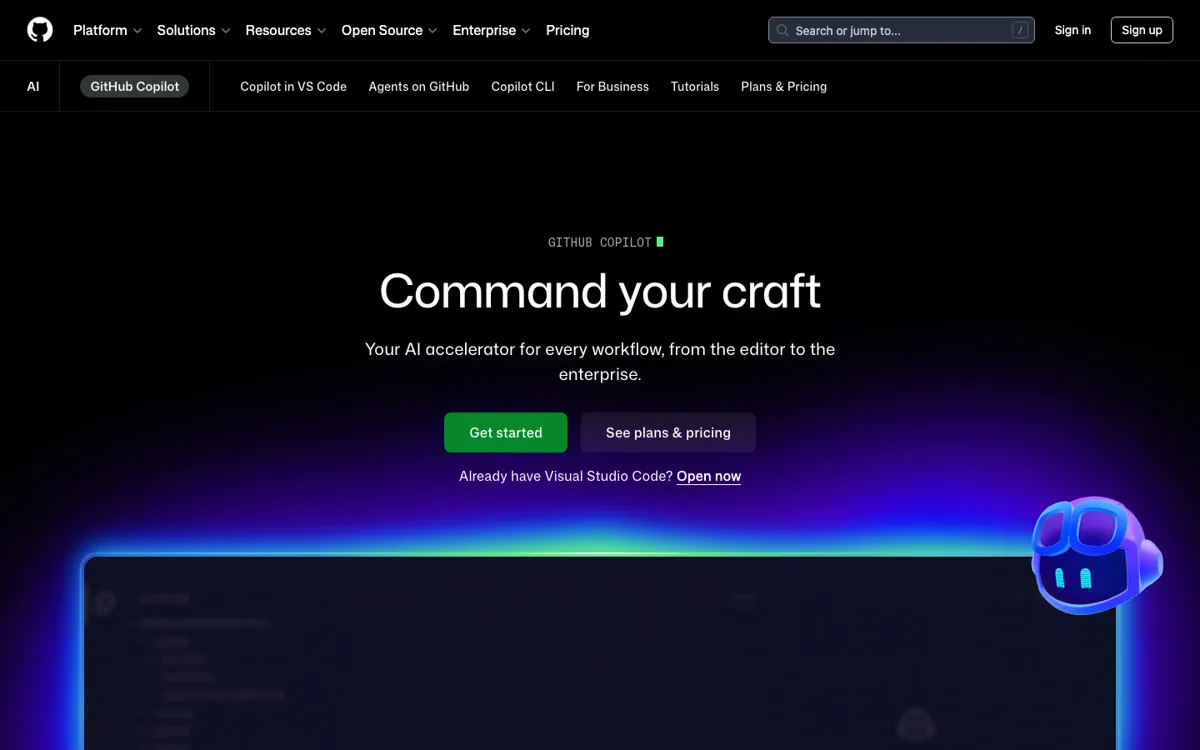
A lot of coding assistants look good in a demo because they can finish the next line in an empty file. The real friction starts later, when work is spread across an editor, terminal, pull request, issue thread, and a repository with years of naming baggage and local conventions. That is the problem GitHub Copilot is clearly trying to own now. The product page no longer frames Copilot as just autocomplete. It shows Copilot working in your IDE, GitHub, project tools, chat apps, custom MCP servers, CLI, and agent workflows. The practical promise is that you stop copying code and explanations between disconnected tools and instead keep the assistant close to the places where software work is already moving.
Copilot's strongest move is context depth tied to the GitHub ecosystem. The fetched pages point to inline suggestions, chat assistance, code review, pull request work, cloud agents, docs-aware answers, and support across Visual Studio Code, Visual Studio, JetBrains, Neovim, Eclipse, Xcode, mobile, and terminal surfaces. In plain terms, that means you can write code, ask why a section fails, request an edit, review a pull request, or hand off a contained task without switching to a separate AI workspace that knows nothing about the repo in front of you. The agents page pushes this further by letting users assign work, choose models, and track tasks from one control view, which makes Copilot more like a coding layer across GitHub than a single editor plugin.