n8n-MCP Review

8.8/10

Connect AI to workflow automation and build n8n workflows from plain-language prompts

Review updated May 2026 By The AI Way Editorial Tested 204+ tools across the site 6 min read
n8n-mcp AI Agents API Available App Integration Free Forever No Credit Card Required Open Source Web-Based Workflow Builder Freemium from $19.00/mo

Our Verdict

n8n-MCP is worth using if you already chose n8n and the real bottleneck is workflow construction speed, not automation capability. Its edge is that it gives AI direct, structured access to the n8n world instead of making you rely on generic chatbot guesses. That means it can search nodes, reuse templates, inspect existing workflows, validate changes, and deploy edits with much less manual cleanup. The tradeoff is focus. This is not a general automation platform and not a broad AI agent builder. It is a specialized accelerator for one ecosystem, and outside that ecosystem the value drops fast.

Try it
Free to start, then pay when the limits stop you. Starts at $19.00 EUR.
open_in_new Try n8n-MCP
Official Website Snapshot Visit Site ↗

check_circle Pros

  • The hosted Chat Agent removes a lot of the usual friction between asking for an automation and getting a deployable n8n workflow back.
  • Direct workflow access, diff-based updates, and validation feedback are much more useful than a one-shot chatbot answer that leaves you to rebuild everything by hand.
  • The free tier is generous enough to test real behavior, not just click around a marketing shell, and the open-source MCP server gives a real self-host path.
  • The product stays current by syncing documentation and node coverage aggressively, which matters because stale n8n advice breaks fast.

cancel Cons

  • If you do not already run or want n8n, the product has almost no reason to exist in your stack.
  • The strongest value comes from giving an AI agent meaningful access to your workflow layer, which can feel risky unless your team is disciplined about copies, testing, and environment boundaries.
  • The hosted experience is easier, but serious users may still end up juggling quotas, API keys, MCP client setup, and instance connection details.
  • This product narrows your workflow creation path around n8n conventions, so it is a poor fit if your automation work spans multiple orchestration systems.

Should you use it?

Best for: Best for creating, inspecting, debugging, or revising n8n workflows through Claude, Cursor, Windsurf, or a hosted AI chat layer instead of building every flow manually.

Skip it if: Skip it if you have not already committed to n8n, or if your automation work is simple enough that dragging a few nodes yourself is faster than introducing an AI bridge and MCP setup.

Is it worth the price?

Freemium Starts at $19.00 EUR

The free tier is strong enough to prove the concept, which makes the product easy to test honestly. The paid plan is not really selling more software categories. It is selling removal of quota friction for people who want n8n-MCP in their daily workflow. That means the upgrade only makes sense once AI-assisted workflow building is already habitual, not aspirational.

The Free Tier

Free plan includes 5 chat prompts per day and 100 MCP tool calls per day, with no credit card required to start.

Paid Upgrade
€19 per month for Supporter

Paid access removes most quota friction with 200 chat prompts per day, unlimited MCP tool calls, priority support, and early feature access.

One thing to know before you start

Use it first on existing workflows you already understand. That is the fastest way to see whether its diff edits and validation loop actually save time or just create cleanup work.

What people actually use it for

Draft an n8n workflow from a plain-language request

n8n-MCP fits when someone knows the business process they want automated but does not want to spend the next half hour picking nodes, wiring branches, and checking parameters manually. The fastest test is to describe one workflow in plain language and see whether the generated draft lands close enough to production shape to save meaningful setup time.

What does n8n-MCP actually do?

n8n-MCP exists because generic AI assistants are not very reliable when you ask them to build real n8n workflows from memory alone. They can describe steps, but they often miss node details, invent parameters, or produce something that still needs manual rebuilding. This product closes that gap by giving the AI structured access to nodes, templates, docs, validation tools, and workflow management actions. That changes the interaction from advice mode to direct workflow drafting and editing. If your daily work already involves n8n, that is a real shift in speed, because the boring middle part of workflow assembly becomes the thing you can offload first.

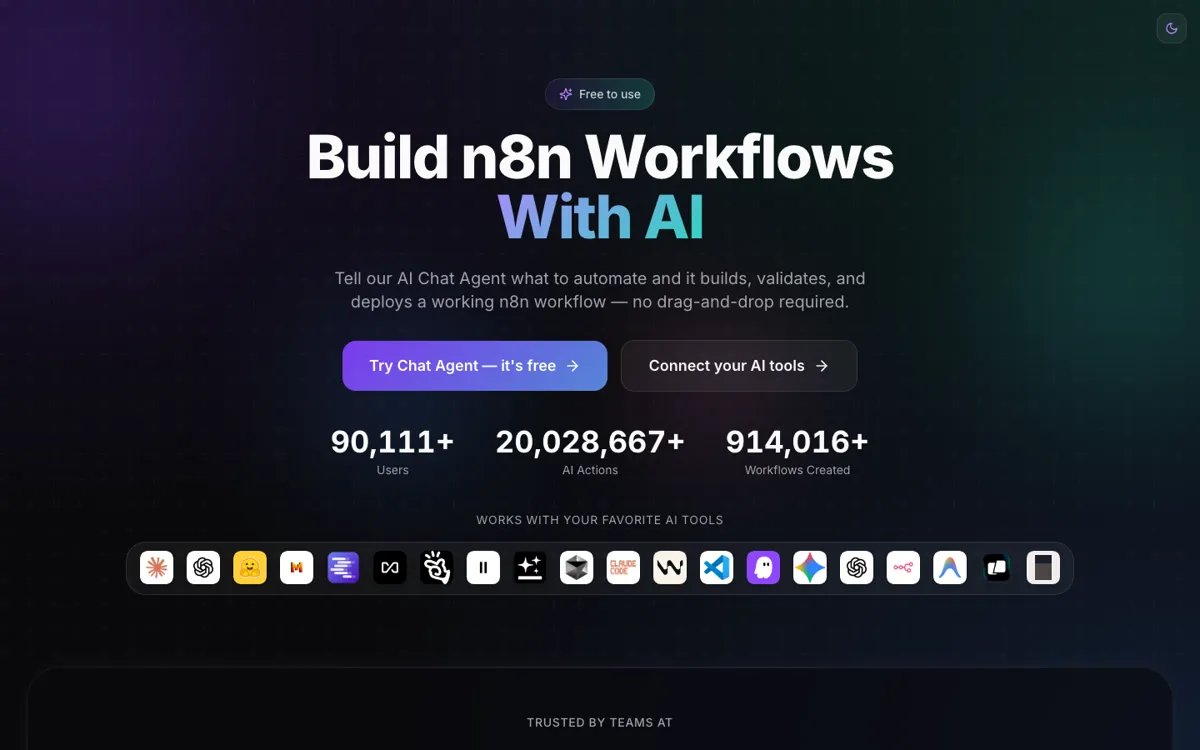
The product is also more complete than a bare open-source MCP bridge. The hosted service gives a no-setup entry point, the pricing is clear, the daily limits are visible, and the docs are good enough that advanced users can understand where the line is between discovery tools and workflow-management tools. The direct deployment angle matters too. The homepage keeps emphasizing that you do not need screenshots, exports, or copy-paste imports because the AI can work against your live n8n surface with validation in the loop. That is exactly the kind of detail that decides whether an AI workflow helper feels magical for one minute or useful every day.

The real limitation is not quality of marketing, but quality of fit. n8n-MCP only becomes compelling once n8n is already the chosen automation backbone. It is not trying to replace n8n, and it is not broad enough to replace a general automation platform or a universal coding agent. Its job is narrower: compress the work of building and updating n8n workflows through AI interfaces people already use. If that is your actual bottleneck, the product is easy to justify. If not, it adds another surface area to manage without solving the bigger workflow problem.

What you can do with it

Turn a plain-language automation request into a working n8n workflow through the hosted Chat Agent instead of building nodes manually.
Connect Claude, Cursor, Windsurf, and other MCP-compatible clients directly to your n8n instance so your AI can create and manage workflows from your existing tool of choice.
Let the agent read current workflows, make diff-based edits, validate changes, and deploy updates directly instead of forcing copy-paste imports.
Use a hosted service with instant access, or self-host the open-source MCP server if you want local control over the bridge layer.
Pull from a large template and pattern base, plus current node documentation, so the AI has better odds of choosing a real n8n shape instead of hallucinating one.

Technical details

platform
n8n-MCP is unusual because it is not just one UI. It works as both a hosted Chat Agent and an MCP layer that external clients like Claude, Cursor, and Windsurf can use against your n8n workflows.
deployment
The split between hosted service and self-hosted MCP server matters here because the product is selling convenience on one side and control over the AI bridge layer on the other, while still depending on n8n underneath.
api_available
The product issues API keys for MCP access, but the more important technical distinction is that workflow-management actions only unlock once it is connected to a real n8n instance rather than staying in docs-only discovery mode.

Top Alternatives to n8n-MCP

If n8n-MCP is close but still misses the job, try one of these instead.

Key Questions

Is n8n-MCP the same thing as n8n?
No. n8n is the automation platform. n8n-MCP is the AI access layer that helps tools like Claude, Cursor, or its own Chat Agent build and manage n8n workflows faster.
Do I need an AI subscription like ChatGPT or Claude to use it?
Not necessarily. The hosted Chat Agent gives you a direct way to use the product without bringing your own external AI subscription first, while MCP client setups depend on the tool you connect.
Can I try n8n-MCP for free before wiring it into my workflow?
Yes. The free tier is explicit and usable, with daily prompt and tool-call limits that are high enough to test whether the workflow generation and editing loop actually saves you time.
What is the biggest risk when using it on real workflows?
Trusting AI edits too quickly. The project itself warns against editing production workflows blindly, so the safest path is to test on copies first and treat validation as necessary, not optional.