What does Move AI actually do?
Traditional motion capture asks for a lot before you even get to the animation. You need stage access, camera setup, calibration, performers, and often a workflow that only really makes sense when the project is already big enough to justify the overhead. Smaller teams either skip mocap altogether or settle for rougher shortcuts because the setup cost is too high for everyday use. Move AI is aimed right at that gap. The product pages and docs frame it as markerless motion capture that can start with a single iPhone in Move One or scale up to a larger multi-camera environment in Genesis. That makes it easier to understand why someone would open it: they need real human movement in 3D form, but they do not want every capture session to feel like booking a lab.
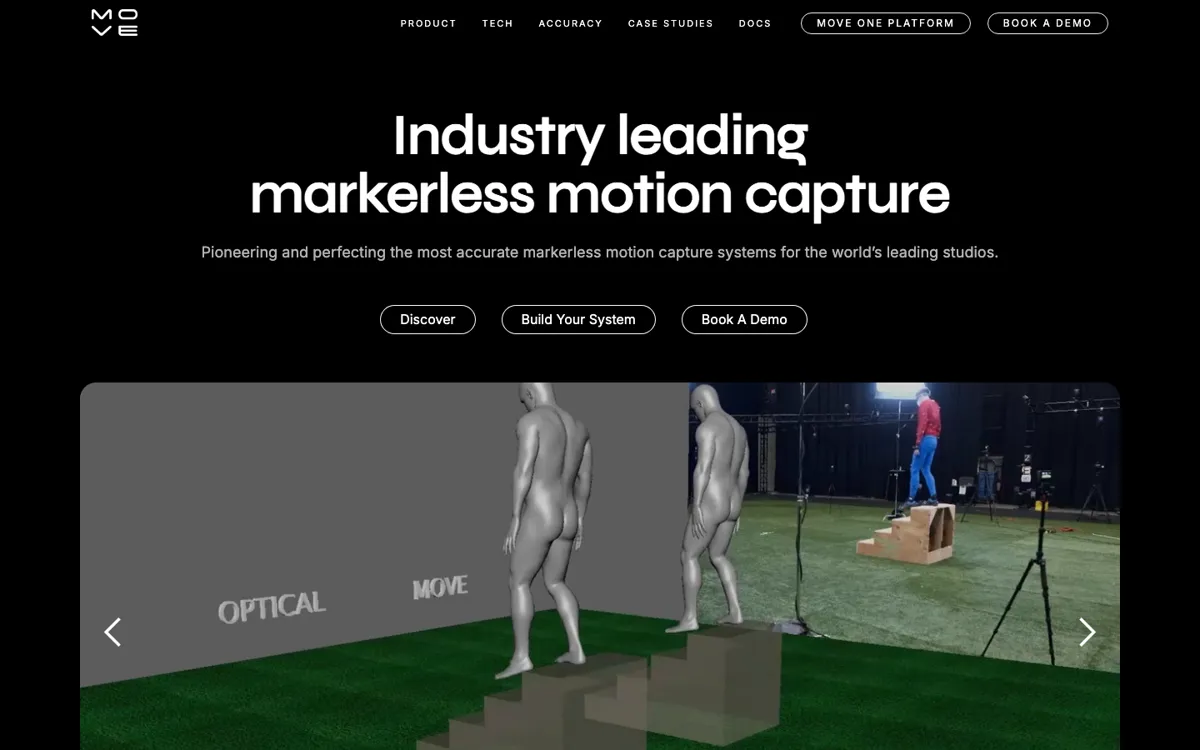
The product split is what gives Move its shape. Move One is the lower-friction route, a single-camera iPhone app that turns 2D video into 3D motion data through a credit system. Genesis is the heavier platform for studios that need multi-person capture, bigger volumes, local Nvidia GPU processing, checkerboard calibration, timecode support, and compatibility with existing mocap camera feeds. The official pages also make a strong effort to prove seriousness through benchmarking against optical and inertial systems and through production case studies involving Ubisoft, Fortnite performances, XR work, and retail activations. In plain terms, Move is not pitching fantasy animation. It is pitching a more flexible way to capture real performance and slot it into professional animation pipelines.