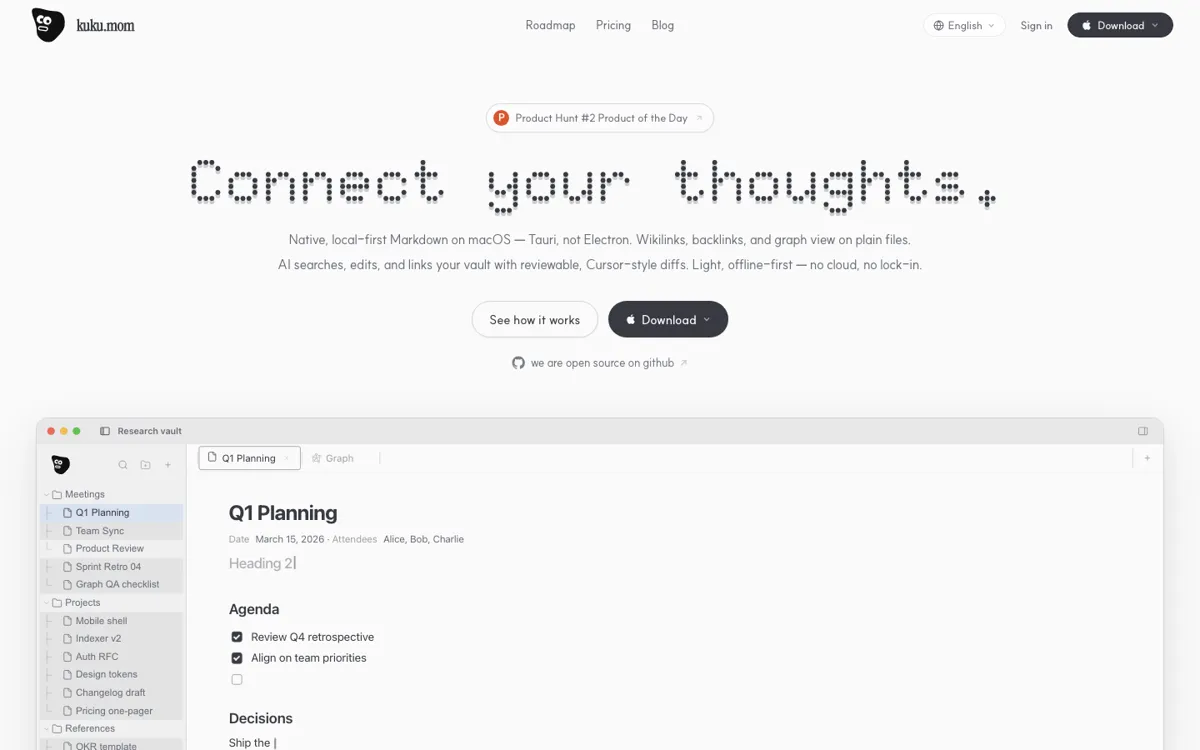
What does Kuku actually do?
A lot of AI note tools ask you to hand over your writing first and worry about portability later. That works until your vault becomes years of project notes, research fragments, and personal references that now live inside a product you do not control. Kuku is trying to fix that specific trap by keeping Markdown files as the base layer. On the homepage, it does not just say local-first in the abstract. It pairs that with concrete behaviors like wikilinks, backlinks, graph view, and full-text search, which makes it clear the product is meant for people who already think in connected notes rather than single documents.
The AI angle is more careful than the usual note app wrapper. Kuku presents AI as something that searches your vault, suggests edits, and shows changes as reviewable diffs before you apply them. That matters because it turns AI into actual file work instead of a chat pane next to blank pages. The current pricing page also makes the usage model easier to trust because public beta users get Pro-tier access without a billing step.