NotebookLM Review

8.0/10

AI research tool and thinking partner that works from your sources.

Review updated May 2026 By The AI Way Editorial Tested 99+ tools across the site 6 min read
Google Academic Citation Multi-language Summarization Web-Based

Our Verdict

NotebookLM makes the most sense when you already have a stack of material and need one place to question it, condense it, and reformat it without rebuilding context each time. Its real hook is the source-first notebook model plus audio overviews, which make dense documents easier to revisit. The tradeoff is that you are still trusting Google with the uploaded material, and polished summaries or audio can still smooth over details you should verify in the originals.

Try it
Paid product.
open_in_new Visit NotebookLM
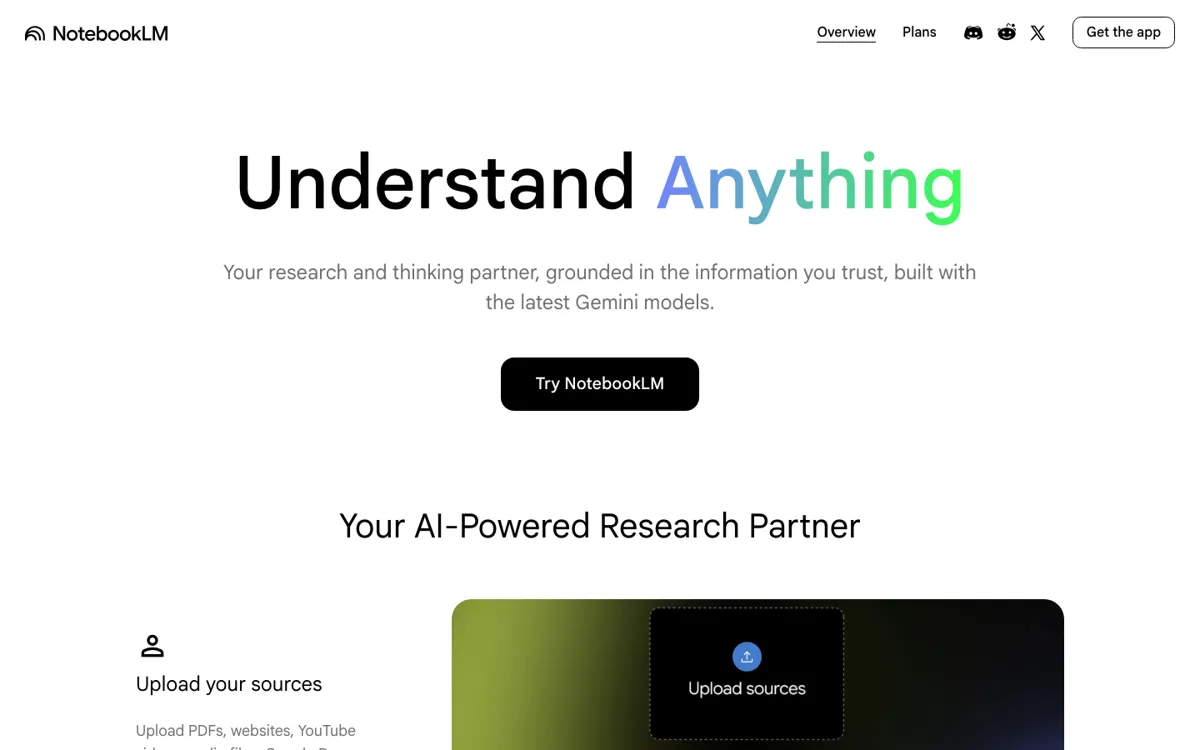
Official Website Snapshot Visit Site ↗

check_circle Pros

  • It starts from your source set, so follow-up questions and notes stay anchored to one notebook instead of drifting across generic chat history.
  • The format range is unusually practical for study and review work, with chat, notes, mind maps, quizzes, flashcards, and audio overviews in one place.
  • Public feedback repeatedly calls out the audio overview feature as surprisingly usable for learning unfamiliar material while away from the screen.

cancel Cons

  • Pricing is not cleanly exposed on the public product homepage, which makes upgrade expectations harder to judge before you are already in Google’s ecosystem.
  • Privacy is a real objection for sensitive material because the product works best when you upload internal or personal source documents.
  • The outputs can sound more complete than they are. Community discussion praises the polish, but also warns that summaries and generated audio may miss nuance or invent details.

Should you use it?

Best for: Students, researchers, analysts, and knowledge workers who need to load a set of readings, briefs, or notes, then ask follow-up questions, make study assets, or turn the material into a listenable overview.

Skip it if: Skip it if your documents are too sensitive to hand to Google, or if you need a tool that shows public pricing and upgrade boundaries before you commit to a broader Google account setup.

Is it worth the price?

The free path appears good enough to understand the core notebook experience, but the public web signal around paid boundaries is murky. If you need business rollout, school account support, or predictable admin purchasing, NotebookLM quickly stops feeling like a casual side tool and starts looking like a Google Workspace decision.

The Free Tier

Public pages suggest a free core product, but the captured public pages do not expose clear quota limits or a public standalone pricing table.

Paid Upgrade
Contact for pricing

Google Workspace pages position NotebookLM as included in Workspace plans, with upgrade and work or school account support covered in the help center.

One thing to know before you start

Feed it a tight, well-chosen source pack instead of everything you have. NotebookLM gets more useful when the notebook already reflects the exact question you are trying to answer.

What people actually use it for

Turn reading packets into study material

Upload lecture notes, articles, and slides into one notebook, then use NotebookLM to ask clarifying questions, make flashcards, and generate quizzes. This saves the most time when you already have a finite reading list, but the generated study aids still need a quick pass against the originals before exams or assignments.

Listen to dense source material on the go

Bring in reports, long memos, or research documents and generate an audio overview for commute or walking time. The win is that the material becomes portable without you recording or outlining it yourself, but compression into spoken format can shave off caveats that matter.

Interrogate an internal brief or research stack

Load a set of internal docs, interviews, or reference papers into one notebook and keep asking follow-up questions from that bounded source set. This is useful when you need a fast first-pass understanding, but it is a poor fit for highly sensitive material or for decisions that require line-by-line source checking.

What does NotebookLM actually do?

NotebookLM is built for a very specific frustration: you already have the material, but turning it into understanding still takes too long. A research packet, policy memo, lecture deck, or customer interview folder can easily become 30, 50, or 100 pages of context that you keep re-reading just to answer small questions. In a normal chatbot, you end up pasting fragments and rebuilding context every time the conversation drifts. NotebookLM changes the unit of work from “single prompt” to “source-backed notebook.” The help center makes that clear by centering notebooks, sources, notes, chat, and study outputs rather than generic prompting.

The reason people keep talking about NotebookLM is not only that it summarizes text. Plenty of tools do that. The more distinctive move is how it repackages one source set into several working modes. You can ask questions against the notebook, write notes, branch into mind maps, and generate audio overviews, quizzes, or flashcards from the same material. That matters when your job is to revisit the same body of information from different angles. A student can move from article to quiz. An analyst can move from briefing pack to explainer. Someone reading on a deadline can turn the same material into something they can listen to outside the browser.

Its limits are not subtle if you look at both the support pages and community reaction. NotebookLM works best when the source set is bounded and relevant; otherwise it just helps you move through a noisy pile faster. It also inherits the trust problem of any polished AI explainer. Hacker News discussion praises the factual usefulness and the audio quality, but also raises concerns about privacy, Google product longevity, and the risk of summaries that sound better than they reason. In practice, NotebookLM is strongest as a reading accelerator and format shifter, not as a final authority on what your documents mean.

What you can do with it

Creates notebooks around your uploaded or discovered sources instead of making you restate context in every prompt.
Lets you chat with notebook sources, create notes, and generate mind maps from the same material.
Turns source material into audio overviews you can listen to away from the screen.
Builds study assets like flashcards and quizzes from notebook content.

Technical details

platform
Web app, with help center pages for a mobile app.
deployment
Cloud-hosted Google product, also available through Google Workspace plans.
api_available
No public API surfaced in the captured public pages.

Top Alternatives to NotebookLM

If NotebookLM is close but still misses the job, try one of these instead.

Key Questions

What is the main difference between NotebookLM and a normal chatbot?
NotebookLM starts from a notebook of sources rather than a blank chat. The product is built around adding materials, then asking questions, making notes, and generating derivative outputs from that bounded source set.
Can NotebookLM do more than summarize documents?
Yes. The help center shows features for chat, notes, mind maps, audio overviews, quizzes, flashcards, and other notebook outputs. That makes it more useful when you need to revisit the same material in several forms.
Is NotebookLM good for studying?
Yes, especially when you already have the reading packet. NotebookLM can turn that source set into quizzes, flashcards, notes, and audio explainers, but you should still check the originals for details that get flattened in summary form.
What is the biggest reason not to use NotebookLM?
Privacy and trust are the clearest blockers. If your materials are sensitive, or if you cannot accept the risk of a polished but incomplete summary, the tool becomes harder to justify.