Notion AI Review

8.7/10

AI inside Notion for search, writing, meeting notes, research, and agent-style work across your workspace and connected apps.

Review updated May 2026 By The AI Way Editorial Tested 99+ tools across the site 5 min read
Notion App Integration Meeting Notes Team Collaboration Web-Based Workflow Builder Freemium

Our Verdict

Notion AI is strongest when your team already runs real work inside Notion and wants AI to operate on that existing context instead of starting from a blank prompt. The biggest win is not just writing help, but unified search, meeting memory, database assistance, and agent-style work inside the same workspace. But if your team does not keep clean knowledge in Notion, the AI layer has much less leverage and is easier to question on price.

Try it
Free to start, then pay when the limits stop you.
open_in_new Try Notion AI
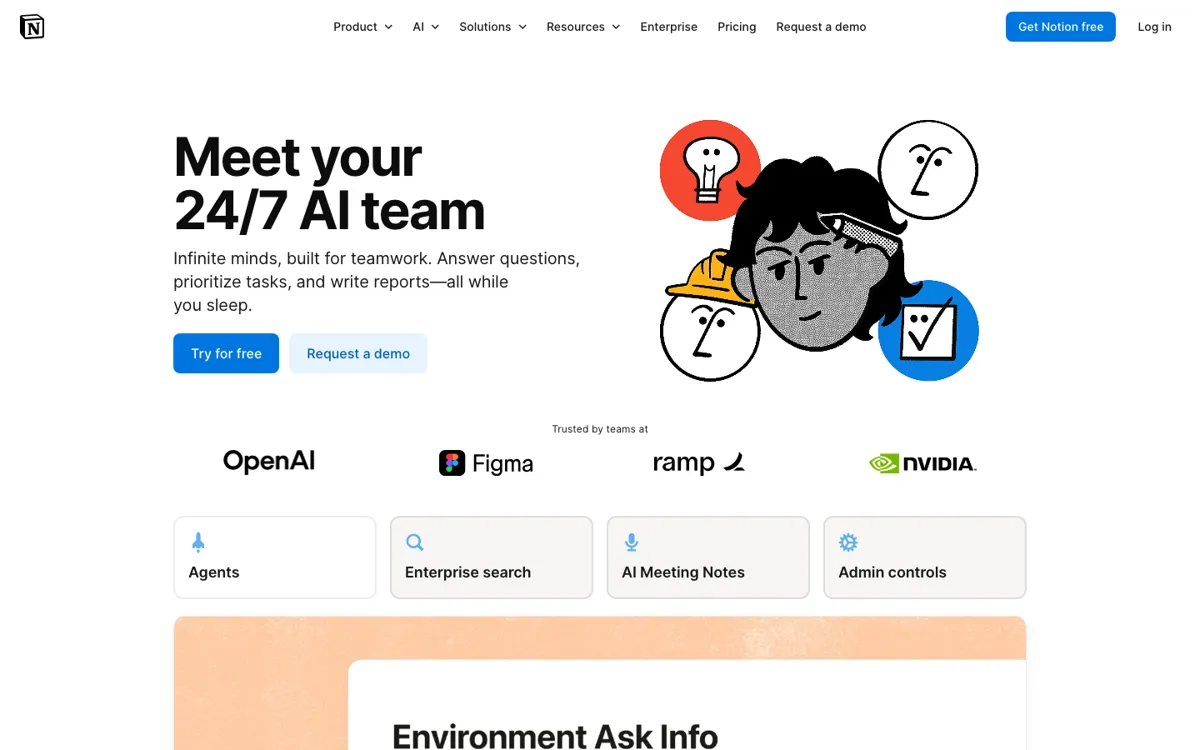
Official Website Snapshot Visit Site ↗

check_circle Pros

  • It keeps AI close to the work itself, so you can search, draft, summarize, and analyze without constantly copying material into a separate assistant.
  • Enterprise Search and connectors make it more useful than a page writer alone because answers can pull from Slack, Google Drive, GitHub, Teams, SharePoint, Jira, and other connected tools.
  • The feature set covers several common AI jobs in one place, including meeting notes, writing help, research reports, database autofill, and recurring task automation.
  • Security and admin controls are clearer than many AI add-ons, with permission-aware search, no training on customer data by default, and stronger retention controls on Enterprise.

cancel Cons

  • The value drops fast if your Notion workspace is poorly maintained or your team still works mostly outside Notion.
  • Some heavier capabilities, especially Custom Agents and deeper enterprise controls, depend on Business or Enterprise plans and credit-based usage rather than simple flat access.
  • Public user chatter shows a familiar tension: many people like having AI inside the workspace, but lighter users still question whether the AI layer is worth paying for compared with using a standalone model.

Should you use it?

Best for: Best for teams that already use Notion as a shared operating layer and want AI help with cross-tool search, meeting summaries, writing, database work, and recurring internal workflows.

Skip it if: Skip this if your company barely uses Notion or keeps knowledge scattered in places Notion AI cannot see well enough to matter. Also skip it if you mainly want a standalone chat assistant rather than an AI layer tied to workspace structure and permissions.

Is it worth the price?

Freemium

The free plan is enough to sample the AI layer, but the real value shows up once AI becomes part of daily team workflows, especially search, reporting, meeting notes, and recurring tasks. If your team only uses AI occasionally for drafting, the upgrade can feel easier to postpone.

The Free Tier

The Free plan includes trial AI capabilities and limited trial usage rather than full ongoing access to all advanced AI features.

Paid Upgrade
$0 on Free with limited trial AI, then Plus from $10/user/month billed yearly in the US pricing view

Paid plans expand AI access and unlock stronger team workflows, while Business and Enterprise add deeper search, admin controls, and advanced agent or retention options.

One thing to know before you start

Turn it on for one high-friction team habit first, like meeting follow-ups or weekly status synthesis. That makes it easier to judge whether Notion AI is reducing context switching instead of just adding another feature people forget to open.

What people actually use it for

Searching scattered internal knowledge without hopping between tabs

Use Notion AI when answers are split between workspace docs, Slack threads, Google Drive files, GitHub discussions, and other connected tools. Enterprise Search is useful because it can pull verified answers with citations inside the place where your team already writes and plans. It is less convincing when the source material is sparse or badly maintained.

Turning meetings into usable follow-up without manual cleanup

AI Meeting Notes can transcribe conversations, summarize key points, and surface action items directly in Notion. That helps teams who already run projects and decisions through Notion pages instead of letting meeting notes die in separate apps. It matters less if your meetings are informal and nobody checks the notes afterward.

Automating repeat internal work with workspace-aware agents

Notion Agent and Custom Agents are meant for recurring tasks like updates, reporting, routing work, or multi-step internal actions that depend on workspace context and connected tools. This is useful when your process already has repeatable structure. It is overkill if you only want occasional one-shot prompting.

What does Notion AI actually do?

A lot of teams already have the raw material an AI assistant needs, but it is spread across too many places to be useful in the moment. There are project docs in Notion, decisions buried in Slack, files in Google Drive, code context in GitHub, tickets in Jira, and meeting notes somewhere else again. The result is that people spend real time hunting for answers they are fairly sure exist. Notion AI is aimed at that exact mess. Instead of presenting AI as a separate chat destination, Notion keeps pitching one workspace where you can ask questions, generate drafts, summarize meetings, search connected systems, and pull reports from the content your team already produces. That is a much more practical promise than generic brainstorming if your problem is information sprawl and context switching.

The product gets stronger when you view it as a stack, not a single feature. Notion AI includes inline writing and editing, database autofill, translation, AI Meeting Notes, Enterprise Search, Research Mode, and agent-style automation. The search layer can reach across connected tools like Slack, Google Drive, GitHub, Microsoft Teams, SharePoint, Jira, and others, while Research Mode can combine workspace information, connected sources, and the web into longer reports. On top of that, Custom Agents can run recurring multi-step tasks with permission controls and credit tracking. For teams that already live in Notion, this can collapse several separate assistant habits into one shared operating environment instead of scattering prompts and outputs across disconnected tools.

The catch is that Notion AI mostly amplifies the quality of the workspace it sits on. If your docs are outdated, your databases are inconsistent, your connectors are not set up, or your team barely documents decisions in Notion, the AI does not magically create clarity. It just has less good material to work with. Pricing can also get fuzzier once you move beyond casual use, because deeper functionality touches Business or Enterprise tiers and, for some agent behavior, Notion credits rather than a single simple subscription story. That makes Notion AI easiest to justify for teams that already depend on Notion every day. If you just want a strong standalone model, there are simpler ways to get that than paying for a workspace-centered AI layer.

What you can do with it

Searches across your Notion workspace and connected apps like Slack, Google Drive, GitHub, and Microsoft Teams.
Writes and edits inline in pages, generates drafts, translates text, and autofills database properties.
Transcribes meetings, summarizes key points, and pulls action items through AI Meeting Notes.
Generates deeper reports with Research Mode using workspace content, connected sources, and web results.
Runs agent-style recurring work and multi-step tasks through Notion Agent and Custom Agents.

Technical details

platform
Web workspace with desktop and mobile apps
deployment
Cloud
api_available
Notion has API integrations and AI connectors, but no separate public Notion AI API was highlighted on the pages reviewed

Top Alternatives to Notion AI

If Notion AI is close but still misses the job, try one of these instead.

Key Questions

Is Notion AI just a writing assistant inside documents?
No. Writing help is part of it, but the product also covers meeting notes, database autofill, research reports, workspace and connector search, and agent-style recurring work.
Does Notion AI work better if your team already uses Notion heavily?
Yes. The product becomes much more valuable when your team already keeps docs, databases, projects, and decisions in Notion, because the AI can then work against real context instead of a mostly empty workspace.
What can Notion AI search outside your workspace?
With connectors and the right plan, it can search connected tools like Slack, Google Drive, GitHub, Microsoft Teams, SharePoint, Jira, and others. Some modes can also use current web information, depending on workspace settings and feature access.
How does Notion talk about privacy and model training?
By default, Notion says customer data is not used to train models, and it has contractual limits with AI subprocessors around that use. Enterprise customers also get stronger retention controls, including zero data retention in the AI provider setup described on the pricing and security pages.