What does Good Tape actually do?
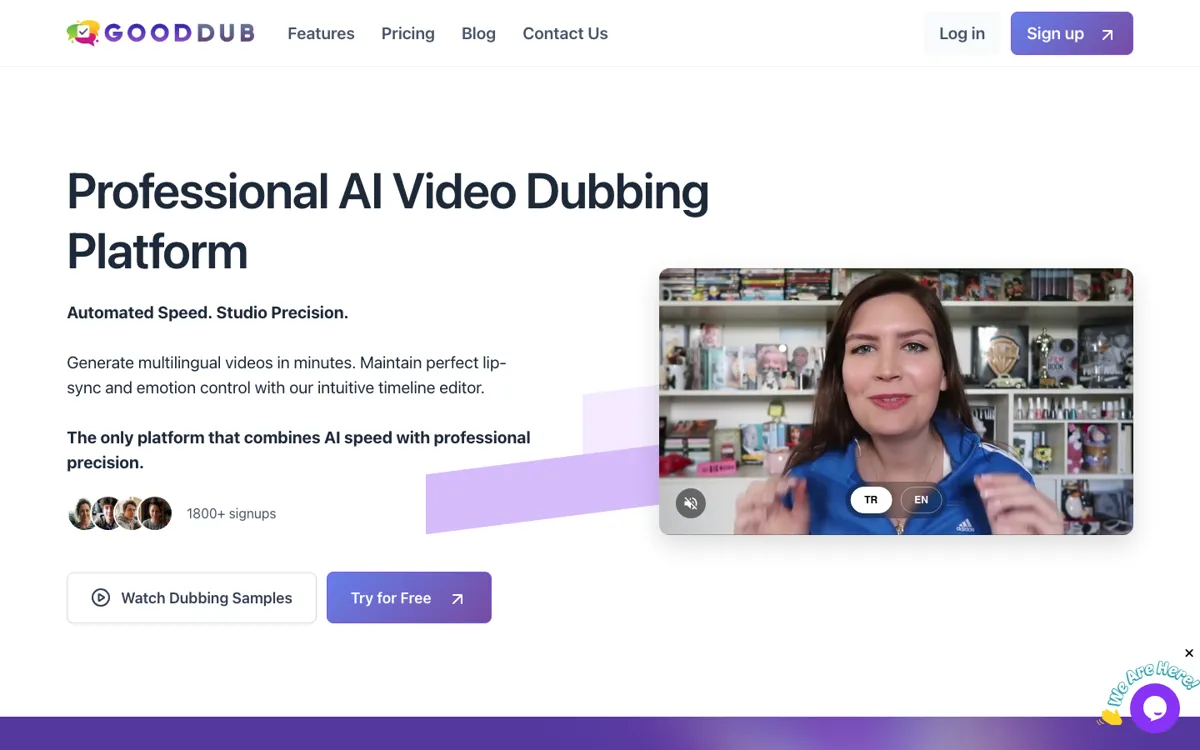
The biggest correction in this file is that Good Tape is no longer the creator dubbing product the old JSON described. The current official site is a transcription stack built around speed, privacy, and professional use cases. That changes the whole buying logic. You are not choosing it because you want lip-sync polish or multilingual voice cloning. You are choosing it because transcription is recurring work, the recordings may be sensitive, and you do not want to switch tools again once team features or integrations start to matter.
What makes Good Tape easier to take seriously is the way its supporting pieces line up. Recorder apps, projects, bulk uploads, subtitle export, API access, and MCP are all more useful when the core product already leans toward newsroom, legal, research, and consulting scenarios. The main weakness is not capability so much as fit. If you only need lightweight transcripts now and then, the privacy-and-workflow stack can feel like overkill. But for people who need secure transcription to become dependable operational plumbing, the current version of Good Tape is much stronger than the stale JSON implied.