Gemini Spark Review

8.4/10

Google’s background AI agent that tracks, organizes, summarizes, and takes multi-step action across your apps under your direction.

Review updated May 2026 By The AI Way Editorial Tested 262+ tools across the site 5 min read
Google AI Agents App Integration Web-Based Workflow Builder Paid from $139.99/mo

Our Verdict

Gemini Spark is for people who want an AI agent to keep chasing a task after the first prompt, not just answer it once. Its strongest pitch is background follow-through across Google apps, especially for inbox triage, recurring admin work, tracking, and multi-step personal ops. The tradeoff is that it is not broadly open yet, and the public access story is tied to premium Google AI access plus a Google-heavy setup.

Try it
Paid product. Starts at $139.99 SGD.
open_in_new Visit Gemini Spark
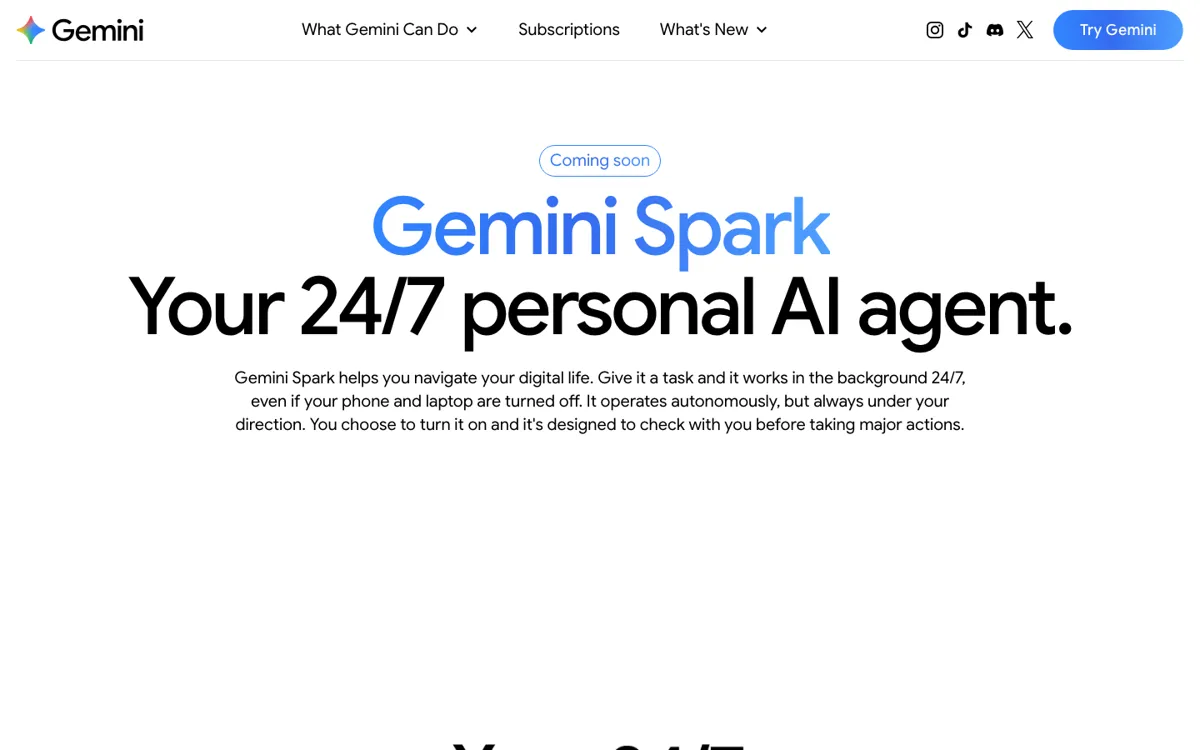
Official Website Snapshot Visit Site ↗

check_circle Pros

  • It pushes beyond chat by handling recurring and multi-step jobs that keep running in the background without needing another prompt.
  • The Google app connections make Spark more useful for real clerical work like inbox review, spreadsheet logging, calendar updates, and file organization.
  • Google explicitly says major actions stay under your direction, which matters for an agent that touches mail, files, and scheduling.

cancel Cons

  • The clearest public access path is still narrow, with rollout language centered on trusted testers, US adults on Google AI Ultra, and select business users.
  • If your day does not live inside Google apps, a large part of Spark’s advantage disappears.
  • The public product pages explain what Spark can do better than they explain practical limits, so buyers still have to infer how much day-to-day autonomy feels reliable versus supervised.

Should you use it?

Best for: Recurring inbox triage, tracking tasks that need follow-up over days or weeks, and Google-workspace admin jobs where an agent can keep organizing, summarizing, and updating things in the background.

Skip it if: Skip it if you need an agent that is already broadly available, if most of your work happens outside Google apps, or if you mainly want a one-shot assistant rather than a background operator tied to schedules and connected services.

Is it worth the price?

Paid Starts at $139.99 SGD

This is not a casual free-plan experiment right now. The practical entry point is premium Google AI access, and Spark is positioned as part of the top-end Google AI stack rather than as something most users can test freely at full strength. It makes sense when background delegation across Google apps would replace real weekly admin work. It makes less sense if you are just curious about agent features or do not have enough recurring Google-based tasks to justify the premium tier.

Paid Upgrade
SGD 139.99/month

Google AI Ultra includes first access to advanced features like Gemini Spark, alongside much higher Gemini usage limits and the broader premium Google AI bundle.

One thing to know before you start

Test Spark on work you already postpone because it is boring, repetitive, and spread across Gmail, Calendar, Drive, and Sheets. If it cannot save you time there, the premium access cost will be hard to defend.

What people actually use it for

Weekly inbox review that ends in an actual plan

Spark fits recurring review work where reading is only half the job. The page example has it scan a week of email, pull out important updates, turn that into a prioritized to-do list, and then block calendar time for deep work. That is a better use case than casual chatting because the value comes from sorting, prioritizing, and scheduling across tools instead of writing one nice answer.

Lead capture and back-office cleanup inside Google Workspace

Spark also fits small operational chains that usually die in someone’s inbox. Google’s example has it read a photography inquiry, extract the client name and requested date, log the lead into a sheet, and create a Drive folder. That is useful because it targets the handoff work that people often forget, not the flashy part of AI where a model just drafts text.

What does Gemini Spark actually do?

Most AI assistants still behave like short-memory helpers. You ask, they answer, and then the task quietly falls back onto you. Gemini Spark is trying to fix that exact gap. The official page is built around jobs that keep moving after the prompt: watch for internship openings, check inboxes every Monday, build weekly recaps, learn how you write email, keep spreadsheets updated, and sort files in Drive. That makes Spark more operational than conversational. The product’s real promise is not that it can speak naturally. It is that it can keep carrying the clerical side of a task after the exciting part of asking is already over.

The strongest part of the product is its app reach. Spark can connect with Gmail, Calendar, Drive, Docs, Sheets, Slides, YouTube, and Maps, which means it can actually move information between places where real work already lives. That is a meaningful step up from agents that only summarize a webpage or return a plan you still have to execute yourself. If your recurring work involves scanning messages, extracting details, organizing files, making simple updates, and checking back later, Spark’s design is pointed at exactly that mess. It is easiest to justify for people whose personal or team setup is already heavily Google-shaped.

The limit is that Spark is still not a wide-open default tool. Google says it is rolling out to trusted testers and to Google AI Ultra subscribers over 18 in the United States, plus select business users. That immediately narrows who can use it and who should even evaluate it right now. It also means Spark is not best judged as a cheap experiment. It is a premium delegation tool. If recurring admin work across Google services is already eating real time every week, the pitch is strong. If not, standard Gemini or another assistant may cover the actual need without forcing you into a high-end access tier.

What you can do with it

Run long-lived background tasks that keep working even when your phone and laptop are off.
Scan inboxes on a schedule, summarize important updates, and build prioritized to-do lists.
Turn repeated behavior, such as your email writing style, into reusable skills.
Organize Drive files, spreadsheets, receipts, and recurring admin work across Google apps.
Connect with Gmail, Calendar, Drive, Docs, Sheets, Slides, YouTube, and Google Maps to take action across linked apps.

Technical details

platform
Web-based Gemini agent with native connections to Google apps
deployment
Cloud-hosted background agent that runs under your direction
api_available
No public API for Spark itself was stated on the reviewed Spark page
runtime_model
Gemini 3.5 Flash and Antigravity
availability_scope
Rolling out to trusted testers, Google AI Ultra subscribers over 18 in the United States, and select business users
native_app_connections
Gmail, Calendar, Drive, Docs, Sheets, Slides, YouTube, and Google Maps

Top Alternatives to Gemini Spark

If Gemini Spark is close but still misses the job, try one of these instead.

Key Questions

What is Gemini Spark actually trying to do that normal Gemini does not?
It is trying to keep a task moving after the first prompt. Normal assistants answer you in the moment. Spark is positioned as a background agent that can keep checking, organizing, summarizing, and taking follow-up actions across connected apps.
Who can use Gemini Spark right now?
No. Google says it is rolling out to trusted testers, Google AI Ultra subscribers over 18 in the United States, and select business users, so broad open access is not the current story.
Which apps can Gemini Spark work with?
Google says Spark can connect natively with Gmail, Calendar, Drive, Docs, Sheets, Slides, YouTube, and Google Maps. Those connections are off by default, so you have to choose to enable them.
When is Spark worth paying for?
It is worth paying for when repeat Google-based admin work is costing you real time every week. If your need is mostly one-off prompting, simple drafting, or casual AI use, the premium access story is much harder to justify.