Chatling Review

8.4/10

AI support agents for web, WhatsApp, and Instagram with human handoff.

Review updated May 2026 By The AI Way Editorial Tested 262+ tools across the site 4 min read
Chatling API Available Customer Support Customer Support Agent Multi-language Web-Based Freemium from $40.00/mo

Our Verdict

Chatling is a real support operations tool, not a decorative chatbot. The reason to open it is simple: you want AI to close repetitive customer questions across web and messaging channels without breaking the handoff to your team. The cost is that serious use starts once you move beyond the free credit pool and basic agent limits.

Try it
Free to start, then pay when the limits stop you. Starts at $40.00 USD.
open_in_new Try Chatling
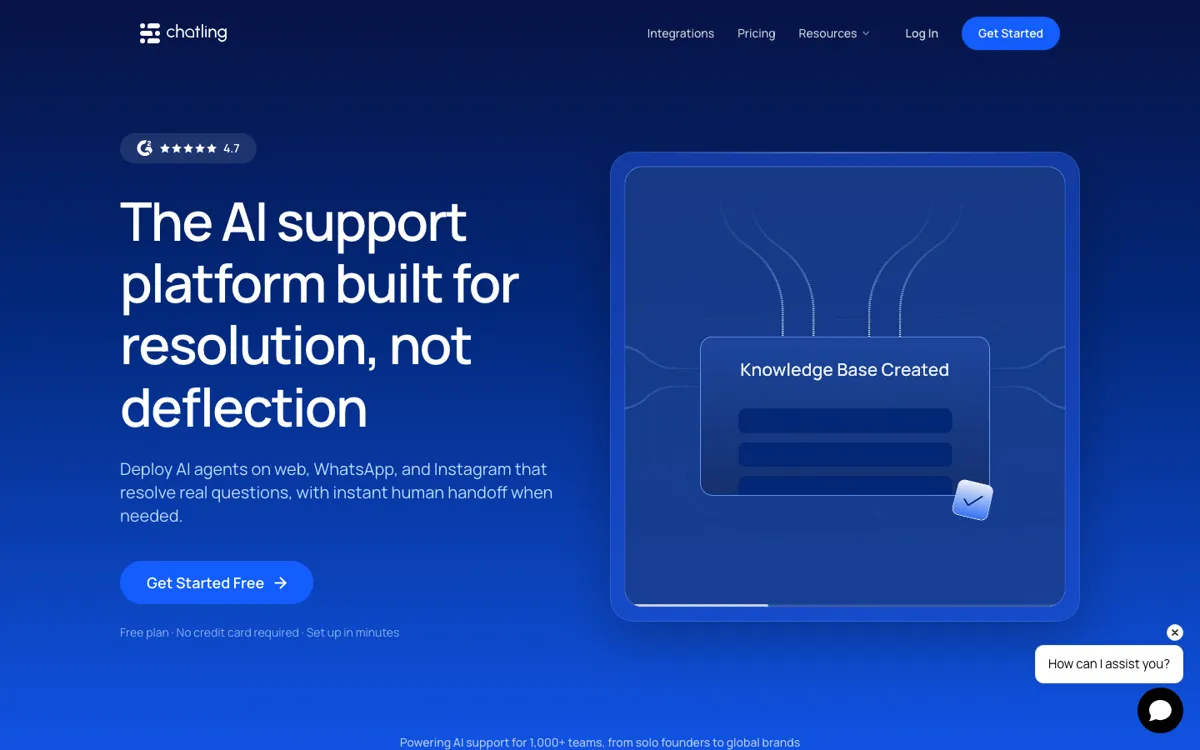
Official Website Snapshot Visit Site ↗

check_circle Pros

  • It is built around support resolution, so human handoff and context transfer are treated as core workflow pieces instead of afterthoughts.
  • The channel coverage is strong for modern support teams that split traffic across site chat, WhatsApp, and Instagram.
  • Knowledge auto-sync reduces one of the messiest parts of AI support, which is keeping the bot from answering with stale docs.
  • The paid plans expose practical knobs like API access, analytics, voice input, actions, and add-ons instead of hiding everything behind enterprise sales.

cancel Cons

  • The free plan is enough for testing, but 100 AI credits and 2 agents make it too small for a busy support queue.
  • If you only need a simple FAQ bot for one website, Chatling can be more platform than you actually need.
  • Costs can climb once you start layering on extra credits, seats, custom domains, or branding removal.

Should you use it?

Best for: Support teams, SaaS companies, ecommerce brands, and online businesses that need one AI support agent layer across web chat and messaging channels with real human backup.

Skip it if: Skip it if your need stops at a tiny website FAQ bot and you do not care about omnichannel support, analytics, actions, or handoff to live agents.

Is it worth the price?

Freemium Starts at $40.00 USD

The pricing is clear and the entry plan is friendly, but the free tier is mostly a proving ground. Chatling becomes compelling when support volume is high enough that faster resolution, live handoff, and synced knowledge save more payroll time than the monthly fee costs.

The Free Tier

Free includes live chat, unlimited chats, 100 AI credits, 1 seat, 2 AI agents, 500,000 knowledge base characters, 2 actions per agent, limited customization, and 4 AI models.

Paid Upgrade
$40/month

Standard adds 3,000 AI credits, 30 million knowledge base characters, API access, analytics, voice input, weekly or monthly auto-sync, more seats, more agents, and more actions per agent.

One thing to know before you start

Use Chatling when your support pain is repetitive but still risky. It is strongest when the bot can answer the easy questions fast, then route the messy ones to humans without making customers repeat themselves.

What people actually use it for

Deflecting repetitive support questions

A support team can train Chatling on its docs and help center, let the agent answer common shipping, billing, setup, or troubleshooting questions across web and messaging channels, and only pull humans in when the issue needs judgment. That saves queue time without forcing every customer into a dead-end bot loop.

What does Chatling actually do?

Chatling sits in the part of the market where a chatbot is no longer just a lead widget. It is built for teams that need AI to absorb repetitive support work while still protecting the customer experience when the question gets messy. The product covers web chat, WhatsApp, and Instagram, which matters because a lot of support traffic no longer stays on one site widget. If your customers move across channels, an AI support tool that only works on the website will start to feel incomplete very quickly.

What gives Chatling real value is the handoff logic around the bot. Plenty of AI support tools can answer a basic question, but the more important test is what happens when the bot cannot finish the job. Chatling keeps the context, summarizes the conversation, and gives the team a live-chat path to step in. That makes it much safer for support teams that care about resolution rate, not just reply speed. The auto-sync knowledge base also matters because stale support content is one of the fastest ways to make a support bot untrustworthy.

The weak point is not hidden pricing or unclear packaging. It is that the platform becomes most interesting once you are ready to pay for real usage. The free plan is useful for proving that the workflow fits your queue, but heavy support teams will quickly need more credits, more agents, more seats, and API or customization headroom. That does not make Chatling expensive by default, but it does mean you should evaluate it as an operating tool for a live support function, not as a forever-free chatbot toy.

What you can do with it

Deploys AI support agents on website chat, WhatsApp, and Instagram.
Hands unresolved chats to human agents with the full conversation context preserved.
Auto-syncs website, docs, and help center content so answers stay current.
Runs live chat, analytics, CSAT surveys, and lead capture from one support workspace.
Supports AI actions, API access, and multiple model options as plans scale up.

Technical details

channels
Website chat, WhatsApp, and Instagram.
platform
Web-based support platform with unified inbox and live chat.
deployment
Cloud SaaS with API access starting on Standard and higher agent, seat, and credit ceilings on paid plans.
model_options
Supports 4 AI models on Free and 25 AI models on Standard and above.
knowledge_sync
Auto-syncs website, docs, and help center content on paid plans.

Top Alternatives to Chatling

If Chatling is close but still misses the job, try one of these instead.

Key Questions

Is Chatling mainly a chatbot builder or a support platform?
It leans much closer to a support platform. The core pitch is not just building a bot, but resolving support questions across channels and handing the hard ones to humans with context intact.
What will push a team off the free plan first?
Usage. Teams with real support volume will hit the 100 AI credits, 2-agent cap, and single-seat limit quickly.
Why pick Chatling over a basic website FAQ bot?
Because Chatling is built for ongoing support operations. It covers messaging channels, live handoff, analytics, actions, and synced knowledge instead of stopping at one embedded chat widget.