Wondercraft Review

8.7/10

AI studio for turning scripts, prompts, and documents into business-ready video and audio.

Review updated July 2026 By The AI Way Editorial 3 min read
Wondercraft API Available Voice AI Voice Cloning Web-Based Freemium from USD 21.00/mo

Our Verdict

Wondercraft makes more sense now as a content studio than a voice tool. It is strongest when you need polished video or audio without juggling separate generators and editors. The catch is that credit usage becomes expensive fast if your team works without a clear production workflow.

Official site
A free plan is listed; verify current limits before upgrading. Starts at USD 21.00.
open_in_new Try Wondercraft
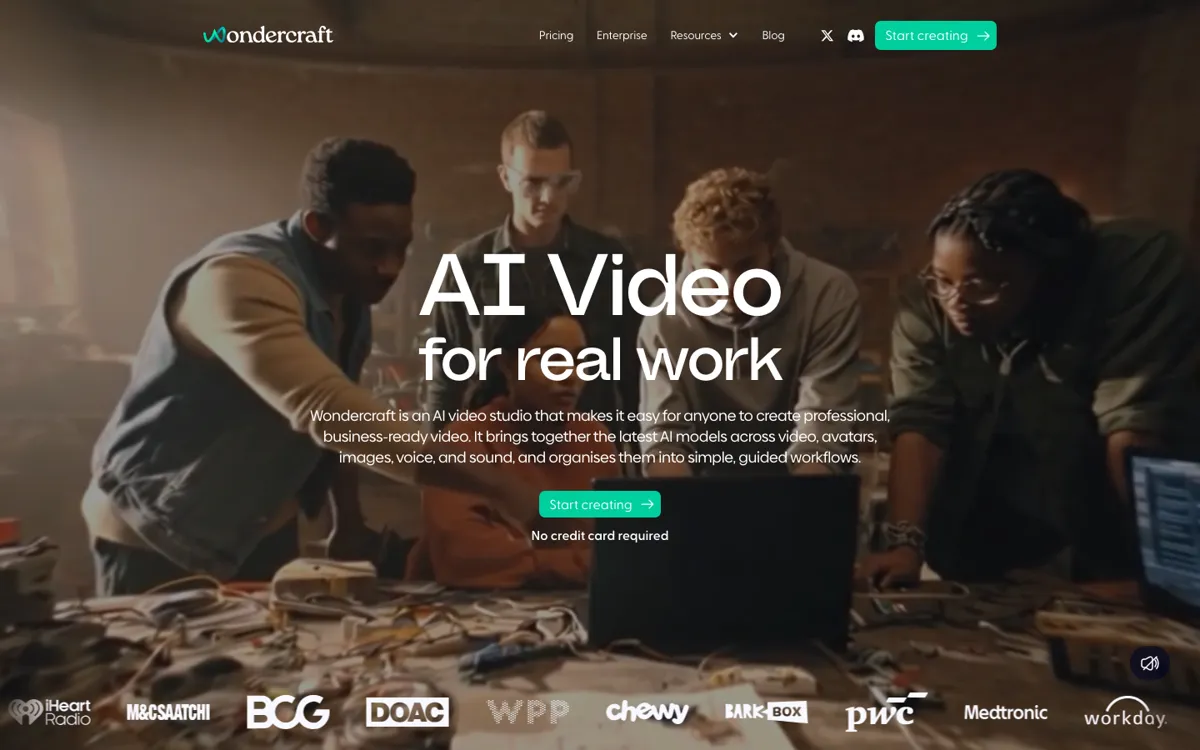
Official Website Snapshot Visit Site ↗

check_circle Pros

  • It combines generation and editing instead of stopping at raw model output.
  • Audio workflows and newer video workflows now live in the same studio.
  • Docs, API access, and enterprise controls make it feel operational, not just experimental.

cancel Cons

  • Credits become a real budget line once production volume climbs.
  • It is less attractive if you only need a narrow voice layer or deep DAW-style cleanup.
  • The widening product scope can feel heavier than necessary for simple jobs.

Should you use it?

teams turning scripts, prompts, or documents into repeatable video and audio content

Skip it if: you only need a narrow TTS layer or already have a production stack you trust

Is it worth the price?

Freemium Starts at USD 21.00

The free tier is fine for learning the interface, but the real decision starts when credits become part of weekly production planning. Creator is the first paid tier at $21 monthly on annual billing or $25 billed monthly. That is manageable for steady output, but high-volume teams need to watch credit burn early.

The Free Tier

150 free credits, limited AI model access, and up to 720p export.

Paid Upgrade
$21/month

Creator adds 1,000 credits, premium models, API access, and full commercial rights.

One thing to know before you start

Run one real workflow end to end, not just a sample. The useful test is whether Wondercraft replaces enough separate steps to justify the credits.

What people actually use it for

Turn scripts into publishable content

Wondercraft works well when the missing step is production, not ideation. It can take scripts, notes, or documents and move them toward publishable podcast or video output without a full recording setup.

Create ads or training content faster

The guided workflows are easier to justify when the team already knows the message and needs to ship polished assets quickly for campaigns, onboarding, or education.

Scale versions and formats

It is useful when one source needs to become several outputs across voices, formats, or markets without rebuilding the process each time.

What does Wondercraft actually do?

Wondercraft is easier to judge now as a creation studio than as an audio app. The product bundles models, generation, and editing into one place so teams can move from prompt to finished content without bouncing between tools.

The caution is cost creep. The studio becomes compelling when it replaces several steps, but less so when it is only filling one narrow gap and still drawing down credits every week.

What you can do with it

Create video and audio content from prompts, scripts, or uploaded documents.
Use guided workflows for podcasts, meditations, audio ads, and business video.
Clone voices and generate narration, dubbing, and alternate versions.
Edit output on a real timeline with captions, layouts, branding, and export.
Access API, documentation, case studies, and enterprise controls.

Technical details

security
Enterprise materials mention SOC 2, GDPR, SAML, SSO, and MFA.
api_access
API is positioned for generation, models, and editing workflows.
studio_scope
Video, avatars, images, voice, music, sound, and editing in one browser studio.
billing_model
Credit-based usage with paid tiers unlocking more monthly credits.
editing_surface
Timeline editor with captions, layouts, branding, resizing, layers, and export.

Top Alternatives to Wondercraft

If Wondercraft is close but still misses the job, try one of these instead.

Key Questions

Is Wondercraft just a text-to-speech tool?
No. It now looks more like a creation studio, with video, audio, editing, and generation workflows in one place.
Is the free plan enough to judge Wondercraft properly?
Yes for learning the workflow. The free tier gives 150 credits, limited model access, and 720p export. Regular publishing is where paid usage starts to matter.
When does Wondercraft make more sense than Descript?
Wondercraft wins when you are generating spoken content from text, prompts, or rough ideas. Descript wins when the recording already exists and the main job is editing, cleanup, and post-production control.