Vida Review

7.6/10

macOS AI agent that turns desktop context into replies, prompts, summaries, and cleanup plans.

Review updated July 2026 By The AI Way Editorial 3 min read
Einsia AI Technology AI Agents Mac App Privacy Focused Summarization Freemium from USD 9.90/mo

Read this first

Vida only works if it can see enough work context to help, and that is exactly what makes some teams reject it.

Our Verdict

Pick Vida when your work already lives across desktop apps and the next useful artifact usually depends on context you do not want to retype. The upside is real, but the real price is trust: without desktop access and memory, Vida loses its edge quickly.

Official site
A free plan is listed; verify current limits before upgrading. Starts at USD 9.90.
open_in_new Try Vida
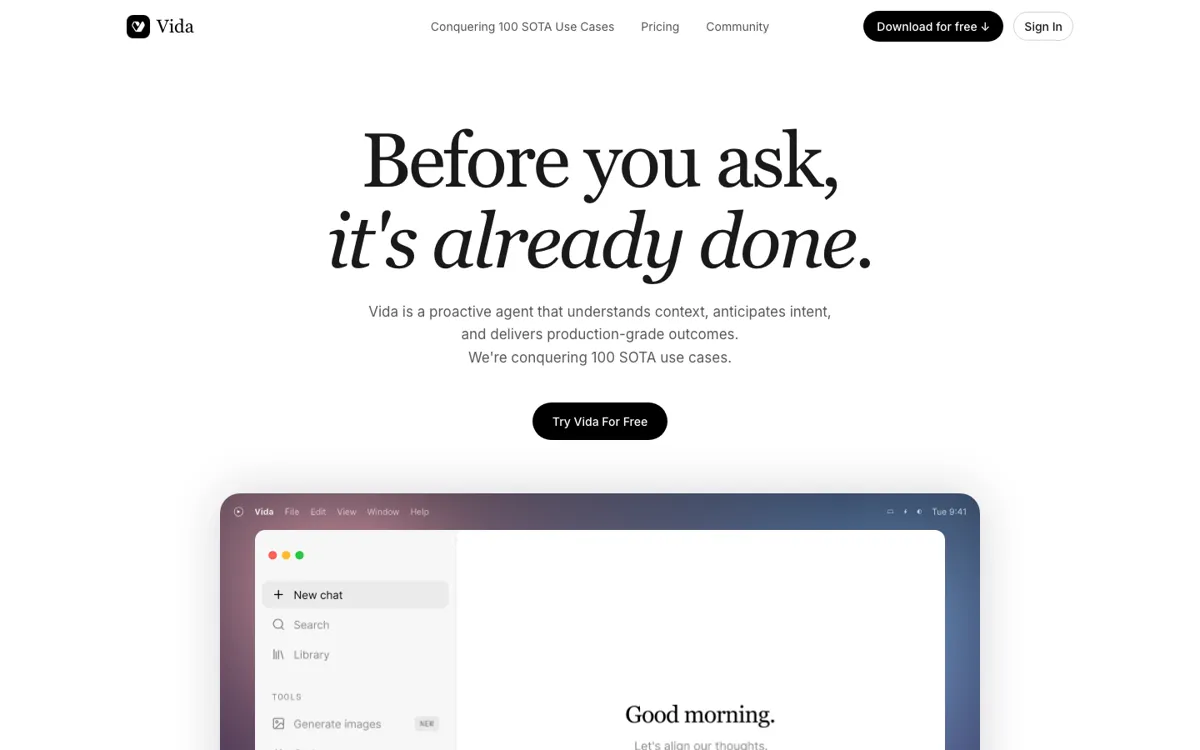
Official Website Snapshot Visit Site ↗

check_circle Pros

  • The first use cases are concrete enough to test in one week.
  • Memory, app visibility, and confirmation controls are visible.
  • The pricing split between Basic and Pro is easy to understand.

cancel Cons

  • It asks for sensitive desktop context, which rules it out for some work.
  • Windows support is still not generally available.
  • Several announced use cases are not fully shipped yet.

Should you use it?

desktop-heavy knowledge work that keeps turning scattered context into replies, prompts, or summaries

Skip it if: your work data cannot leave approved systems, you need Windows now, or you only want a simple chatbot

Is it worth the price?

Freemium Starts at USD 9.90

Basic is enough to test chat and light scheduled tasks. Pro only makes sense once memory, proactive help, and deeper generation features become the reason to use Vida.

The Free Tier

Basic includes up to two scheduled trackers

Paid Upgrade
$9.90/month

Pro adds memory, deeper generation features, and unlimited trackers

One thing to know before you start

Start with Prompt Rescue and Daily Wrap first. They show whether Vida understands your work style without putting files at risk immediately.

What people actually use it for

Draft replies from messy threads

Use it when the useful context for one response is spread across messages, notes, and project files.

Clean up prompts before model use

This is the safest first test because the output can be judged quickly and does not require risky actions.

Preview workspace cleanup

It helps when files and folders need structure, but you still want confirmation before anything changes.

What does Vida actually do?

Vida is easier to judge through its first five use cases than through the larger assistant pitch. Reply Rescue, Prompt Rescue, Resume Rescue, Workspace Cleanup, and Daily Wrap all produce something concrete, which gives you a direct way to test whether the agent actually saves review time.

The main adoption risk is still privacy. Vida can read desktop context and send relevant data through third-party model providers, so the memory controls and permission boundaries matter just as much as the output quality.

What you can do with it

Draft replies from surrounding work context.
Rewrite rough requests into cleaner prompts.
Build resumes from raw experience and documents.
Preview workspace cleanup before changes happen.
Create daily summaries and scheduled tracker updates.

Technical details

task_limits
Basic caps scheduled trackers at two
memory_model
Paid plans add long-term and cross-project memory
context_scope
Reads allowed desktop context and app signals
platform_support
macOS today; Windows listed as coming soon

Top Alternatives to Vida

If Vida is close but still misses the job, try one of these instead.

Key Questions

Is Vida just another chatbot?
No. Its real differentiator is live desktop context plus memory, not plain prompt-response chat.
Does Vida have a free plan?
Yes. Basic is listed as a free starter tier with lighter limits.
What platform does it support?
Vida supports macOS now, while Windows is still listed as coming soon.
What should work users check first?
Check desktop permissions, memory behavior, and third-party model processing before using it on sensitive work.