Vaani Review

8.2/10

Dub videos into 40+ languages while preserving the speaker's voice and lip timing.

Review updated June 2026 By The AI Way Editorial 3 min read
Strible AdvantAI API Available Lip Syncing Video Translation Voice Cloning Paid from USD 49.00/mo

Our Verdict

Pick Vaani when believable dubbed video matters more than finding the cheapest translation layer. It is strong on voice preservation, batch dubbing, and optional lip-sync, but you still need to test your real source clips before trusting the output on public-facing work.

Official site
Paid product. Starts at USD 49.00.
open_in_new Visit Vaani

What people keep saying about it

The launch reaction focused on the voice-preserving angle more than on translation alone. The useful skepticism was about messy audio, humor, music, and whether line-by-line review is good enough before export.

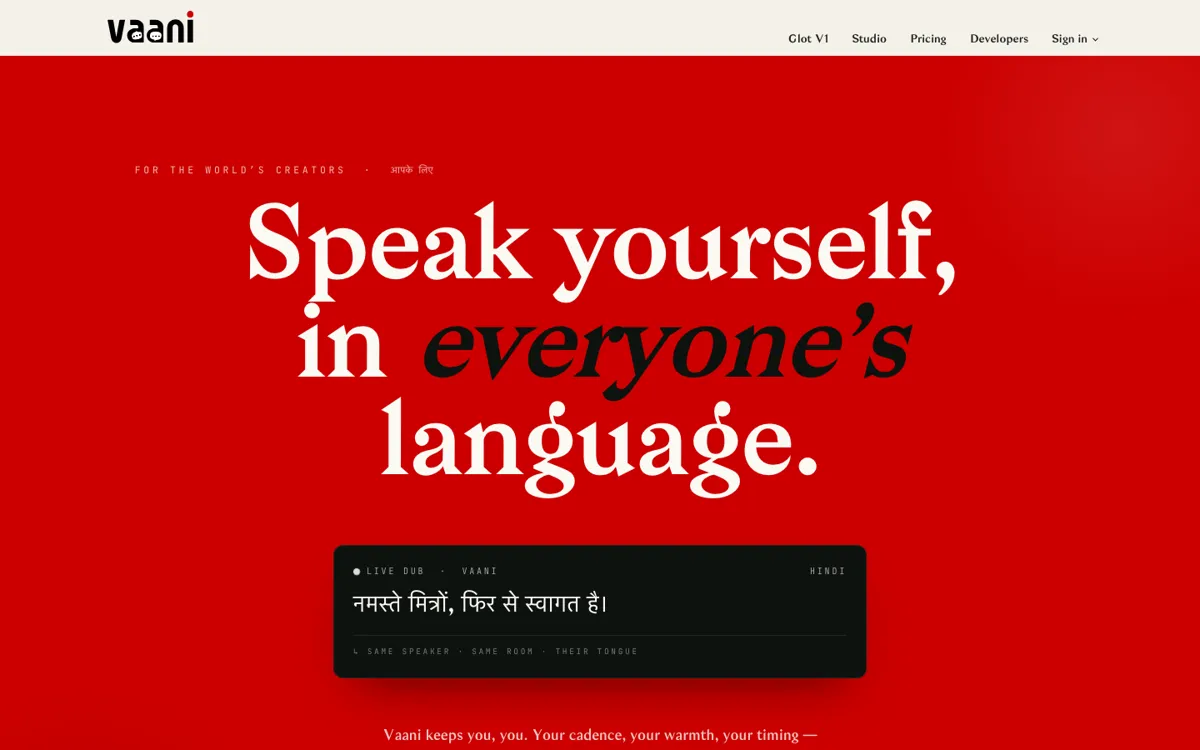
Official Website Snapshot Visit Site ↗

check_circle Pros

  • Voice-preserving dubbing is a clearer promise than generic AI voice replacement.
  • Studio and Glot V1 separate polished edits from batch localization well.
  • Pricing exposes minute buckets, plan tiers, and lip-sync cost publicly.

cancel Cons

  • The free trial is too small to judge a full production workflow.
  • API access does not start until the $299/month Studio plan.
  • Lip-sync is billed separately, so the subscription is not the full cost.

Should you use it?

creator libraries, ads, courses, podcasts, and studio clips that need voice-preserving dubbing

Skip it if: you need live meeting translation, subtitle-only localization, or fully human-reviewed dubbing from the start

Is it worth the price?

Paid Starts at USD 49.00

The free trial is enough for one proof clip, not for a real rollout. Creator starts at $49/month, but API access and team-heavy usage begin at Studio for $299/month.

Paid Upgrade
$49/month Creator plan

More monthly minutes plus lip-sync minutes and unlimited projects

One thing to know before you start

Use the trial on the hardest clip you actually ship: background music, two speakers, fast delivery, and at least one risky line.

What people actually use it for

Localize a creator back catalog

Use it when the same speaker needs to keep sounding like themselves across many languages.

Batch dub a slate of videos

Glot V1 is the better fit when one release cycle includes many files and many target languages.

Polish one high-value video

Studio is the better path when one ad or course module needs edits before the dub is safe to publish.

What does Vaani actually do?

Vaani stands out because it is not only trying to translate the words. It is trying to keep the speaker believable while the language changes, which matters a lot more in founder videos, creator channels, education, and branded content than in simple subtitle work.

The public pricing is unusually clear for this category. That helps, but the real decision still comes down to source quality and review standards. A technically synchronized dub can still miss the joke, the caveat, or the claim that actually matters.

What you can do with it

Dub videos into 40+ languages with speaker voice preservation.
Add optional face-aligned lip-sync as a separate layer.
Use Studio for segment edits and speaker-level controls.
Use Glot V1 for batch dubbing across many files.
Run dubbing jobs through a documented API on Studio plans.

Technical details

api_access
REST API starts on Studio plans
work_modes
Studio for single-video edits and Glot V1 for batches
lip_sync_model
Face-minute billing for Sync Pro lip-sync
language_coverage
40+ languages on the official site

Top Alternatives to Vaani

If Vaani is close but still misses the job, try one of these instead.

Key Questions

Does Vaani have a free plan?
No ongoing free plan was verified. There is a one-time trial with limited dubbing minutes.
What does paid access start at?
Creator starts at $49/month. Studio is $299/month and is the first plan with API access.
What is Glot V1 for?
It is the batch workflow for sending many videos into many languages at once.
Is lip-sync included by default?
No. It is treated as an add-on and billed separately by face-minute.