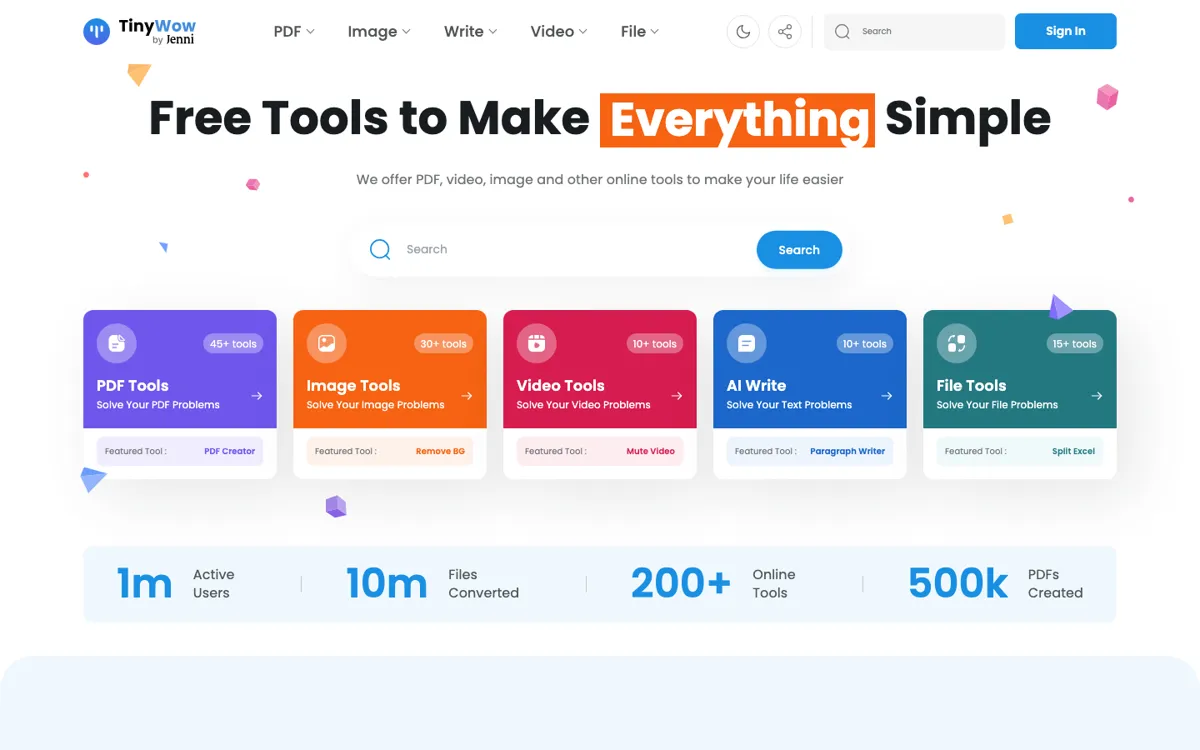
What does TinyWow actually do?
A lot of office and creator work breaks down on tiny, annoying format problems. Someone sends a PDF that is too large to upload, a photo has the wrong background, a short clip needs trimming before it can be shared, or a spreadsheet arrives in the wrong file type for the next tool in the chain. None of these jobs is big enough to justify learning a complex desktop editor, but each one still blocks the real work. That is the gap TinyWow aims at. Instead of making you hunt for a different micro-tool every time, it puts PDF, image, video, writing, and file conversion jobs in one browser tab so you can clear the blocker and move on.
The practical appeal is how quickly you can jump between unrelated chores. You can merge or edit a PDF, remove a background from an image, transcribe audio, rewrite a paragraph, or convert Excel, XML, CSV, and JSON files without switching products. The pricing page also makes the intended upgrade path clear: free access gets people in the door, while premium mainly removes ads, captchas, daily limits, and slower processing. That means the product is built around fast task completion, not around turning each tool into the deepest version in its category. For users dealing with scattered one-off cleanup work, that trade can be worth it.