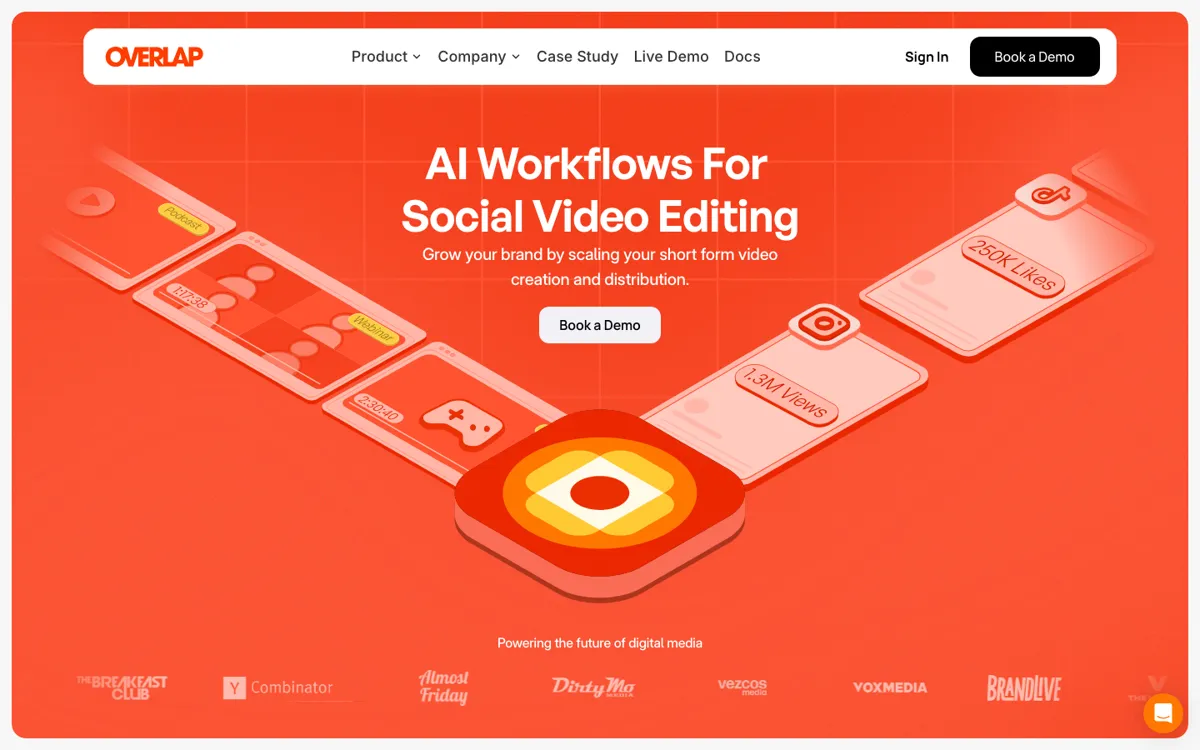
What does Overlap AI actually do?
Overlap is really for teams that treat short-form video as an operations problem. If one long recording needs to feed multiple channels every week, the workflow engine matters more than a simple clip editor.
Turn long-form video into clipped, edited, and posted social content with AI workflows.
Overlap AI is strongest when the real pain is short-form throughput, not one-off editing. The workflow engine is the reason to use it, because it can turn long recordings into repeatable social output instead of leaving every clip as a manual job. The weak point is buying clarity: it still takes a demo conversation to judge fit properly.
Running a repeatable short-form pipeline from podcasts, interviews, or media footage when you need clips found, reframed, packaged, and posted across multiple social channels.
Skip it if: you just want a lightweight clip cutter, or public self-serve pricing is non-negotiable
The biggest friction is not clip quality, it is buying clarity. If your team needs public pricing before booking a demo, Overlap will be slower to qualify than lighter self-serve clipping tools.
The node list tells you more than the homepage does. If the trigger, subtitle, and posting pieces match your workflow, the demo is worth your time.
This is the clearest use case on the site. You already have long recordings, but the editing queue is slowing down your posting cadence across TikTok, Reels, and Shorts. Overlap lets you build workflows that find moments, convert to vertical, add subtitles or overlays, and hand clips into a social posting layer. That matters when the problem is not one edit, but keeping multiple channels alive from the same source footage week after week.
The homepage explicitly mentions automated accounts for promotional, secondary, or fan use. That makes the product useful when your team wants more distribution surface area without assigning a human editor to every account. The workflow model helps because it treats clip creation and posting as repeatable operations instead of a series of manual exports. It is less compelling if you still want every clip hand-cut and hand-posted by an editor.
The docs show nodes for triggers, findclips, reframe, subtitles, title overlays, RSS and YouTube ingestion, social calendar controls, and post-to-social output. That points to a team using Overlap as an internal content pipeline rather than just another editor tab. If your current process jumps across upload tools, subtitle apps, frame converters, and schedulers, Overlap is trying to collapse those steps into one system. The tradeoff is setup overhead, because workflow products pay off only when you actually run them repeatedly.
Overlap is really for teams that treat short-form video as an operations problem. If one long recording needs to feed multiple channels every week, the workflow engine matters more than a simple clip editor.
If Overlap AI is close but still misses the job, try one of these instead.