Creatify Review

8.5/10

AI ad video generator for turning product URLs into avatar-led performance creatives.

Review updated May 2026 By The AI Way Editorial Tested 204+ tools across the site 3 min read
Creatify API Available Avatar Generation Multi-language SaaS Video Editing Web-Based Freemium from $39.00/mo

Our Verdict

Creatify is most useful when your bottleneck is not ideas but creative volume. If you already run paid social or ecommerce campaigns and keep needing fresh ad cuts, avatars, and hooks, it can remove a lot of production drag. If you still need high-touch brand storytelling or polished cinematic editing, this is more of a speed machine than a craft tool.

Try it
Free to start, then pay when the limits stop you. Starts at $39.00 USD.
open_in_new Try Creatify
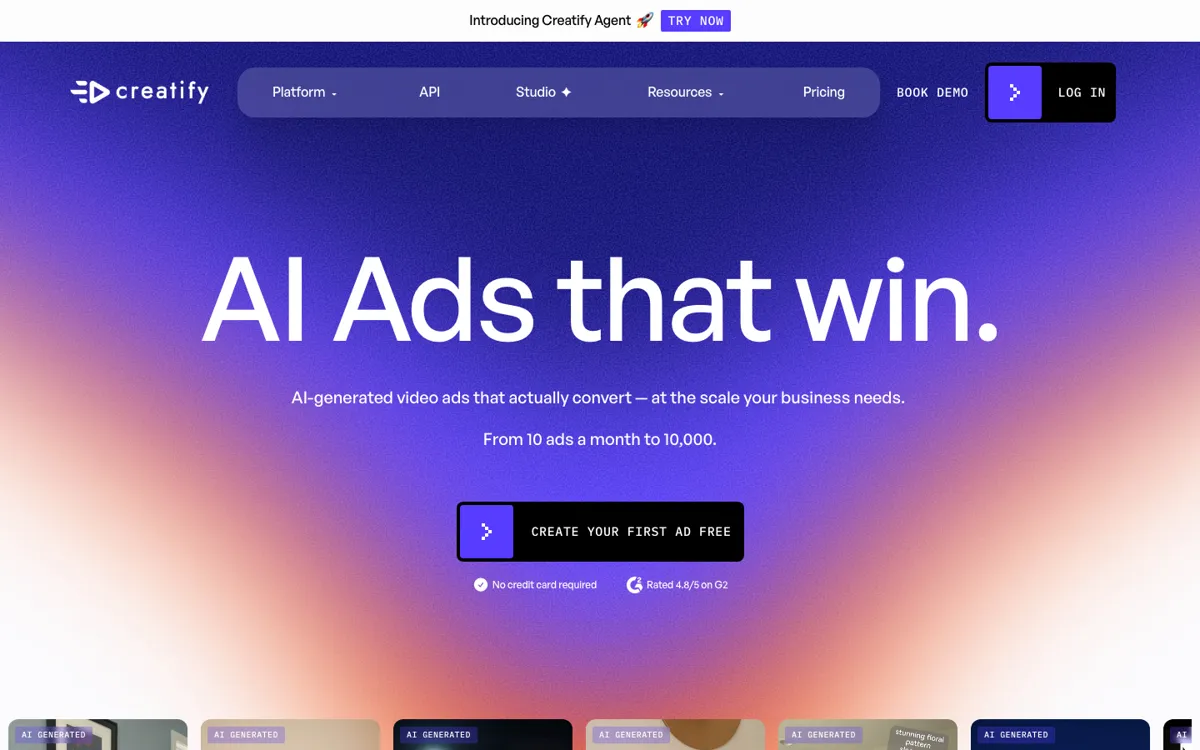
Official Website Snapshot Visit Site ↗

check_circle Pros

  • The URL-to-video workflow is a real time saver for ecommerce and performance teams because it starts from product data instead of a blank editor.
  • AI avatars, scripts, and voiceovers make it easier to create spokesperson-style ads without waiting on creators or a filming setup.
  • API access gives larger teams a path to scale creative generation across bigger catalogs and repeat campaigns.

cancel Cons

  • The product is optimized for high-output ad generation, so teams chasing premium brand nuance may still need a human editor after the first draft.
  • The entry tier is mostly there to prove the workflow, not to carry a real creative testing program, so serious ad volume quickly becomes a paid decision.
  • If you do not already have a paid distribution loop or a reason to test lots of creatives, the speed advantage can be wasted.

Should you use it?

Best for: Performance marketers, ecommerce brands, and agencies that need to turn product pages into many ad variants for TikTok, Meta, and other short-form acquisition channels.

Skip it if: Skip it if your video work is mostly brand films, YouTube storytelling, or high-touch editing where the hard part is creative direction, not producing more ad variations from product inputs.

Is it worth the price?

Freemium Starts at $39.00 USD

Creatify makes the most sense once you are already spending enough on acquisition that faster creative testing can pay for itself. The entry price is reasonable for a media team, but it is easy to overbuy if you only ship a handful of ads each month and do not need a steady stream of new variants.

The Free Tier

Creatify offers a free tier for testing the workflow before committing to paid usage.

Paid Upgrade
$39/month

Paid plans are built for higher ad volume, more generation capacity, and the production features needed for repeat creative testing.

One thing to know before you start

Treat Creatify like a creative testing engine, not your final brand video suite. It pays off most when you feed it many products, angles, and hooks, then keep the winners moving into paid channels quickly.

What people actually use it for

Turn ecommerce product pages into paid social ad drafts

Creatify fits ecommerce teams that already have strong product pages but weak creative bandwidth. Instead of briefing an editor for every new SKU or promo angle, the team can start from the product URL, generate several short ad drafts, and push new hooks into Meta or TikTok testing much faster than a manual workflow usually allows.

Create avatar-led product pitches without booking talent

If the campaign needs a spokesperson format but the budget or timeline does not support filming creators repeatedly, Creatify helps bridge that gap. AI avatars, scripts, and voice layers make it easier to spin up a presentable talking-head ad quickly, especially for landing page promos, feature callouts, and offer-driven campaigns where speed matters more than one-of-a-kind performance.

Scale ad testing across a larger catalog with API workflows

Larger brands and agencies can use Creatify's API angle when the problem is no longer making one ad, but making many. Once ad generation needs to connect with product feeds, campaign systems, or recurring creative refresh cycles, the API becomes more important than the editor itself because it keeps the production loop moving without hand-building each variant.

What does Creatify actually do?

Creatify is aimed at one very specific pain: ad teams keep needing more creative than their production process can comfortably supply. The product does not start from a filmmaker mindset, it starts from a media buying problem. When you already have a landing page, a product catalog, and a channel that rewards constant testing, the slowest part is often turning those inputs into enough video variations to learn what works. Creatify attacks that bottleneck by treating the product URL as the raw material and pushing quickly toward short-form ad output instead of asking you to build scenes manually from scratch.

That is also why its feature set makes sense together. URL-to-video, AI avatars, scripts, voiceovers, and rapid variation are all parts of the same paid acquisition workflow. The value is not that each one is individually novel, but that they are stitched together for the person who needs fresh ad cuts every week. If your team is testing new offers, new hooks, or new spokesperson angles constantly, that speed compounds. API access strengthens the story because it gives bigger brands a way to turn this from a one-off creative tool into part of an ongoing catalog-driven campaign machine.

The tradeoff is that speed-first ad software usually stops short of premium storytelling. Creatify can get you to a usable ad draft quickly, but that is different from replacing a skilled editor, a strong creative strategist, or a polished brand video workflow. Teams that judge success by output volume and test cadence will feel the benefit faster than teams that care most about cinematic control. So the product is worth it when you already know that more ad iterations will create business value, and much less compelling when your real problem is creative taste, message strategy, or long-form narrative video.

What you can do with it

Turn a product URL into a ready-to-edit ad video instead of starting from a blank timeline.
Generate AI avatar ads with scripts, voiceovers, and spokesperson-style delivery for paid social formats.
Produce multiple creative variations quickly so ad teams can test hooks, angles, and formats without rebuilding each asset manually.
Use the API to plug ad generation into a larger catalog, ecommerce, or campaign workflow.

Technical details

platform
Web app for generating short-form ad creatives from product inputs and editing them for campaign use.
deployment
Cloud-hosted SaaS focused on browser-based ad production workflows.
api_available
Yes. Creatify offers an API for automating creative generation flows.

Top Alternatives to Creatify

If Creatify is close but still misses the job, try one of these instead.

Key Questions

Is Creatify more useful for marketers than general video creators?
Yes. Its strongest use case is paid acquisition creative, especially product ads and testing loops, not broad-purpose video production.
What makes Creatify different from a normal video editor?
It starts from a product URL and ad workflow rather than a blank timeline. That matters when you need many conversion-focused variants more than frame-by-frame control.
When does the API matter?
The API matters once your team wants to automate creative generation across many products or recurring campaigns. If you only make a few ads manually, the web app matters more than the API.