What does Open Notebook actually do?
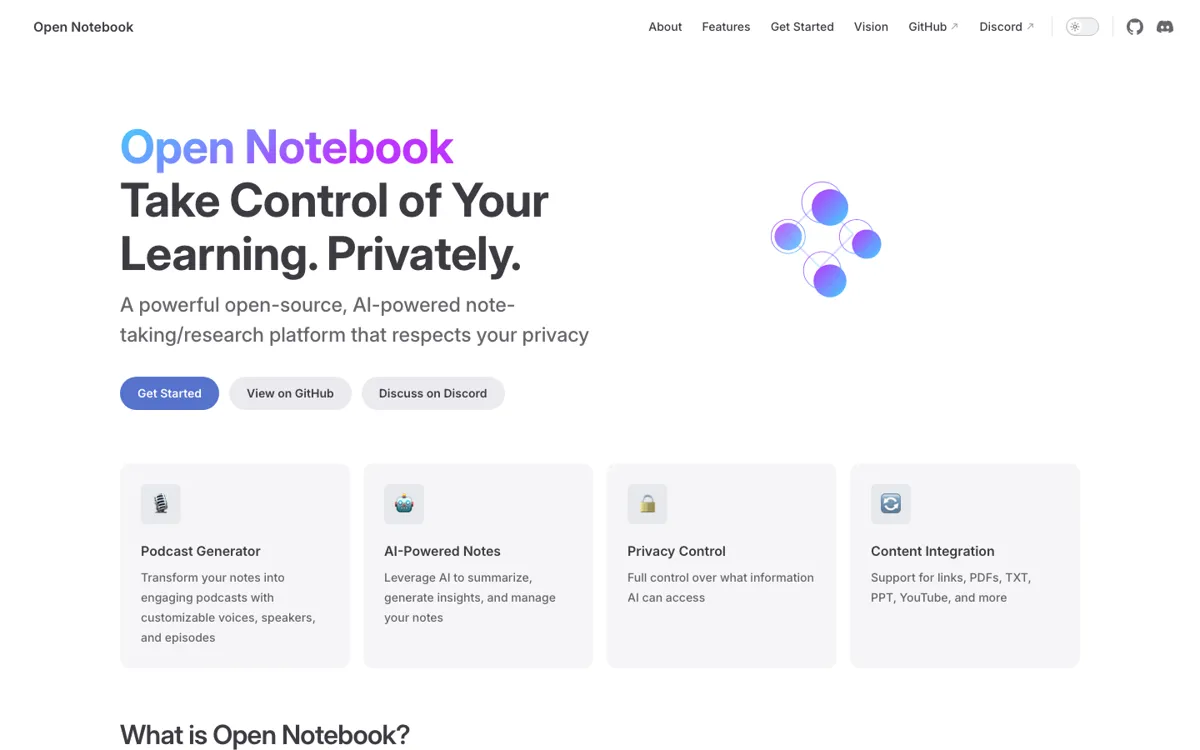
The strongest reason to look at Open Notebook is not that it copies NotebookLM. It gives you a decision that NotebookLM largely hides: which model sees which source, where the data lives, and how much context is worth paying for. In a notebook chat, a source can be kept out of context, shared as a summary, or exposed as full content. That matters for private research notes, client material, internal strategy, or any reading pile where uploading everything to a hosted assistant is the wrong default.
The product becomes more interesting once sources move beyond PDFs. Open Notebook can work with web links, YouTube transcripts, PDFs, DOC/PPT/EPUB files, local video, local audio, markdown, text, and pasted notes. Those sources can feed transformations, notes, full-text search, vector search, cited answers, and podcast generation. The podcast feature is unusually configurable: templates can define speaker roles, tone, language, dialogue structure, episode length, and voice models from providers such as OpenAI, Gemini, and ElevenLabs. That makes it useful when reading material needs to become something you can revisit while commuting or reviewing away from the screen.