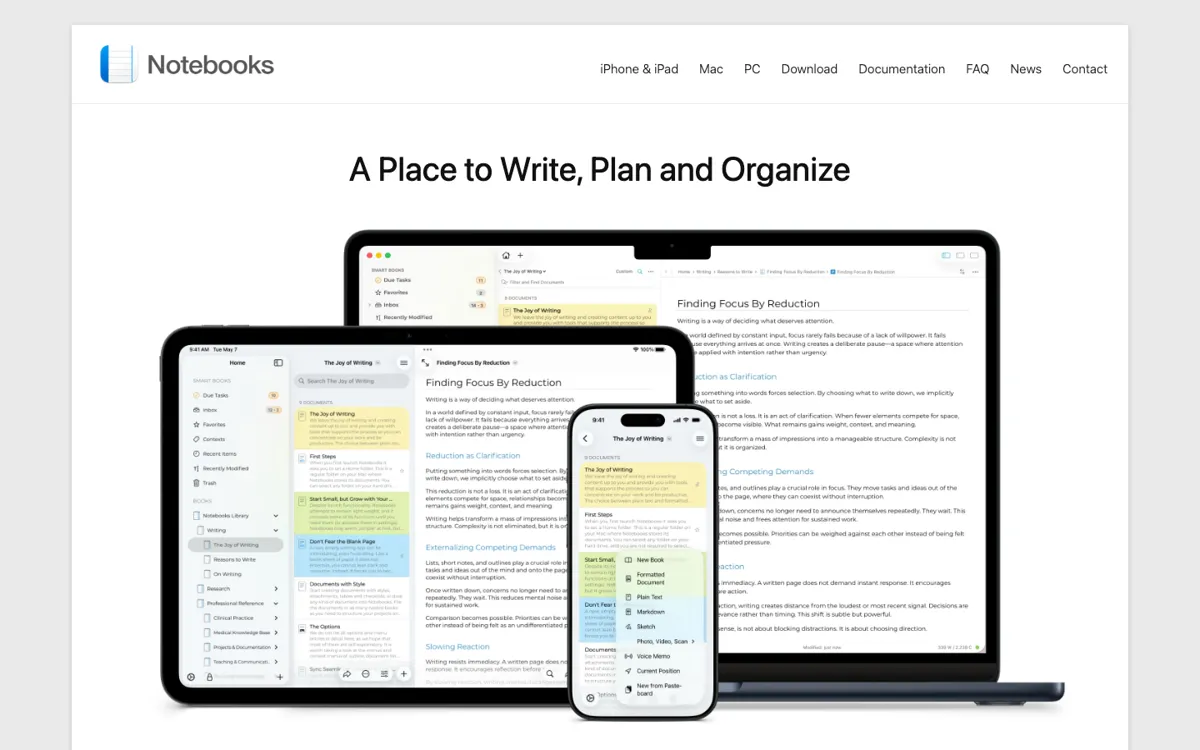
Notebooks Review

8.4/10

Turn source material into on-brand marketing content inside one AI whiteboard.

Review updated May 2026 By The AI Way Editorial 3 min read
Notebooks Content Repurposing Long-form Editor Note-Taking Web-Based Paid from USD 39.00/mo

Our Verdict

Pick Notebooks when the slow part is rebuilding context across content tools and AI models. Its value is the shared source pack: load the material once, then keep generating inside the same workspace. If you mainly want casual notes or one-off prompts, it is the wrong shape.

Official site
Paid product. Starts at USD 39.00.
open_in_new Visit Notebooks
Official Website Snapshot Visit Site ↗

check_circle Pros

  • It handles mixed source formats instead of forcing one document type.
  • The multi-model setup cuts down on repeated briefing.
  • The workspace is better for reuse than generic prompt-by-prompt writing.

cancel Cons

  • The value drops fast if your work is not content-driven.
  • You need strong source material before the workspace really pays off.
  • Casual users may hit the paid plan before proving enough ROI.

Should you use it?

content creators reusing videos, PDFs, websites, and brand references across multiple AI models

Skip it if: you want a general notes app or do not have source material worth uploading and reusing

Is it worth the price?

Paid Starts at USD 39.00

Treat Notebooks as a paid content workspace with a short free trial, not a casual freemium app. The bill only makes sense if reusing source packs is already part of your workflow.

Paid Upgrade
$39/month

Ongoing access to the full workspace beyond the trial on monthly billing.

One thing to know before you start

Do not start by prompting from scratch. Load your best-performing PDFs, web pages, videos, and voice notes first, because the product pitch is built around source-fed output rather than empty-box generation.

What people actually use it for

Turn existing source material into campaign-ready copy

Upload your best YouTube videos, PDFs, websites, and images, then ask for a blog post, email sequence, or social series built from that context. This saves time when the hard part is not writing words, but getting the AI to stay inside your real messaging and examples.

Model switching

Notebooks is useful when you compare Claude, ChatGPT, and Gemini but do not want to reload the same context every time. The shared workspace keeps the brief stable while you test output quality.

What does Notebooks actually do?

The current homepage makes the positioning much sharper than the old JSON did. Notebooks is not trying to be a broad second brain. It is trying to be the place where content creators pull research, channel history, competitor material, and source assets into one AI-ready workspace.

The tradeoff is the same thing that makes it valuable: you need real material first. If the source pack is weak, the whiteboard is just a prettier shell around models you already use elsewhere. That is why the product looks strongest for active content teams, not casual AI dabbling.

What you can do with it

Upload videos, PDFs, websites, images, and voice notes as source context.
Generate scripts, posts, and marketing assets from uploaded material.
Use Claude, ChatGPT, and Gemini inside one workspace.
Organize sources and outputs on a visual whiteboard.
Pull ideas from YouTube, Instagram, competitors, and research.

Technical details

trial_mode
Homepage pushes a 7-day free trial with no credit card.
input_types
Supports videos, PDFs, websites, images, and voice notes.
workspace_model
One source pack can feed Claude, ChatGPT, and Gemini.

Top Alternatives to Notebooks

If Notebooks is close but still misses the job, try one of these instead.

Key Questions

What kind of source material can Notebooks.app work from?
According to the TAAFT overview, it can take YouTube videos, PDFs, websites, images, and voice notes. That matters because the product is meant to build content from your existing material, not just from short prompts.
Is this mainly a marketing tool or a general notes app?
It is mainly a marketing-content tool. The TAAFT page explicitly labels it for marketing content and focuses on blog posts, social content, email campaigns, and video scripts rather than general note capture.
Does it support more than one AI model?
Yes. The TAAFT overview says the workspace uses ChatGPT, Claude, and Gemini together, which is useful if you want to compare outputs without rebuilding the same context in each tool.
What does pricing look like?
TAAFT lists a free trial and says paid options start at $39 per month with monthly billing. That is enough to test the workflow first, but ongoing value depends on whether you are regularly repurposing content from the same source library.