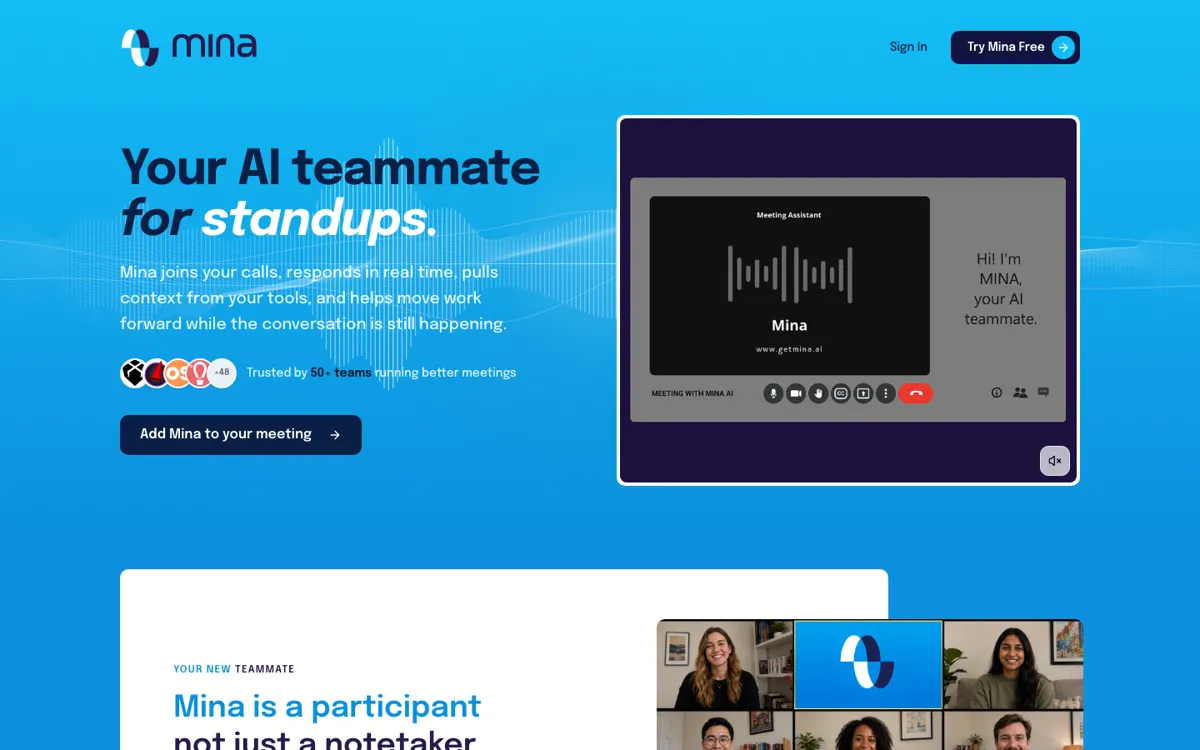
Mina Meeting Assistant Review

8.2/10

AI meeting teammate that can speak, pull context, and execute follow-up work during calls.

Review updated June 2026 By The AI Way Editorial Tested 298+ tools across the site 5 min read
Mina AI Agents CRM Integration Meeting Notes Real-Time Sales Automation Team Collaboration Freemium from $49.00/mo

Our Verdict

Mina is strongest when the meeting creates work before anyone leaves the call. Its best use is in sales, recruiting, standups, and customer success meetings where someone normally has to answer questions, write follow-ups, update CRM, or file tasks while still trying to listen. The tradeoff is governance: once an AI can speak and update systems, teams need clear rules about when it acts and what still needs human approval.

Try it
Free to start, then pay when the limits stop you. Starts at $49.00 USD.
open_in_new Try Mina Meeting Assistant
Official Website Snapshot Visit Site ↗

check_circle Pros

  • It moves beyond passive summaries by speaking, answering questions, and producing work while the call is still happening.
  • Role-specific assistants make the product easier to map to real jobs like sales engineering, scrum facilitation, recruiting, and customer success.
  • The 200+ integrations matter because Mina can push follow-up into Slack, CRM, Jira, Linear, or ATS tools instead of leaving it inside a meeting summary.
  • The free plan is enough to test the core product because it includes full platform access and starter skills rather than only a locked demo.

cancel Cons

  • The product creates a new meeting etiquette problem: someone has to decide when an AI teammate should speak and when it should stay silent.
  • Teams handling interviews, sales calls, or customer data need approval rules before letting Mina draft outputs or update connected systems.
  • The public pricing shows credit limits, so heavy usage can turn from a meeting assistant into a usage-management exercise.
  • The product is newly launched, and the strongest public discussion is still launch-day excitement rather than long-term reliability evidence.

Should you use it?

Best for: Sales calls, standups, customer success reviews, interviews, and leadership syncs where live context lookup and immediate follow-up work matter more than a polished transcript.

Skip it if: Skip it if your meetings only need quiet notes, or if your organization is not ready to let an AI participant speak in calls or touch systems like CRM, Jira, Slack, or ATS tools.

Is it worth the price?

Freemium Starts at $49.00 USD

Free is useful for trials and light experiments because it includes full platform access with 2,500 one-time credits. Calendar-heavy teams will hit Pro once monthly credits, unlimited note taking, all skills, all integrations, and Skill Creator access become necessary. If credit counting becomes part of every meeting decision, the team should either narrow Mina to fewer meeting types or move to an enterprise conversation.

The Free Tier

Free includes 2,500 one-time credits, full platform access, starter skills and templates, and community integrations.

Paid Upgrade
$49/month

Pro adds 5,000 credits per month, unlimited note taker, all skills and integrations, and full access to Skill Creator.

One thing to know before you start

Start Mina with one narrow role, such as a scrum assistant that captures blockers into Jira or a sales call assistant that drafts follow-ups for approval. Do not connect every tool and give it every skill on day one.

What people actually use it for

Sales calls with live account context

A sales team can bring Mina into discovery or demo calls so the assistant can answer product questions, pull CRM context, draft proposals, and update pipeline records after the conversation. This is strongest when reps normally lose time switching between the call, CRM, and follow-up docs.

Standups that turn blockers into tickets

Engineering teams can use Mina as a scrum assistant that prompts updates, captures blockers, writes Jira or Linear tickets, and posts a digest to Slack. The value is not another standup summary; it is getting the blocker into the system where someone can own it.

Recruiting loops with structured scorecards

Recruiting teams can use Mina to brief interviewers, track rubric coverage during the call, and draft evidence-backed scorecards for review. This needs human approval, but it can reduce the blank-page work that happens after interviews.

Customer success reviews with immediate follow-up

Customer success teams can use Mina in QBRs or renewal calls to track account health, capture commitments, draft customer-facing reports, and update CRM action items. It is most useful when the call creates work that usually gets copied into several systems afterward.

What does Mina Meeting Assistant actually do?

Mina's sharpest distinction is that it treats the meeting as the place where work should happen, not only the source material for a later summary. The product joins calls, listens, speaks when needed, and can use connected skills to create outputs while people are still discussing the issue. That changes the buyer question. You are not only asking whether the transcript is accurate. You are asking whether the assistant can pull the right account context, draft the right follow-up, update the right CRM field, and stay quiet when a human should own the moment.

The role-based packaging makes Mina easier to understand than a generic agent platform. AI Sales Engineer, AI Scrum Master, AI Recruitment, AI Customer Success, and AI L&D Coach each map the same meeting-agent idea to a different operational job. That matters because live meeting assistance gets messy fast if the assistant has no boundary. A scrum helper that files blockers to Jira is much easier to govern than a vague AI teammate that can do anything. The strongest deployments will probably start with one repeated meeting type and a short list of allowed actions.

The risk is that Mina's upside and downside come from the same capability: acting in real time. A passive notetaker can be annoying or inaccurate, but it usually does not interrupt a customer call or update a system before someone reviews the result. Mina needs meeting etiquette, permissioning, and approval habits to be part of the rollout. Product Hunt comments already surfaced the right concerns: when should Mina speak, how should it use past decisions, and what happens in sensitive contexts like interviews. Those questions are not blockers, but they are the difference between a useful AI teammate and a meeting distraction with tool access.

What you can do with it

Joins Zoom, Google Meet, and Microsoft Teams calls as an AI meeting participant.
Responds in real time when the meeting needs account context, numbers, or a drafted answer.
Generates live outputs such as summaries, proposals, follow-ups, action items, CRM updates, dashboards, and tickets.
Offers role-specific assistants for sales engineering, scrum, recruiting, customer success, and learning programs.
Connects to more than 200 tools, including Slack, HubSpot, Salesforce, Jira, Linear, GitHub, Notion, Google Workspace, and CRM systems.
Uses 40 plus built-in skills and custom skills to retrieve information, update systems, and send follow-ups.
Supports user-controlled meeting participation so teams decide when Mina speaks or acts.

Technical details

platform
Meeting agent for Zoom, Google Meet, and Microsoft Teams with live participation, note capture, memory, and in-call output generation.
deployment
Cloud-hosted SaaS with OAuth-based tool connections, user-controlled meeting participation, and explicit safeguards around deleting emails or meetings.
api_available
Custom API access is listed for Enterprise, while regular users are steered toward agent skills and 200+ ready-made integrations.

Top Alternatives to Mina Meeting Assistant

If Mina Meeting Assistant is close but still misses the job, try one of these instead.

Key Questions

Is Mina just another AI notetaker?
No. Mina can take notes, but the more important difference is live participation: it can answer questions, use connected skills, and generate follow-up work while the meeting is still happening.
What meeting platforms does Mina support?
Mina is built to join Zoom, Google Meet, and Microsoft Teams calls. The value depends on whether your team also connects the tools where follow-up work happens.
Can Mina update CRM or project tools?
Yes. Mina lists CRM updates, tickets, follow-ups, dashboards, and more than 200 integrations, including tools such as Slack, HubSpot, Salesforce, Jira, Linear, GitHub, and Notion.
Is there a free plan?
Yes. The free plan includes 2,500 one-time credits and full platform access, while Pro starts at $49 per month with monthly credits, unlimited note taking, all skills, integrations, and Skill Creator access.