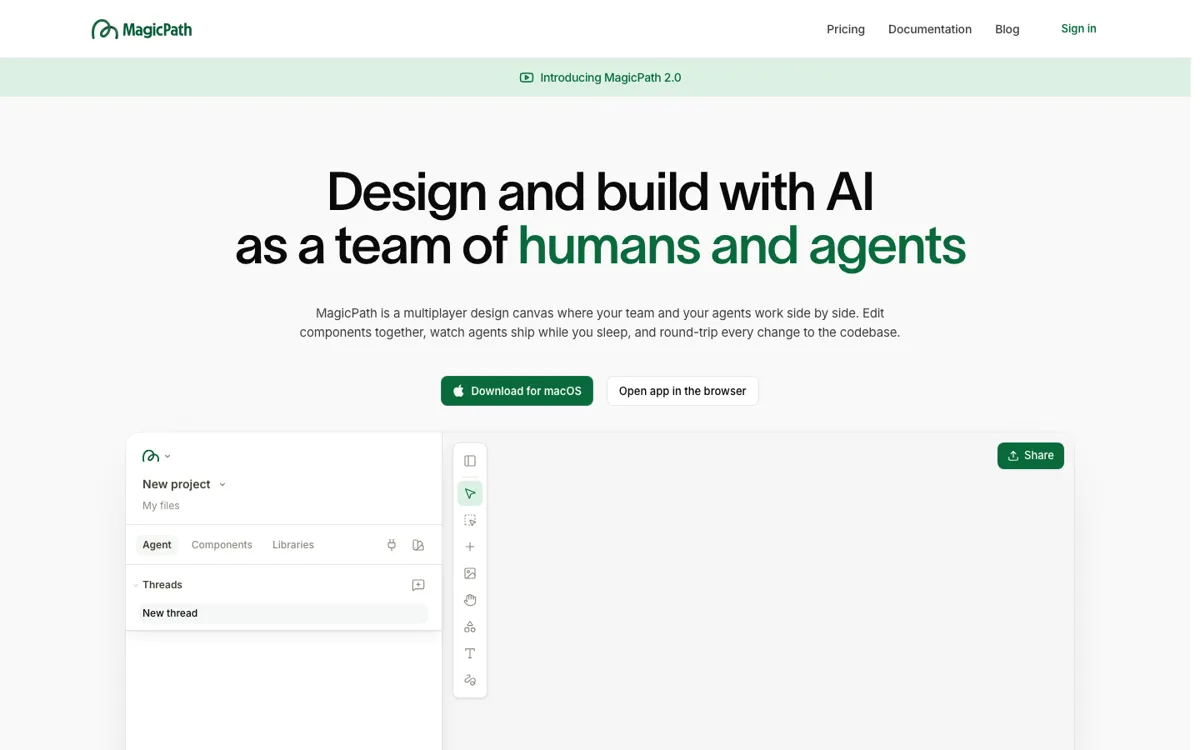
What does MagicPath actually do?
Most AI UI tools stop at the screen. MagicPath is more useful because it keeps chasing the next step: getting the design back into real React components without turning the mockup into a dead end. That matters most for teams already juggling designers, repos, component libraries, and coding agents.
The strongest part is external-agent support. Codex, Claude Code, and Cursor are meant to work against the repo and the visual canvas together, which lowers context switching. If your team already builds this way, MagicPath can feel like a shared control room. If not, it can feel like extra ceremony.