Image Describer Review

8.1/10

Upload an image and get a description, alt text, prompt, or OCR output.

Review updated August 2026 By The AI Way Editorial 3 min read
ImageDescriber API Available Chrome Extension No Credit Card Required Web-Based Freemium from USD 4.99/mo

Our Verdict

Image Describer is easy to justify when you need text from images quickly without stitching tools together. It covers descriptions, alt text, OCR, prompts, and batch export in one place. The only real hesitation is confidence: the workflow is clear, but outside validation is still thinner than with larger multimodal products.

Official site
A free plan is listed; verify current limits before upgrading. Starts at USD 4.99.
open_in_new Try Image Describer
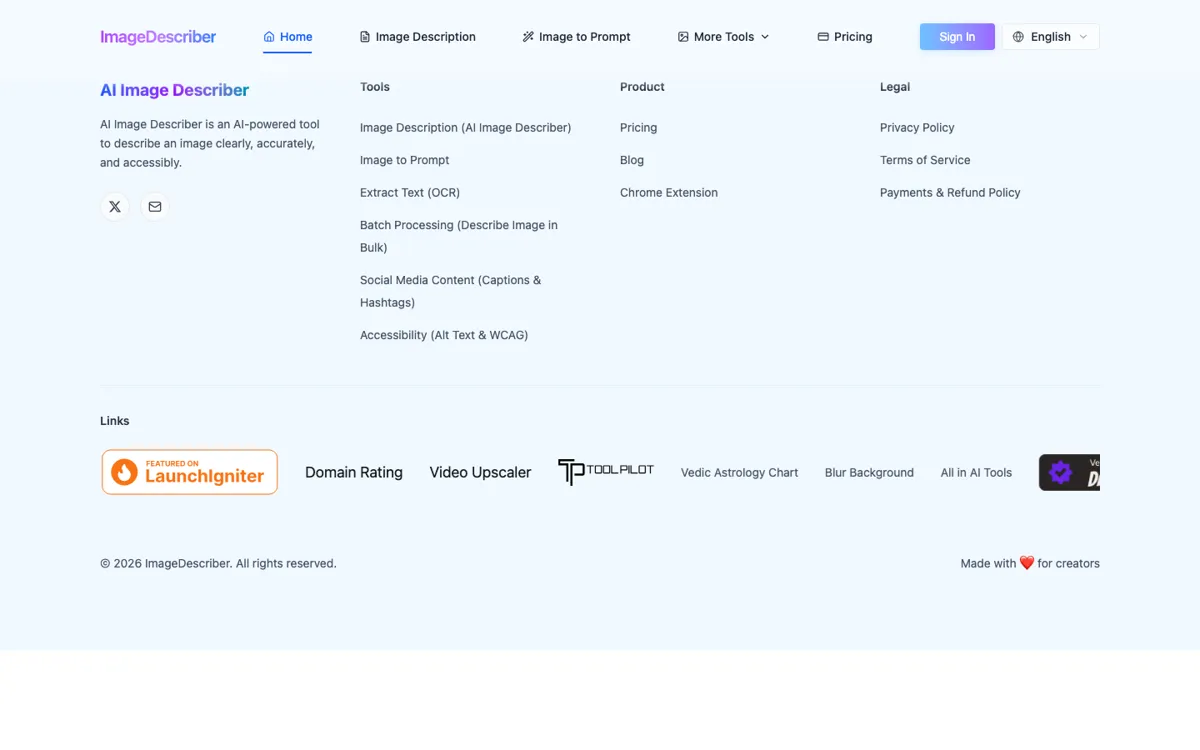
Official Website Snapshot Visit Site ↗

check_circle Pros

  • It is built around one concrete job: turning images into reusable text outputs.
  • Accessibility mode offers WCAG-style alt text instead of generic image chat.
  • Batch export to JSON or CSV makes handoff into CMS and spreadsheet work easier.

cancel Cons

  • The pricing stack gets messy once you compare free credits, packs, monthly plans, and API bundles.
  • There is not much public discussion yet, so accuracy claims are harder to pressure-test.
  • If you already work inside ChatGPT or Claude, this can feel like an extra tab for the same job.

Should you use it?

students, researchers, creators, and accessibility teams that want quick image-to-text output without prompt tinkering

Skip it if: you need audited accuracy, formal review controls, or one assistant that already handles the rest of your work

Is it worth the price?

Freemium Starts at USD 4.99

The free entry is enough to see whether the output style fits your work. The first paid step is cheap, but the buying story gets harder to read once packs, subscriptions, and API credits all enter the picture.

The Free Tier

Free plan includes daily credits; feature pages also show one free analysis before login.

Paid Upgrade
$4.99 one-time for 100 credits

Paid unlocks advanced models, batch processing, API access, and faster handling.

One thing to know before you start

Batch mode is where the time savings show up, but only after you spot-check a few outputs and make sure the tone is not drifting.

What people actually use it for

Write alt text for large image libraries

Accessibility and content teams can generate draft alt text in batches, export it, and spend their time fixing only the images that still read wrong.

Turn screenshots into searchable notes

Students and researchers can pair OCR with a short description so they keep both the visible text and the scene wrapped around it.

Reverse-engineer prompts from reference images

Creators can upload a finished image and pull out style, lighting, and composition cues for Midjourney, Flux, or Stable Diffusion.

What does Image Describer actually do?

This works best when the hard part is explaining what is already on screen, not making a new image. The useful paths are the practical ones: accessibility, OCR, and batch export, where the text can go straight into another system or workflow.

It also helps that the tool does not force every image task into one generic output. Plain descriptions, decorative alt text, prompt extraction, social captions, and OCR are split apart. The part that still needs proving is trust at scale, because the product story is ahead of the amount of outside validation behind it.

What you can do with it

Describe uploaded images in short or detailed text.
Generate WCAG-focused alt text for accessibility work.
Extract visible text from images with OCR.
Turn images into prompts for Midjourney, SD, and Flux.
Batch-process up to 50 images and export results.

Technical details

api_access
Paid API plans include REST access and dedicated keys.
batch_limit
Batch mode accepts up to 50 images at once.
export_formats
Exports batch results as JSON or CSV.
supported_formats
JPG, PNG, GIF, WEBP, BMP, HEIC, and HEIF.
accessibility_modes
WCAG concise, detailed, and decorative alt text modes.

Top Alternatives to Image Describer

If Image Describer is close but still misses the job, try one of these instead.

Key Questions

Can you try Image Describer for free?
Yes. The pricing page shows a free plan with daily credits, and the feature pages also mention one free image analysis before login.
What does Image Describer handle besides plain descriptions?
It also handles accessibility-focused alt text, OCR text extraction, social captions, prompt generation, and batch exports.
Does Image Describer support bulk work?
Yes. The batch page says you can upload up to 50 images at once and export the results as JSON or CSV.
When should you skip a dedicated tool like this?
Skip it when the image is only one small step inside a bigger reasoning or writing task. A broader multimodal assistant usually means fewer handoffs there.