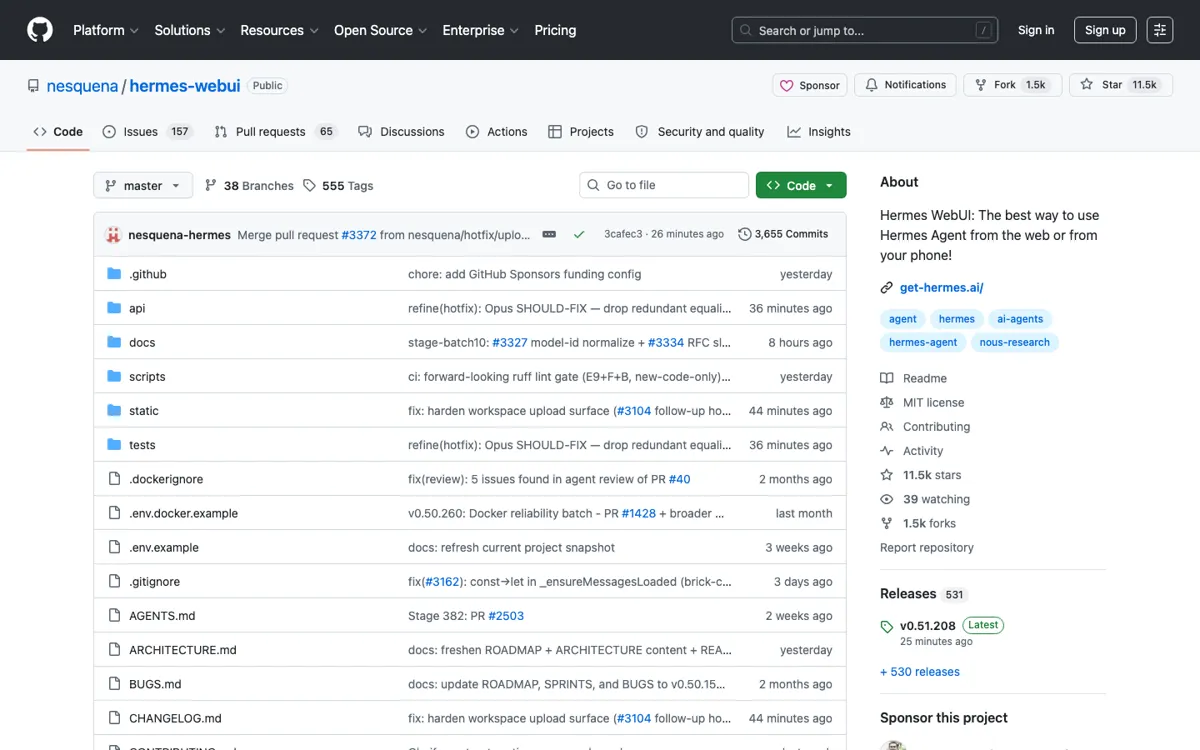
What does Hermes WebUI actually do?
Hermes WebUI is not trying to replace Hermes Agent; it is trying to make Hermes easier to live with once the agent is already part of your setup. That distinction matters because the product's best features only make sense in the Hermes operating model. Persistent memory, profiles, cron jobs, messaging access, and model-provider choice all come from the broader Hermes stack. WebUI gives those capabilities a browser surface with a sessions sidebar, chat center, workspace file browsing, token context ring, and control center. The concrete job is to stop forcing every interaction through a terminal when a visual workspace is the better tool.
The repo's technical shape is one of the better reasons to pay attention. The README emphasizes a no-build, no-framework frontend: Python plus vanilla JavaScript, CSS, and HTML. The setup paths include bootstrap.py, start.sh, ctl.sh, and Docker images, while remote access is commonly framed around a local port and SSH tunnel. That is not consumer-app simplicity, but it is a sensible shape for a self-hosted agent UI. It gives developers and homelab users several deployment routes without asking them to adopt a heavy frontend toolchain just to open a browser chat.