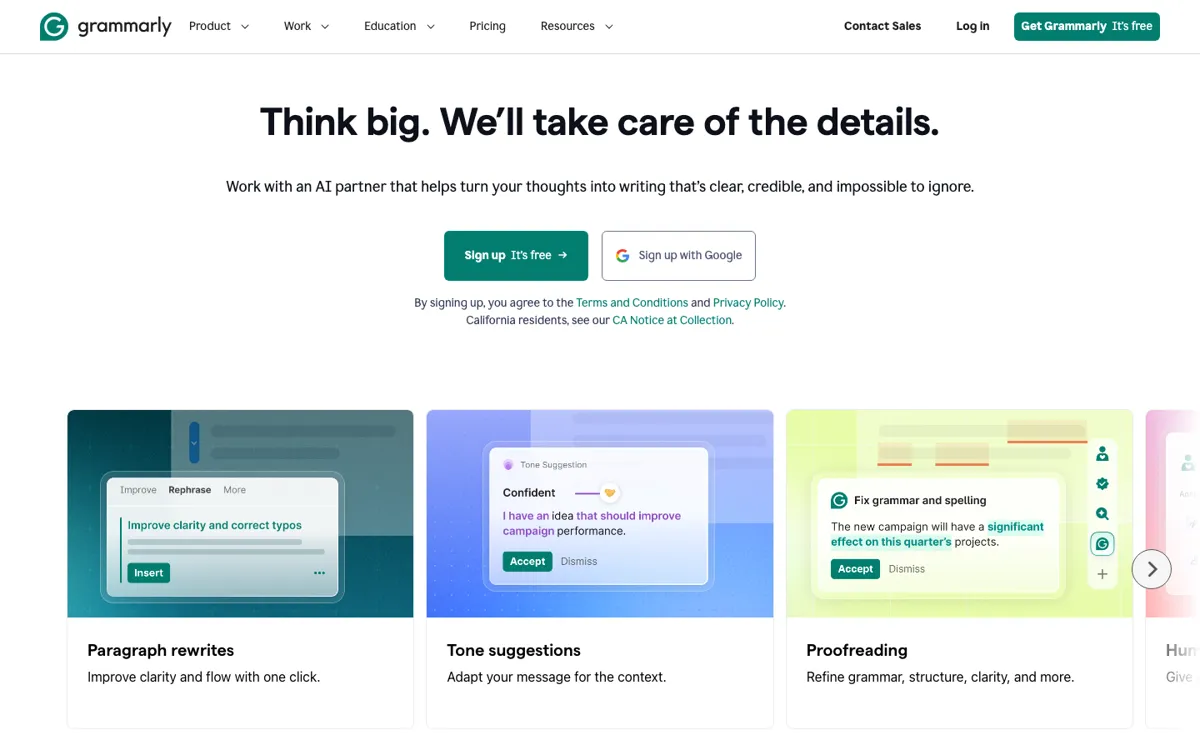
What does Grammarly actually do?
Grammarly still matters because most writing problems are not blank-page problems. They are last-mile problems: a message sounds too blunt, a proposal drags, a sentence is technically correct but still awkward, or a document needs to sound more consistent before someone else reads it. That is where Grammarly remains more practical than a standalone chat assistant. It steps into the tools people already use and handles that cleanup in place.
What is newer now is the scope around that core editor. Grammarly is clearly trying to become a broader writing and governance layer with AI agents, detector and humanizer tools, authorship features, enterprise controls, and the Superhuman Go positioning on larger plans. That makes the product more ambitious, but it also sharpens the same old boundary: the more writing Grammarly can see, the more valuable it becomes, and the more some users will hesitate. If that trust tradeoff is acceptable, the current version is broader and more operationally useful than the old JSON made it sound.