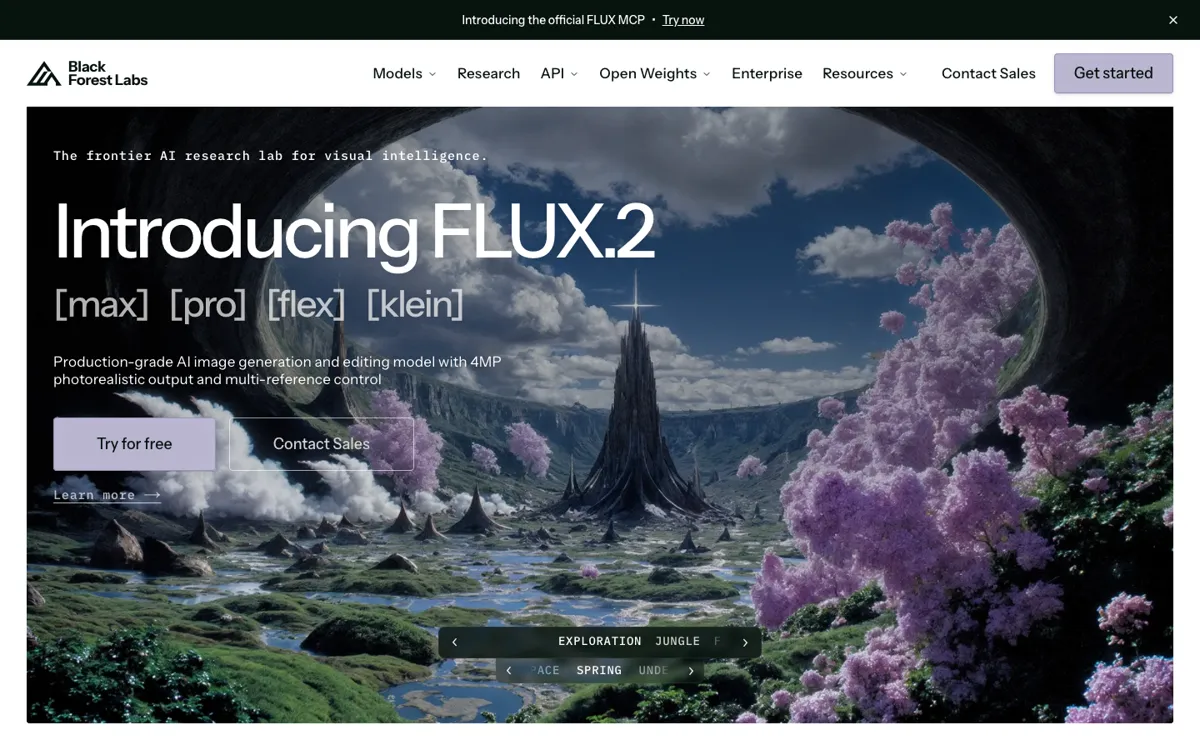
What does FLUX actually do?
The weak point in many image generators is not beauty. It is control under pressure. Once the prompt asks for readable on-image text, a branded product, realistic people, and scene logic that still holds together, weaker tools start to wobble. FLUX is aimed directly at that kind of commercial image work.
What makes FLUX more interesting than a generic image generator is the stack around the model quality. Multi-reference editing, text handling, prompt following, API access, and selected open-weight deployment paths make it easier to push an image toward something a team could actually use in a mockup, product test, or campaign draft.
The tradeoff is that FLUX behaves more like a serious image system than a casual subscription toy. Pricing is usage-based, the product family has multiple variants, and some of the strongest value sits behind docs, API workflows, or self-hosting paths. If you only want a few fun images each month, it will feel heavy. If the job needs product accuracy, readable text, and repeatable asset generation, that extra structure is the point.