CloakBrowser Review

8.2/10

Swap Playwright's default browser for a stealth Chromium binary built to survive fingerprint checks.

Review updated July 2026 By The AI Way Editorial 3 min read
CloakBrowser Browser Automation Open Source Production Workflows Freemium from USD 19.00/mo

Our Verdict

CloakBrowser earns attention when your automation already works and still dies on fingerprint checks. In that situation, replacing the browser layer is a more useful move than adding more orchestration on top. The limit is that this is still stealth tooling, so the value drops fast if detection is not already the thing breaking production.

Official site
A free plan is listed; verify current limits before upgrading. Starts at USD 19.00.
open_in_new Try CloakBrowser
Official Website Snapshot Visit Site ↗

What people actually use it for

Keep blocked automations running

When the script logic is fine but the browser keeps getting flagged, CloakBrowser lets a team swap the browser layer first and see if detection resistance fixes the failure without rewriting the workflow.

check_circle Pros

  • The job is clear: keep existing automation alive on sites that inspect fingerprints.
  • You can test it without rewriting a Playwright or Puppeteer stack from scratch.
  • Free entry plus published pricing makes early evaluation much easier than usual here.

cancel Cons

  • If detection is not the blocker yet, this adds complexity before it adds relief.
  • Stealth browser wins can decay quickly as targets change their defenses.
  • Free access tops out at one concurrent session, so serious load means paying fast.

Should you use it?

Best for teams already running browser automation on hostile sites where stock Playwright sessions keep getting blocked or scored as bots.

Skip it if: Skip it if your workflows are API-first, internal, or still too small to justify stealth-browser maintenance.

Is it worth the price?

Freemium Starts at USD 19.00

The free tier is enough for a real trial, not for scale. Once you need concurrency, the cost jumps to paid browser-session bundles rather than usage-based tinkering.

The Free Tier

Free access includes one concurrent session.

Paid Upgrade
$19/mo promo

Solo raises concurrency to five sessions.

One thing to know before you start

Test the free tier on the exact targets already blocking you. Benchmark pages matter less than your real login and navigation flows.

What does CloakBrowser actually do?

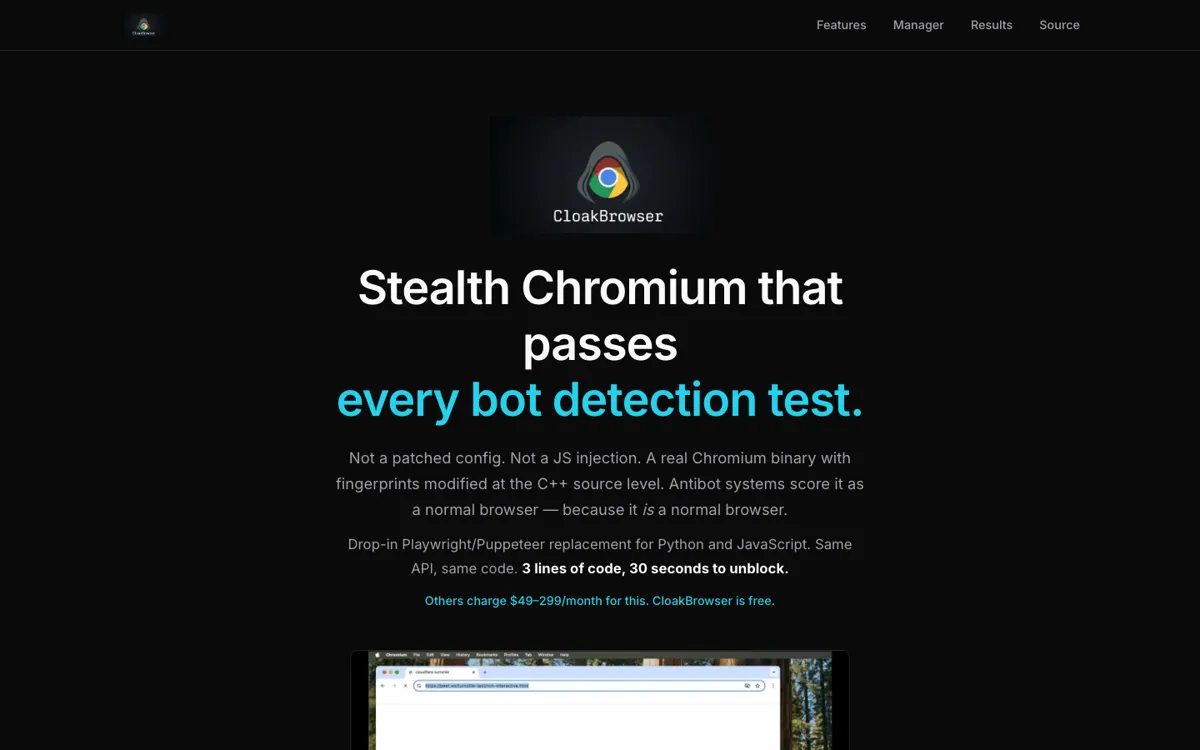
The strongest part of CloakBrowser is how narrow the promise is: keep the same automation API, but replace the browser with a patched Chromium build that tries to survive fingerprint checks.

The pricing model also makes the buying line clear. You can trial one concurrent session for free, then step into Solo at $19 per month once the workflow needs real concurrency.

What you can do with it

Keeps the Playwright and Puppeteer API while swapping in a stealth Chromium build
Applies source-level fingerprint patches instead of relying on browser flags alone
Supports Python, JavaScript, .NET, Docker, and packaged browser binaries
Adds optional human-like interaction timing for more realistic automated sessions
Publishes detection test results teams can pressure-test against their own targets

Technical details

free_limit
Free access is limited to one concurrent browser session.
license_model
MIT repo, but the newest managed binary tiers are sold by concurrency.
stealth_stack
Browser patches plus driver-side consistency and optional humanized interaction timing.
api_compatibility
Drop-in support for Playwright and Puppeteer across Python, JavaScript, and .NET.

Top Alternatives to CloakBrowser

If CloakBrowser is close but still misses the job, try one of these instead.

Key Questions

Can I try CloakBrowser before paying?
Yes. The current free access gives you the latest binary with one concurrent session and no card requirement, which is enough to test it on a real blocked workflow.
Do I need new automation APIs?
No major rewrite is the point. CloakBrowser keeps the Playwright or Puppeteer style and asks you to swap the browser import rather than relearn a new stack.